What Separates a Real Post-Redesign Patch Workflow From a Feature Checkbox in AI Video Platforms
Genuine workflows connect UI changes across scripts, audio, visuals, and localized versions.
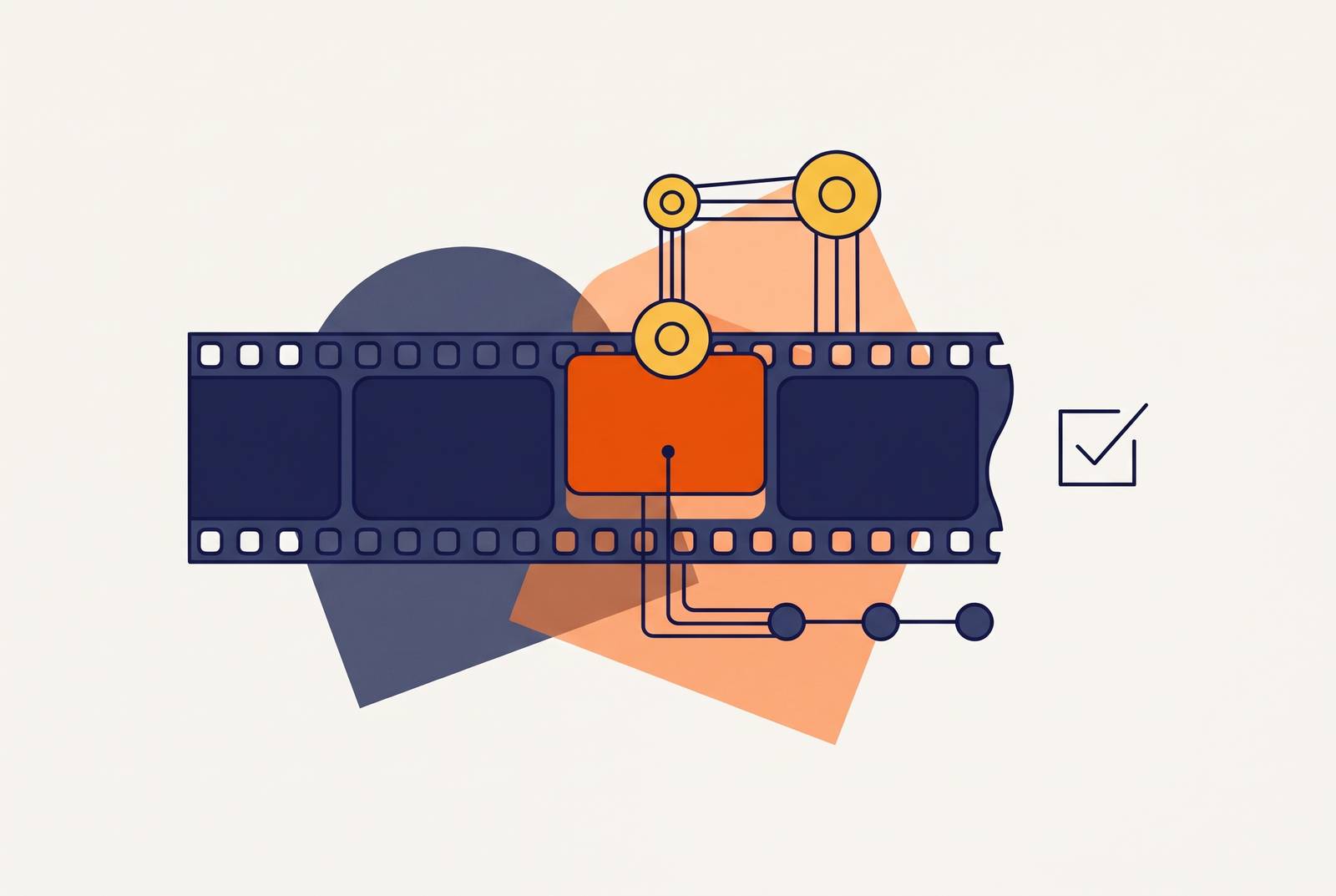
Keeping software training videos current during rapid releases without reshooting requires a connected patch workflow. A real workflow propagates UI corrections through scripts, voiceovers, visuals, documentation, and published language versions while preserving human review.
Why product videos become a maintenance liability the moment a UI changes
A product manager hears that a redesign shipped on Friday and immediately thinks about the help center videos, the onboarding flow, and the sales demo reel. The release is done. The maintenance work is starting. A button moved, a label changed, or the navigation was reorganized, and the walkthrough now points users toward something they cannot find. The video can still look good while teaching the wrong path.
The screen recording shows the old interface, the voiceover describes it, and the accompanying standard operating procedure repeats the same steps. Localized versions inherit the error. Because SaaS products ship continuously, weekly or faster, this mismatch is a structural condition of software video.
Trainees following stale interface captures make execution errors, and those errors generate support tickets. Deferred maintenance therefore shifts work from the people maintaining the library to the people helping users through it. Treating a walkthrough as a finished asset hides that dependency until the interface changes.
How do teams keep tutorial videos up to date today, and why does that process break at scale?
The usual response is a manual re-record queue. Teams identify affected videos, often through user complaints, assign new recordings, reschedule narrators, edit the footage, export the files, and publish replacements. Each language version then goes through the same steps. The correction may be small, but the production cycle is not.
When one menu moves, someone may have to reopen a project, replace footage, fix the narration, and arrange to publish it even though the lesson itself has not changed. People can do every task well and still fall behind. The workflow is unfit for the release pace.
Localization stretches that gap further because traditional production requires each language version to be re-localized from scratch. A team already under pressure to keep up with a sprint must now manage the same fix across several versions. Video production is already a primary bottleneck for L&D and customer education teams. A redesign adds maintenance demand to a queue that also contains new training.
High-traffic videos get attention first, while long-tail content can remain stale for months. That choice is understandable, but it leaves a significant share of the library teaching an old interface. A better editing shortcut can help individual assignments without changing this backlog dynamic.
What "auto-update" actually means when a platform ships it as a feature bullet
An “auto-update” label may describe a re-record button with automatic AI cleanup, a shortcut for swapping a screen clip, or a prompt that regenerates one scene from revised text. These are useful capabilities. For a small library, removing an awkward editing step can save real time. The label becomes misleading only when that narrow improvement is treated as a complete maintenance workflow.
The boundary is what remains outside the feature. A clip swap does not necessarily detect a UI change, identify affected videos, correct narration, update captions, revise documentation, or publish every language version. Someone may still have to find out which tasks need doing, arrange the work, and check each one. Faster work inside one editor does not connect the rest of production.
That difference is clear when a team has a large library, weekly releases, and six language versions. A re-record shortcut reduces friction at one point, while the team still manages the correction across formats and destinations. The feature is insufficient for the job being assigned to it. Scale exposes the work that the feature page leaves out.
The operational measure is the number of human decisions and manual steps between a UI change and a corrected, published library. A checkbox feature removes one or two steps. A genuine workflow collapses the handoffs between them while leaving editorial decisions available for review. Generation speed alone says little about that burden.
What a genuine post-redesign patch workflow requires at each layer
At the script layer, the platform must identify steps that refer to a changed UI element and surface them for review. A renamed button or relocated menu should not require an editor to search the library manually for every reference. This is the first dependency to resolve. If the system cannot connect the interface change to the teaching step, the rest of the patch still starts with a human hunt.
Once that step is corrected, the voiceover must follow. The team should be able to regenerate the affected audio segment without a full recording session, and the new audio must keep the original voice profile, pace, and tone.
The visual layer needs the same precision of scope. Individual scenes must be replaceable without re-rendering the full video, and smart zoom, captions, and annotations tied to the changed element must update with the scene. Replacing the screen capture is only part of the job. An annotation pointing at the old location can make a corrected scene misleading.
Documentation must then receive the same correction as the video. The accompanying step-by-step article or SOP should reflect the revised instruction in the same operation. Both formats teach the same task to the same interface. Maintaining them independently creates another place where the correction can stop short.
Finally, the update must reach every place the video is embedded and every language variant without making the team export and upload each one by hand. A corrected file sitting in an editor is not a corrected help center, in-app walkthrough, or LMS. A platform that stops before distribution leaves the team responsible for finishing the maintenance workflow.
These layers need to remain connected through the change. Generating a script, narration, and documentation together links them from the start, but those links must hold when they are updated. UI drift has to be treated as a failure mode the workflow tracks. That is what makes the requirements testable beyond the initial demo.
Where the difference shows up in real team operations
For customer onboarding, a stale walkthrough can block first value because users cannot match the instructions to the interface in front of them. Support tickets spike after a redesign when videos remain unpatched. The user does not see an editing backlog. The user sees instructions that do not work, while the education team inherits both a maintenance request and its support consequences.
L&D runs into a similar problem with the training queue. A re-record shortcut can make one replacement easier, but it leaves the team coordinating narration, documentation, and publication during an already pressured production cycle. A connected patch removes those separate redo tasks for discrete UI changes.
Sales enablement experiences the mismatch in a different setting. An old demo can show features that are gone or buttons where they used to be, which can confuse people during a live conversation. A sales rep who cannot point to a current walkthrough loses credibility at the wrong moment. Here, a corrected video replaces the stale version being used only if distribution reaches it.
Localized markets expose the multiplier most clearly. With a manual workflow, the team has to fix each language version on its own. Under a genuine patch workflow, the correction propagates through the language variants as part of the same operation. Supporting more languages then increases the reach of each patch.
Relying on a platform brings another risk to the work alongside UI drift. OpenAI's Help Center states that the Sora web and app experiences were discontinued on April 26, 2026, and the API was discontinued on September 24, 2026. A pipeline built around what a single tool can generate has to be rebuilt when the tool loses that ability.
The strongest objection: some content genuinely requires human re-authorship, not faster re-rendering
A button moving from the top navigation to a sidebar is a patch. The step remains the same, and its location changes. A redesign that reorders five steps or removes a stage is different because the lesson itself may need to change. Someone must decide what the learner now needs to understand.
That is the strongest limit on automated maintenance. A render pipeline can propagate a correction without supplying the editorial judgment behind it. Finding a changed element does not tell the team whether the explanation, sequence, or learner path still works. A genuine workflow must preserve human review for that decision rather than mistake successful regeneration for accurate teaching.
Text-based documentation can be a sound choice for products that change quickly. When video updates require manual re-imports and separate recording cycles, video's maintenance burden gives that objection force. But the comparison changes when video and documentation receive the same patch. The team no longer has to choose between maintaining the article and restarting video production for every minor interface change.
Clickable demos offer another alternative when they run against a live product environment. They can sidestep the need to patch top-of-funnel web embeds. They do not replace a finished, distributable video where onboarding, compliance, L&D, or localized delivery requires that format. The right comparison depends on what the content must do.
A patch workflow earns its value on high-frequency changes with little editorial weight, which consume most of the re-record backlog. It leaves the smaller share of genuine re-authorship problems to people.
How to evaluate whether a platform's update capability is a workflow or a feature
The practical evaluation should follow a correction from detection to publication. Go beyond asking whether a platform has an update feature and ask how many steps people still have to do by hand before every affected video and language version is fixed and published. Five operational tests make that question concrete. They examine change detection, propagation scope, language coverage, distribution reach, and the human review gate.
For change detection, ask whether the platform flags a specific video or scene that references a changed UI element, or whether the team must wait for a complaint. For propagation scope, correct one scene and follow the result into the script, voiceover, captions, and accompanying documentation. Each task someone has to do separately by hand shows where the workflow breaks.
Does the correction reach all language versions automatically, and does it replace the published versions in the help center, in-app locations, LMS, and sales deck? A requirement to export and upload each version leaves publication work with the team. The human review gate must also show what changed before anything is published so people keep control over what is taught as the work is automated.
To expose the scale limit, run the evaluation against a hypothetical library of a hundred videos in six languages after a mid-cycle navigation redesign. Proportional human effort signals a checkbox capability, regardless of the feature label. A platform that passes all five tests is a workflow. Passing only one or two indicates a convenience feature.
AI-assisted screen recording workflows that generate scripts, voiceovers, smart zoom, captions, and documentation together start closer to this goal because those components are already coupled. That structure makes patch propagation more tractable, though it does not replace the tests. For teams shipping continuously, buying a platform depends on whether it treats the library as living infrastructure or a finished product. The first redesign after launch reveals the difference.