AI-Driven Scene Detection That Flags Stale UI Clips Before the Next Sprint Ships
AI catches outdated tutorials by comparing UI elements against live product screens.
Keeping SaaS training videos up to date without full reshoots takes reviews tied to each release, one owner for each tutorial, and independent clips that the team can replace when a step changes. AI-driven scene detection helps isolate footage, but reliable staleness detection in 2026 works mainly at the help-article level. The practical workflow is to flag affected tutorials, repair only what changed, and localize the corrected source last.
Why tutorial libraries rot faster than written documentation
A customer emails because the button in step four no longer exists. The team finds the outdated tutorial, but has no idea how many other videos are wrong. Vidocu’s 2026 guide uses this example to show why videos are hard to keep up to date. The customer becomes the detection system. By then, the tutorial has already failed its purpose.
A wrong label in written documentation can be fixed in seconds without matching a voiceover or reopening an editing project. Video is harder to inspect and repair. Its on-screen content is not searchable in the same way as text, so a mismatch can remain hidden until someone watches the relevant step. In a conventional production workflow, correcting that step means re-recording footage, matching the voice, and cutting the replacement into the clip.
Renaming a menu item can invalidate the video, its written companion, the help-center screenshots, and every language version. One product change creates several maintenance tasks. That multiplication makes even a small interface edit expensive when the library has grown across formats and languages.
How sprint cadences turned an occasional problem into a structural one
Two-week sprint cycles leave little room for occasional content housekeeping. Continuous deployment can shorten that window further, with changes shipping multiple times per day. Meanwhile, tutorial libraries accumulate over months. The product and its teaching material move at different speeds, so their divergence is built into the way they are produced.
For content owners, the problem is keeping track of which releases affect which explanations. Multiple products, hundreds of help articles, and dozens of training modules create more review work than one person can manage through periodic checks. Watching the library again every two weeks is not a sustainable maintenance plan.
Ownership makes that gap harder to close. Vidocu identifies unowned tutorials as a core reason libraries go stale, particularly when responsibility for accuracy falls to the video team. Production staff can repair footage, but they may not learn that a flow changed until a customer complains. The person who owns the feature knows about the change sooner. Unless that knowledge reaches the tutorial workflow before release, maintenance starts behind.
What stale UI clips actually cost — in trust, support load, and learning outcomes
A tutorial asks the customer to trust a sequence of actions. When the interface breaks that sequence, the customer loses confidence in the instructions and, potentially, the product itself. This is more than a cosmetic mismatch. In B2B SaaS, customers who feel sure they can use a product have a reason to stay, while those who feel confused have another reason to look elsewhere.
The immediate cost often lands in support. A video that points to an interface that no longer exists turns a self-service task into a request for help. Short, accurate release-update content can protect the library’s credibility by explaining what changed.
Far more users may finish a video than static documentation, and new users can get value much sooner, but both gains depend on instructions that work. Finishing the video is not the same as completing the task. Because the decay is structural and the consequences reach support, learning, and retention, the response needs to be systematic.
The three operational decisions that govern whether a library stays accurate
For a product education lead, the first step is to decide what triggers review, who owns each video, and what happens when it is stale. Start with release-tied reviews. Any release that changes navigation, naming, or a flow covered by a top tutorial should trigger a check of that content. The product team should share its changelog or feature diff before release, giving the education team time to map changes to tutorials and assign updates.
Release checks need two backstops. Review the rest of the library quarterly, oldest first, and move any video mentioned in a support ticket or comment straight to the front of the queue. Most staleness comes from changes to a small number of high-traffic flows. These triggers focus effort where it is most likely to help. As a further heuristic, a video untouched for 90 or more days in a product that ships monthly is a candidate for a quick screen-check.
Next, put one name on every video. That owner should be the person responsible for the feature or flow, such as its PM or support lead, rather than the person responsible for video production. Accuracy and production are different jobs. The feature owner knows when the instructions become wrong and can start the fix without waiting to hear from a customer.
Finally, make the response proportional to the damage. Patch a minor label or screen change by correcting the written guide and screenshot, leaving the video with a note when the flow still works. Re-capture when the flow changes or traffic makes a stale frame too costly to trust, and retire videos for removed features or negligible views. These decisions keep the queue useful. They do not, however, make human review of hundreds of videos every sprint sustainable. Detection tools address that review burden.
How AI scene detection actually identifies stale UI clips
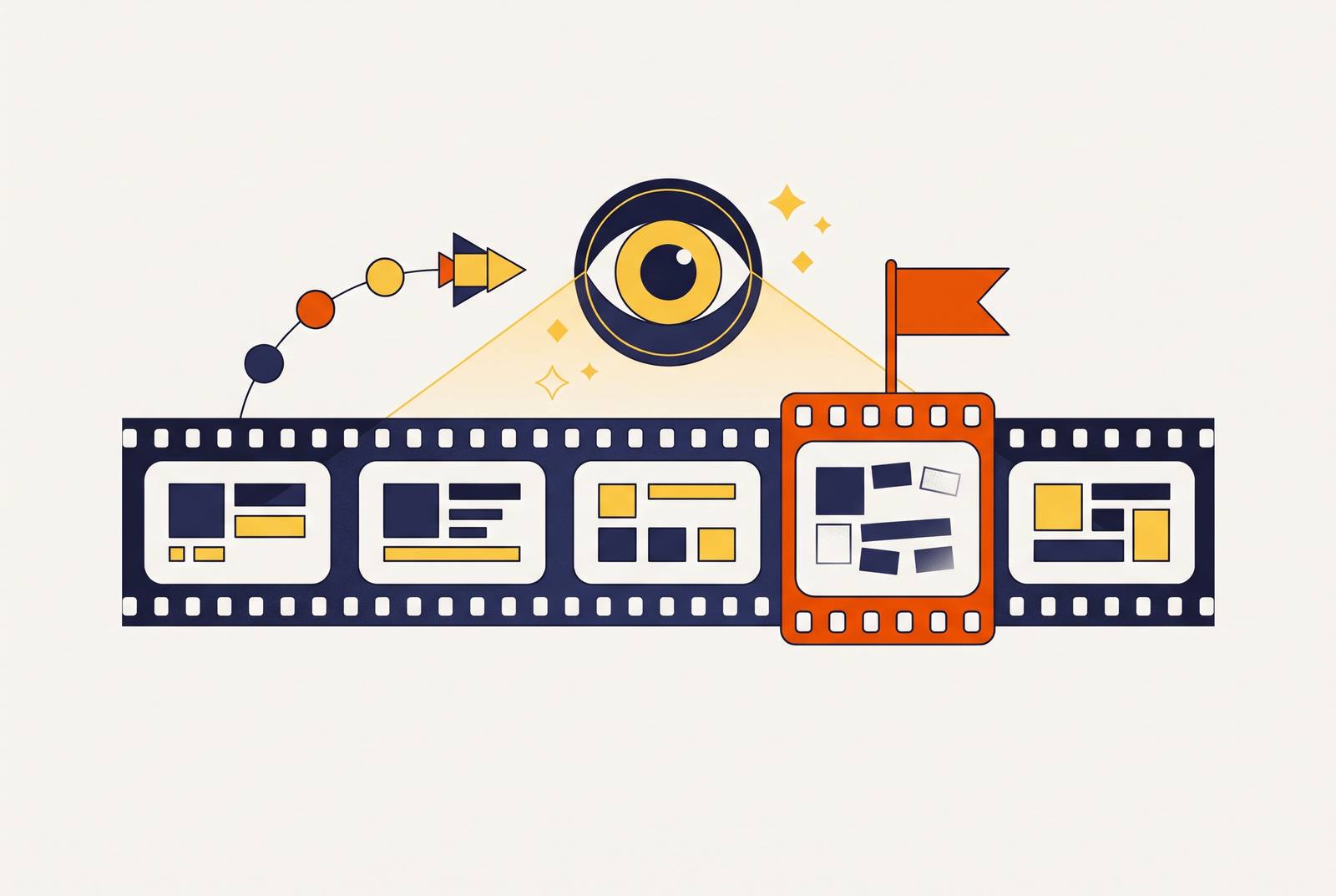
Basic scene detection finds where one shot ends and the next begins. Algorithms examine changes in lighting, color, and motion, sometimes using audio signals or metadata as well as frame-by-frame analysis. It splits the footage into segments without anyone having to scrub through it by hand. For a tutorial, that can help isolate the segment showing a menu, modal, or button, but finding a cut does not establish that the interface is outdated.
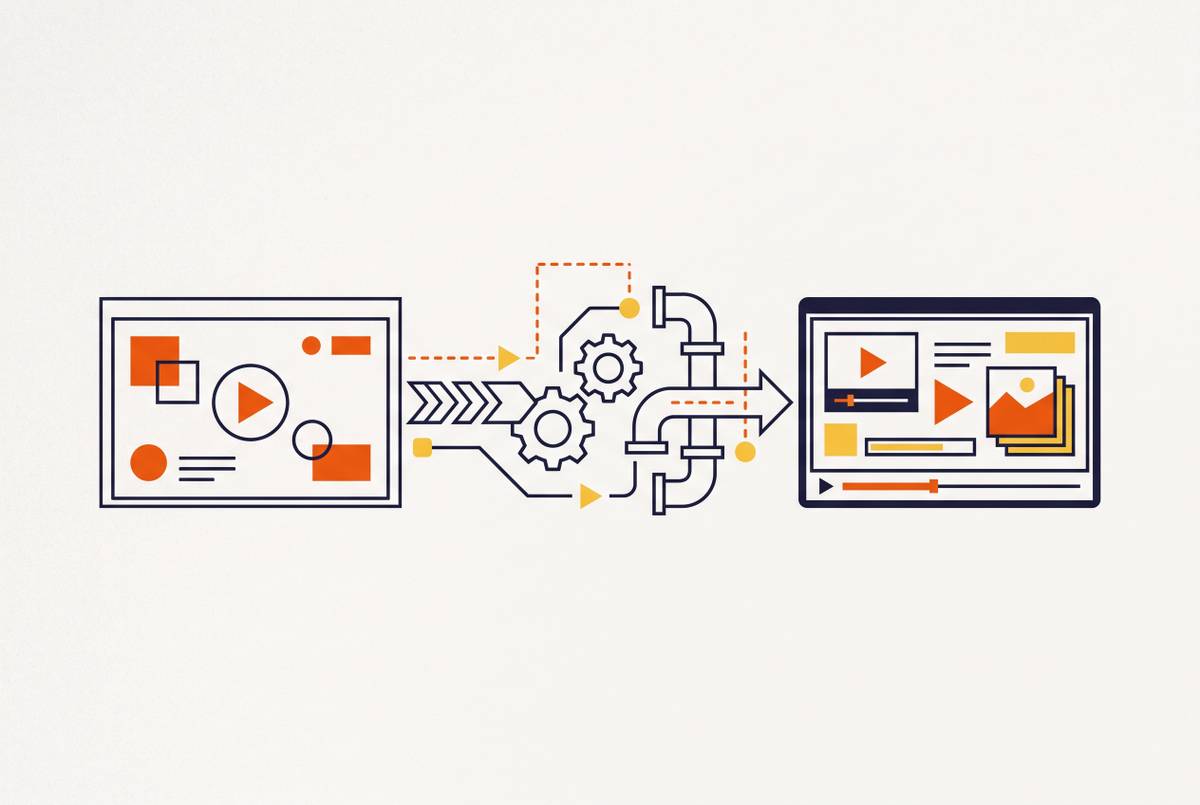
Staleness needs a comparison against the current product. Optical character recognition, or OCR, reads button labels, menu structures, and modal text from extracted keyframes so those elements can be compared with what the product now displays. Semantic video understanding can add context about actions and on-screen elements at the shot level. These are distinct capabilities. A tool that splits footage does not automatically include either one.
Vidocu’s guide is explicit about the 2026 limitation. Direct detection of stale video remains rare, while detection works reliably at the help-article level. Because most tutorial videos sit inside help articles, comparing the help center against the live product can still surface much of the footage that needs attention. It flags potential staleness in the surrounding content.
That distinction prevents a misleading purchase decision. Audio energy, transcript sentiment, and visual dynamics can help make sense of conversations, but finding a changed button label takes a different signal. OCR-based UI comparison is technically available but not yet integrated into mainstream training-video production workflows. The detection gap is narrowing, while AI-assisted regeneration has already cut the cost of producing replacement clips sharply.
Scene detection tools available now and what each one is suited for
Before choosing software, teams need to know how cut-finding, UI comparison, and replacement production differ. Those jobs are not interchangeable. The available options include a free component for custom pipelines, a cloud tool for a fast editing pass, and a desktop feature for professional editors.
PySceneDetect is suited to teams comfortable building a pipeline. The free, open-source tool detects shot changes and splits footage through a command line or Python API. It supports adaptive detection and threshold-based fades, with timecodes compatible with ffmpeg and most professional video tools. Engineering is the trade-off. Connecting its segments to OCR or visual comparison requires custom integration.
VIDIO VibeEdit is suited to content teams that want a fast first pass without a high-end editing workstation. It detects visual and audio changes, splits footage, and exports Final Cut XML compatible with Adobe Premiere Pro and other nonlinear editors. That supports a handoff from cloud detection to professional editing. Its fully automatic approach offers less manual sensitivity control than desktop tools, making speed its stronger fit than fine-grained configuration. Highlight generation and silence removal are extras.
Adobe Premiere Pro Scene Edit Detection is for editors who already work in Premiere. It identifies cut points in a rendered file and either splits the footage or adds markers, which is useful when the original project is unavailable. Editors can then work on individual scenes without splitting them manually. It remains an editing feature. It does not provide the product comparison needed to decide whether a tutorial is current.
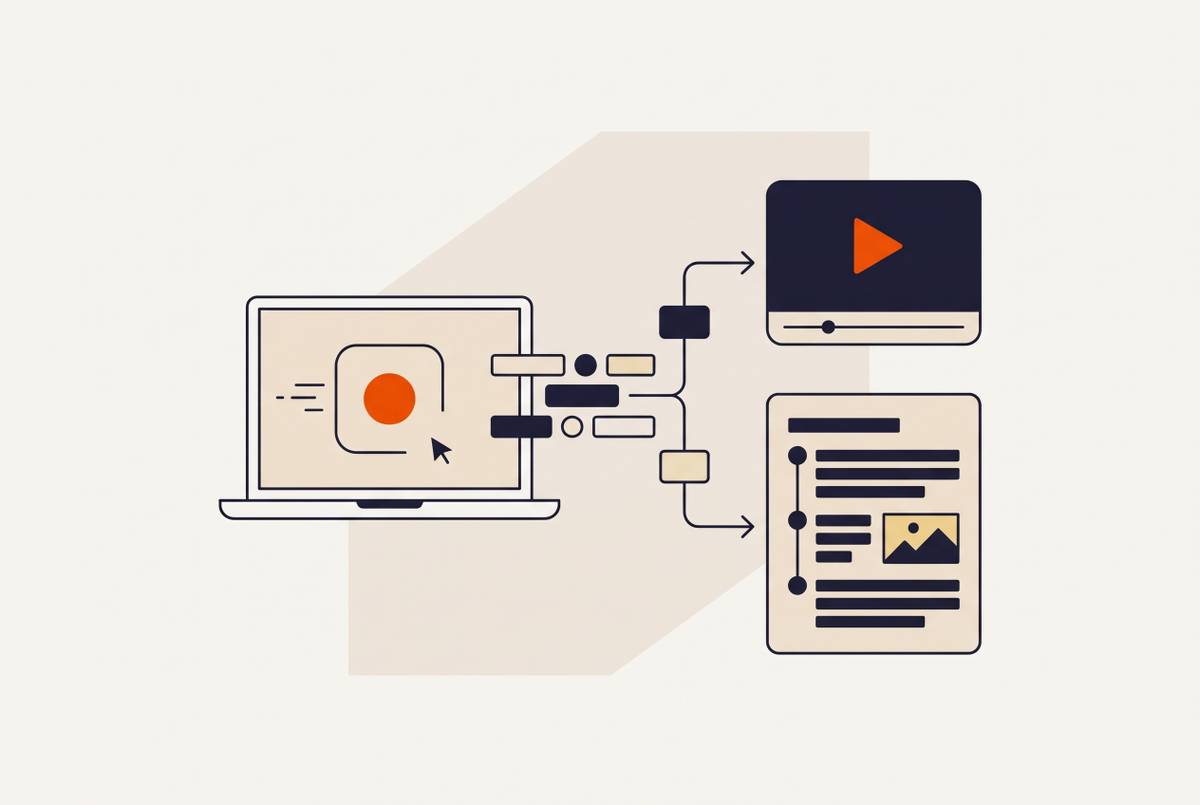
AI-assisted generation belongs on the other side of that decision. Once a clip needs replacement, a workflow can turn a product brief into a script, clips, voiceover, and a review queue. Platforms that work from existing recordings can also produce subtitles, documentation, and translations from one upload. The essential design is independent clips for each step. Without that modular structure, faster generation still leaves the team rebuilding more of the tutorial than the product change requires.
Why staleness compounds when content is localized into multiple languages
Every translated version inherits the source clip’s accuracy at the time of localization. If that source shows an obsolete flow, translation distributes the error. The asset count multiplies the repair burden. A library spanning many videos and languages contains many separate versions that can all depend on the same outdated step.
Studio dubbing measured in weeks may finish after the next sprint has shipped another change. AI-based localization compresses that turnaround to hours or days, while one-click translation can add a language without additional production infrastructure. Speed helps only when the source is right.
For global teams, the practical rule is to detect and correct source-level staleness before triggering localization. That order saves teams from paying to translate footage they already need to replace. Once the source is accurate, the same production efficiency can distribute its correction across language versions.
How do SaaS teams keep training videos current without full reshoots?
A working system begins before the release ships. The product team shares its changelog, and the education owner maps affected navigation, names, and flows to tutorial content. Article-level detection then compares the help center with the live product to find likely mismatches, including those in articles that contain videos. The named feature owner reviews those flags.
The repair queue then follows the patch, re-capture, or retire decision. Run the retire bucket first so removed features and negligible-view videos do not consume maintenance time. For a small label change, update the companion material and add a note when leaving the video is appropriate. When a flow changes or a tutorial gets a lot of traffic, replace the segment that is out of date. This keeps the production effort tied to the actual damage.
Independent clips make that replacement practical. Instead of reopening a whole recording, the team regenerates the changed step, with AI-assisted production handling the script, voiceover, zoom, and captions. The brief’s modular workflow turns a three-to-six-hour re-record into a fifteen-to-thirty minute fix. Review still belongs in the sequence. The team then sends the corrected source for localization, so versions in other languages can follow without a separate production project for each.
The lasting change is linking product releases to accountable content owners and making each tutorial repairable at the step level. Together, those capabilities let a team maintain training without treating every UI change as a new video project.