Video and Documentation Generated Together From One Recording
AI turns one screen recording into polished video and searchable help article simultaneously.
A customer success manager finishes recording a product walkthrough, closes the screen recorder, and opens a blank document to start writing the help article covering the same steps. That second task, done from scratch, is the default for most product education teams today. Video gets built as one job. Documentation gets built as another. Both draw on the same knowledge, the same clicks, the same sequence of screens, yet they run through entirely separate production tracks that never touch.
The cost shows up the first time the product changes. A single UI update doesn't trigger one correction, it triggers two: someone has to re-record or re-edit the video, and someone else (or the same person, on a different day) has to rewrite the article and reshoot the screenshots. The two artifacts start drifting apart the moment either one goes stale, and in a fast-moving SaaS environment, that moment arrives constantly.
The deeper issue is a mismatch in pace. Traditional video production runs on a cycle of three to six weeks, start to finish. SaaS development doesn't wait that long. A small UI change, the kind that ships in a single sprint, can quietly invalidate an entire onboarding library before the last version even finished its production cycle. Teams end up maintaining documentation for a product that no longer exists in the form they documented it.
One screen recording becomes both a polished video and a complete help article
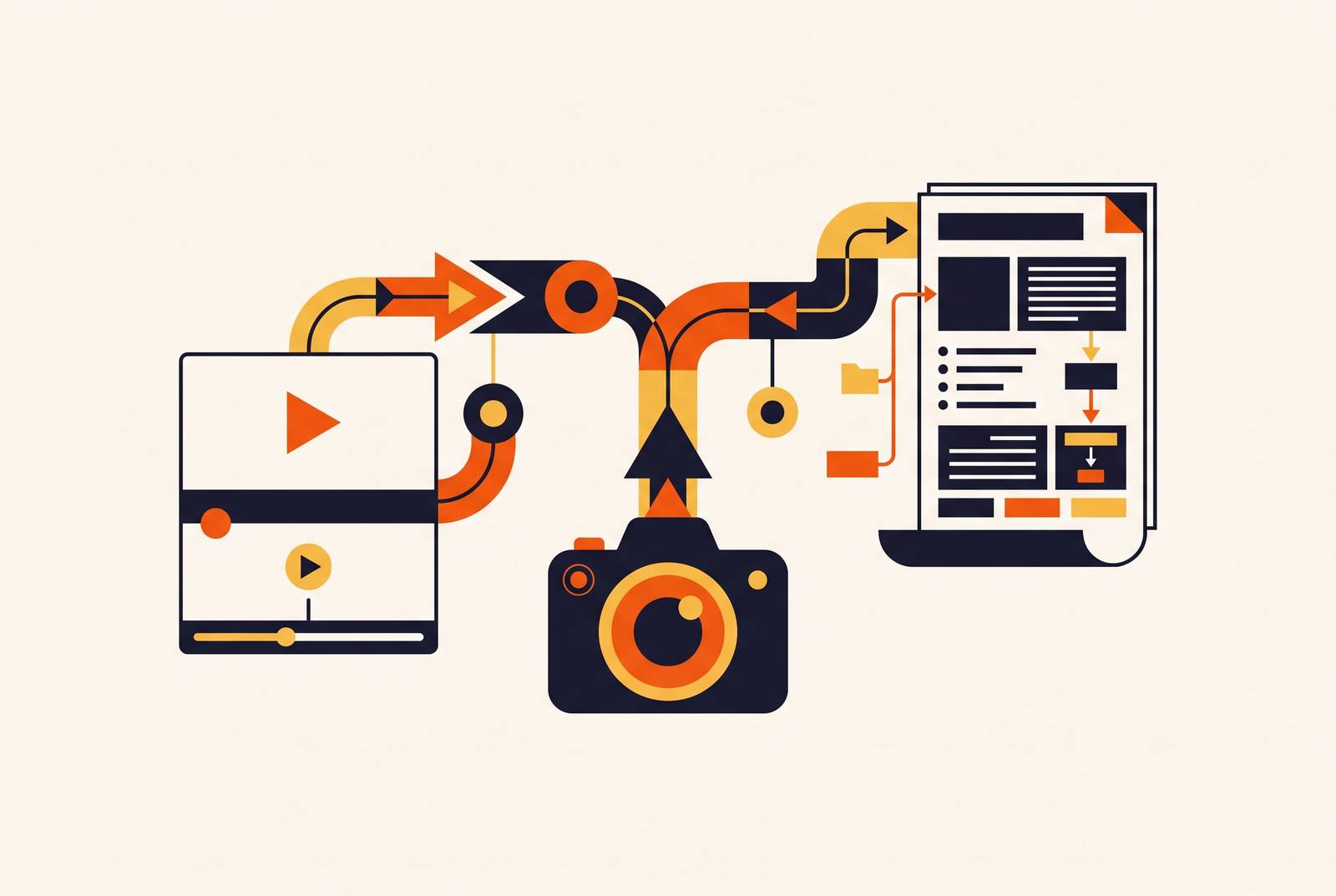
The fix starts with a simple observation: a screen recording already contains everything a written guide needs. Every step a user takes, every screen they land on, every action they perform is right there in the footage. The unified pipeline works because AI can now read that recording the way a trained documentation specialist would, identifying each discrete step, pulling the right frame as a screenshot, and reconstructing narration that explains what's happening and why.
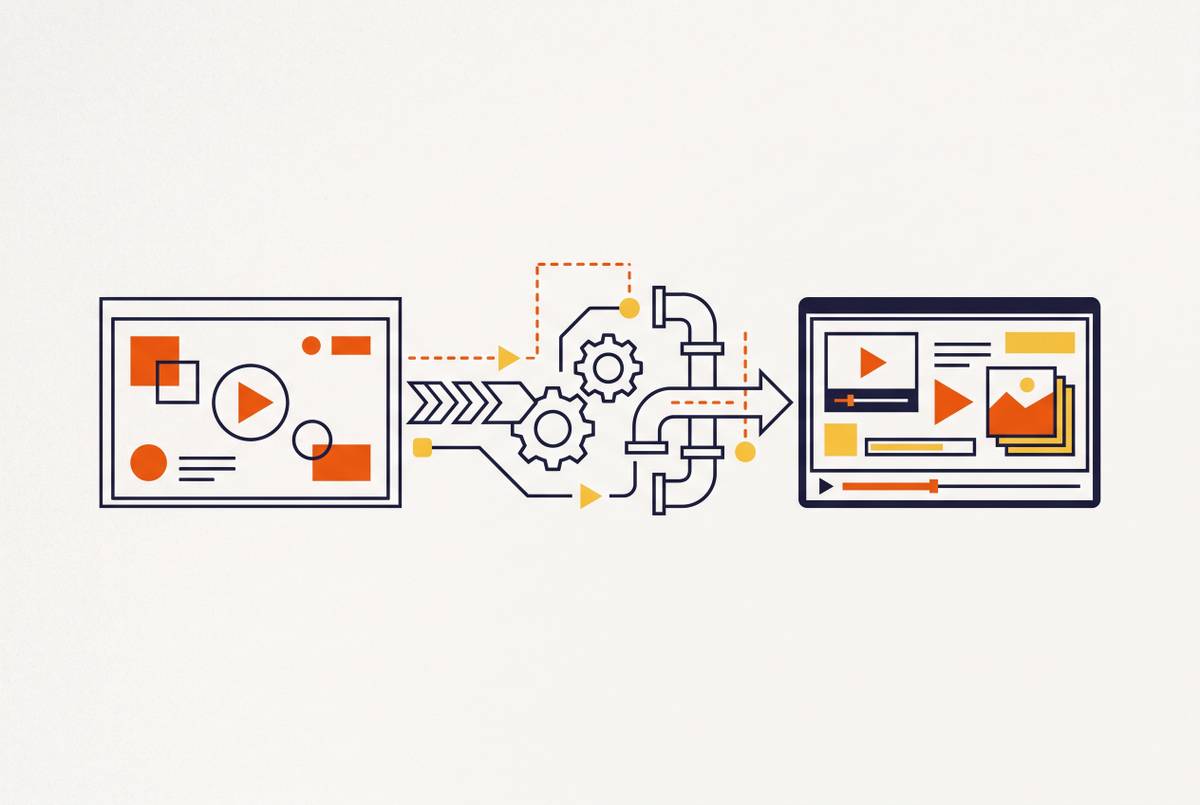
The process starts with capture. A team records or uploads a screen recording, the same file they'd already be producing under the old workflow, with no special tooling or browser extension required. From there, the AI runs two operations off that one input. For the video, it rewrites and structures the script, adds narration, applies smart zoom to the relevant parts of the screen, and generates captions. For the documentation, that same pass extracts the steps, anchors screenshots to the exact moments they belong to, and formats the result as a structured SOP or help article. Both outputs come out of the same processing run, not one after the other, so there's no risk of the video saying one thing and the article saying another.
Vidocu's 2026 documentation report captures what teams now expect from a tool: take a screen recording, generate a help article with screenshots, add voiceover in English and Spanish, and publish the result to the knowledge base, with the AI handling the entire pipeline from end to end. For internal documentation and process guides, the output from a clear recording is often clean enough to publish with light editing, because the AI can see what happened on screen instead of guessing at intent from a transcript alone. That visibility is what eliminates roughly 80% of the manual documentation work a team would otherwise do by hand.
The same logic runs in reverse for teams sitting on large libraries of written material. Document-to-video AI, the approach Knowlify takes, ingests training manuals, SOPs, and PDFs a team already has and generates a complete animated training video from them. A team doesn't need to start with video to benefit from the unified model. Starting with a document works just as well, and the output on the other end is the same: two formats, one source, no duplicated labor.
Effects on production time and cost
The clearest effect of this shift is speed, and the scale of the compression is what makes teams pay attention. Leadde's 2026 analysis of SaaS workflow benchmarks found that a 5-minute training video, the kind that used to take hours to script, record, edit, subtitle, and revise, now comes together in well under an hour using AI-assisted production. A product demo walkthrough built with Trupeer dropped from roughly two hours of work down to roughly ten minutes. These aren't marginal gains: they represent a production cycle collapsing to a fraction of its former length.
Cost follows the same curve. Across a representative video library, AI-powered production runs at a fraction of what traditional agency production costs, roughly a tenth of the budget for a comparable volume of output. That difference changes what a team can realistically produce. A library that once required rationing, where only the highest-priority topics got full video treatment, becomes affordable to build out completely.
The cost appears the first time the product changes and someone has to update what already exists. A team running two separate workflows has to update two artifacts independently every time that happens. Every UI change carries double the maintenance burden. The unified pipeline collapses that cost structure: one re-record propagates to both outputs automatically. Pair that with a modular capture strategy, recording feature segments as separate short clips instead of one long session, and a team only needs to re-record the one clip that changed. Updating a segment this way takes under a minute for most changes, which turns maintenance from a recurring tax into a minor chore.
Documentation is what makes video findable and durable
Video gets the attention in most conversations about this shift, but documentation is what makes the investment last. A video sitting alone in a shared drive or a learning management system is, functionally, invisible. It can't be searched by keyword. It can't surface the one step a confused user actually needs. It can't be linked directly from a support ticket the way a help article can. The video delivers the experience of watching someone perform a task. The article is what makes that knowledge retrievable months later, by someone who doesn't have twelve minutes to rewatch a recording hoping to find the right moment.
This is why treating documentation as a secondary output undersells what it does. Every recording that gets paired with a structured article becomes part of a searchable, auditable knowledge base, built as a natural byproduct of the team's normal content workflow rather than as a separate initiative someone has to staff and schedule. The knowledge base grows every time a new walkthrough gets made, without anyone running a dedicated documentation project on the side.
For learning and development content, how quickly something can be updated affects whether the content stays accurate as the product changes, more than how polished it looks. A beautifully produced training video that can't be corrected without a full re-shoot has a short shelf life, because it becomes wrong the moment the product moves on. The unified pipeline solves that specific problem, since the documented steps and the video are generated from the same source and stay in sync whenever either one gets refreshed.
ROI evidence from customer education programs
Customer education programs get measured on three tiers of evidence, spanning consumption, behavior, and business outcomes, and the unified workflow strengthens all three simply by making content cheaper to produce and faster to keep current.
Consumption metrics come first: view count, completion rate, and rewatch rate. A high completion rate is the leading indicator that content is working, since it tells a team people are watching through to the answer to their question rather than abandoning midway. Behavior metrics come next: feature adoption after someone watches a walkthrough, time-to-first-action, and support ticket reduction on the topics covered. A drop in tickets on a trained topic is a recognized lagging indicator of effective education content, even without a single industry-standard benchmark for how large that drop should be. Business metrics sit at the top of the framework: customer retention, correlation with NPS, and expansion revenue, the outcomes that justify the program to leadership.
Userguiding data shows the behavioral link clearly. Users who watch an onboarding video are substantially more likely to convert to paid plans than those who don't, and SaaS companies that build video into onboarding see meaningfully fewer support tickets in the first month after signup. Those outcomes depend on content staying current and getting produced fast enough to cover new features as they ship, which is the exact condition the unified pipeline is built to support.
Localization within the unified pipeline
The same principle that lets one recording produce both a video and an article lets it produce versions in many languages. A team that treats localization as a default output of the pipeline, rather than a separate project that gets scheduled after the English version ships, stops falling permanently behind on its global rollout.
The old way of localizing a single training video meant coordinating translators, voiceover artists, and editors separately for every market, essentially running a full production cycle again for each language, every time the source material updated. Vidocu's 2026 report describes a different reality already in use: one team member records a product walkthrough in English, and within minutes that recording is available across 65 languages, as a subtitled video, a written help article, and an AI-narrated tutorial, with no separate localization project required to make it happen.
Arkema, a global specialty chemicals and advanced materials company, shows what this looks like at scale. Using 360Learning's AI translation capability, Arkema released training courses across more than a dozen languages and reached nearly its entire workforce in their native language, including translating content into Malay for field teams that don't speak English, without rebuilding a single course from scratch.
That speed carries a real caveat worth building process around rather than avoiding. LLM-based translation can produce text that reads fluently but gets technical or domain-specific terminology wrong. The right response isn't to skip AI localization, it's to choose platforms that give a team editable transcripts before voice generation runs, support custom glossaries for domain terms, and allow manual correction before translation goes out the door. Those editorial controls are what turn a fast localization pipeline into a trustworthy one.
Limits of the unified pipeline
The unified pipeline isn't a publish-blind system, and nobody serious about using it treats it that way. The realistic workflow is generate, then review, never generate and ship without a human looking at it first. Transcript and step detection accuracy from a clear recording is in the high 80s to mid-90s percent range. Most of the gap to publish-ready closes with a quick edit rather than a full rewrite. Still, the tool doesn't read intent, won't catch every edge case on its own, and doesn't substitute for a final pass by someone who understands the product. Vidocu's own 2026 documentation report is explicit about this: generate, then review, not generate and publish blind.
Accuracy also isn't uniform across content types. Leading tools perform well on common language pairs and standard workflows, but technical documentation full of domain-specific terminology needs the same editorial guardrails localization does, custom glossaries and editable transcripts before anything gets finalized.
The sharpest objection practitioners raise applies specifically to sales demos, and it deserves full attention rather than a passing mention: record the real interface. Never generate or simulate a product UI for a demo. A fake interface that doesn't match the actual production software might look convincing in the recording, but the moment a buyer opens the real product and sees something different, that mismatch destroys trust instantly and permanently. For sales content especially, the recording has to show the product exactly as it exists, with no shortcuts.
None of this makes the technical writer's job obsolete. It changes what that job is. Instead of producing first drafts by hand, the writer now owns the review layer: catching the cases the AI gets wrong, correcting technical terminology, and keeping the knowledge base accurate as the product keeps evolving. That's a more valuable use of a skilled writer's time than transcription ever was.
Implementing the unified pipeline across separate workflows
Switching to a unified pipeline doesn't require tearing down a team's entire content operation and rebuilding it from scratch. The fastest path in is to pilot the approach on the very next recording the team would have made anyway, using the same real project it was already planning, and let the quality of the output make the internal case on its own.
Start by identifying which recording type currently generates the most downstream documentation work. For most teams, that means onboarding walkthroughs and feature release videos, since those are the formats that already demand a matching article every time they get made. Record or upload the screen capture as usual, then let the AI generate both the video and the documentation from that single input at the same time, rather than running them through separate tools or separate people. Before anything goes live, run a human review pass: check product names, catch any edge cases the AI missed, and correct any step it misread. That first output, once reviewed, becomes the template for everything after it. The notes from that review turn into the team's style guide for future recordings, so the second pilot takes less correction than the first, and the third takes less than the second.
Once the pipeline is running, extend it to maintenance using the modular capture strategy: record feature segments as separate short clips instead of one long session covering an entire workflow. When a UI changes, only the affected clip needs to be re-recorded, and both outputs for that segment regenerate in minutes rather than requiring a full re-production. Teams that need multiple languages should set up custom glossaries and editable transcripts before running the first translation, not after problems surface, so the localization layer inherits accurate terminology from day one instead of needing cleanup later.
Leadde's 2026 analysis frames what's actually at stake in making this switch. The companies winning in 2026 are the ones producing more videos, updating them faster, documenting more thoroughly, and building education systems that scale with the product instead of lagging behind it.