Selective Scene Replacement Workflows for SaaS Tutorial Libraries After UI Overhauls
Build tutorial libraries as replaceable scenes to dodge full reshoots when products change.
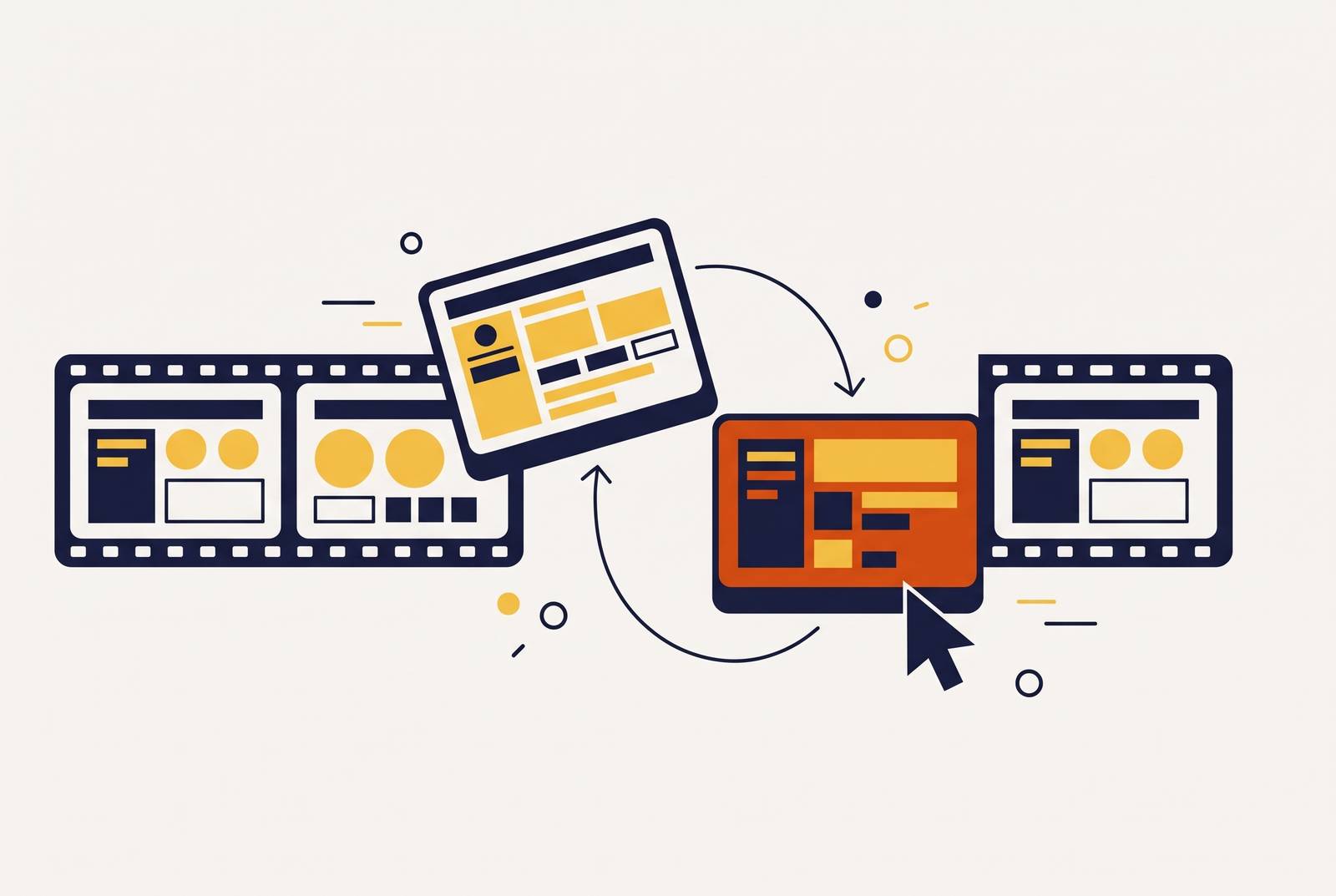
SaaS teams can keep training videos current through rapid product releases without full reshoots by building tutorials as named, replaceable scenes. After a UI overhaul, the team audits each scene, replaces broken screen captures, and updates only the affected narration and captions. Selective scene replacement works when the library is built for maintenance.
Why UI velocity makes tutorial libraries a maintenance liability, not a content asset
A UI update ships, and tutorials that were accurate before the release now show the wrong product. Onboarding videos point to old navigation paths, help-center clips show superseded layouts, and sales walkthroughs need attention too. For fast-moving SaaS products, those changes can outpace any reasonable cycle of full video reproduction, leaving teams behind even while they are actively recording replacements.
A stale tutorial can send a user down the wrong path, generate a support ticket, and weaken trust in the guidance itself. Yet re-recording everything after each overhaul means the team has to start all the creative work again when the product changes. That makes continuous maintenance, rather than original production, the real cost of the library. The burden comes from having to rebuild valid material together with the parts that no longer work.
The structural cause — how the polishing trap locks tutorials into full reshoots
The usual production sequence starts with a screen recording, moves into an editor for polish, and ends with a published file. In that sequence, callout boxes, zoom paths, and annotations often become part of one tightly connected timeline rather than belonging to named, replaceable scenes. The finished tutorial may be clear and look professional. Its source structure, however, offers no clean boundary around the footage that will need repair when a button moves or a workflow changes.
This is the polishing trap. The more work invested in a finished file, the more surrounding work a later change can disturb. Replacing a capture means working on the timing, callouts, and motion built around the old capture, even when the explanation before and after it is still correct. When teams build the video as a whole, a flaw in one scene becomes an editing job for the whole video.
What it means to treat a tutorial library as infrastructure rather than media
An infrastructure-built tutorial is a structured assembly of named components that can be individually versioned, audited, and replaced. The published video is an output. Its sources remain usable for future repairs. This changes how production choices are judged, because a choice that saves effort today can make every later UI update harder to absorb.
The first principle is one claim per scene. Each scene teaches one workflow step or concept, so the team knows exactly where that lesson starts and ends. A change to that step can then be traced to the relevant scene. The second principle is to keep screen captures apart from evergreen content. A conceptual explanation should not need replacement merely because it shares a source clip with a dashboard that has changed.
The third principle is a source pack that maps claims to scenes. It records the product state that each scene is based on, so whoever owns a UI change can find the footage that needs work without watching the whole library. The pack includes the approved product description, current screenshots, brand direction, and exclusions. Dates help resolve conflicts between old and new material. Keeping the original files also lets a reviewer compare a scene with its evidence rather than relying on what the finished video appears to show.
Building a tutorial library for replaceability from the first recording session
To put that model into practice, define the scene boundaries before recording. Write a scene list that names each step, the UI state it captures, and the single claim it makes. That list becomes the audit checklist after a release. Record UI-dependent footage and evergreen explanations in separate files, keeping a live-product capture apart from a conceptual animation or narrator segment that could still be correct after an overhaul.
Name and store source files by scene identifier. A name such as “scene-03-dashboard-filter-step” points directly to the footage affected by a filter change, while “onboarding-v2-final-FINAL” does not. Keep the recording conditions consistent across the library, including resolution, zoom level, and cursor behavior. Replacement footage needs to fit its surroundings. Without that consistency, a correct new capture can still create a visible break in the assembled tutorial.
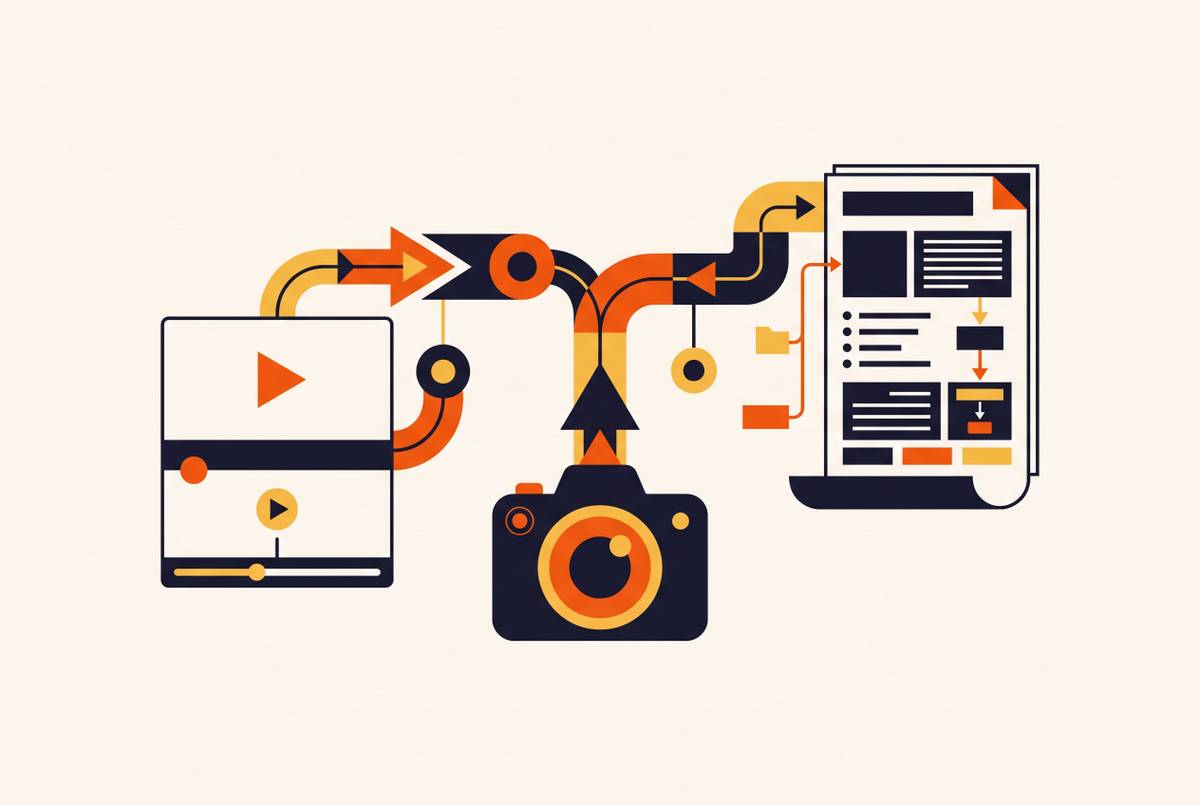
Brief approval locks each scene's claim, and storyboard approval locks the boundaries and sequence logic. First-cut review then addresses motion, timing, and accuracy. The approved master becomes a trustworthy comparison point. Where an AI-assisted pipeline produces both video and documentation from the same recording, that documentation can also record what each clip is supposed to show and support the later scene audit.
The selective scene replacement workflow, step by step
First, pull the source pack and scene list, then audit every scene against the current product. Check the specific UI state shown, including button labels, navigation paths, modal layouts, and workflow sequences. Classify each scene as unchanged, partially changed, or broken. Unchanged scenes need no action, partially changed scenes need only voiceover or caption edits, and broken scenes need a replacement screen capture. Finish the classifications before recording anything, because an undefined scope is how a targeted repair turns into rebuilding the library.
Second, re-record only the scenes classified as broken. Match the original resolution, cursor behavior, zoom level, and pacing so the new footage fits between untouched scenes. Even correct footage recorded under different conditions can take extra editing to make it fit, drawing the scenes around it into work they did not need.
Third, revise voiceover and captions at the scene level. Change the narration and caption text that refer to UI elements that have changed, and leave the material around them alone. The audit's partially changed category saves work by keeping a scene with a valid capture in place while its explanation is repaired through voiceover or caption edits.
Fourth, reassemble the tutorial and watch it from beginning to end as a viewer would. Check the visual style, pacing, and audio level where the new scenes join the old ones. Then check the claims in untouched scenes too. An evergreen scene's narration can still refer to a navigation path or workflow that the same overhaul invalidated, even when the scene does not display the interface.
Fifth, update the source pack and scene list so they show the new UI state. Date the replacement screenshots and source files, and archive the previous master so distribution teams know which version is current. The repair's updated record gives the next audit a reliable starting point by documenting what changed and which source files support the published tutorial.
How AI-assisted production changes the scope and speed of selective replacement
AI-assisted production makes it faster to repair one scene at a time when the source files are already set up for that work. Instead of treating recording, editing, and publishing as a one-way sequence, the pipeline supports recording, generation, and later updates. The unit of work stays small. Regenerating a scene's voiceover with the synthetic narrator already used in the tutorial becomes a minutes-long task.
AI can clean and rewrite one scene's narration without touching the other scenes, whether the tutorial has three scenes or thirty. Smart zoom and caption regeneration can also be applied to the replacement capture. These are bounded production tasks. They do not remove the need to decide which scenes are wrong or to review the assembled result for continuity.
Regeneration also introduces a consistency risk if its references are not preserved. A new voice or visual treatment can drift from the approved scenes even when the updated explanation is accurate. To control that risk, store the approved voice profile, visual style, and narrator settings with the source assets, and version them with the scene files. Settings are part of the source pack. Starting each replacement from those references helps AI-assisted repair fit the tutorial already in place, so each update builds on that work.
Propagating scene replacements across localized versions of the same tutorial
When a scene is replaced in the primary-language tutorial, every localized version needs the same maintenance work. Publishing the repaired primary version does not resolve that obligation. Without a plan to update the versions at the same time, the library can give up-to-date guidance in one language and stale guidance in another. The replacement scope therefore has to include the localized versions from the start.
Each affected scene has more than an audio track to check. Narration changes require localized audio updates, while captions must reflect the relevant UI labels in the target language. Those labels may differ from the source language when the product's UI localization is incomplete. Interactive elements need explicit attention as well. Standard AI dubbing replaces audio and syncs captions, but does not automatically translate branching paths, quiz answer options, or decision-outcome screens.
To keep this work from multiplying into separate repair projects, apply the same scene-level replacement logic across languages in parallel. The primary-language scene shows what needs repair, but the audio, captions, and interactive layer that need changes must still be updated in each version. A one-click localization choice at production time should establish versions that remain part of the same maintenance process. The localized library stays in the repair scope.
Building a review cadence so UI drift is caught before it becomes a library crisis
Set the review cadence by how often UI releases ship. For a product that ships interface changes frequently, a lightweight scene audit belongs in the post-release checklist. Evergreen conceptual and narrative scenes can follow a longer review cycle because their content does not depend on the live interface. Review effort should follow exposure to change. That keeps attention on the scenes most likely to have become inaccurate without repeatedly reopening the entire library.
A version record in the source pack makes that triage practical. It shows the UI state each scene was captured against, giving the team something specific to compare with the shipped product. The team does not have to discover every change by watching full tutorials. Each release becomes a defined maintenance checkpoint, with affected scenes identified, repaired, reviewed, and recorded against the new state. That is what maintaining a tutorial library as infrastructure looks like between overhauls, when small repairs can still prevent a library-wide crisis.