Automated Product Demo Video Creation for SaaS Teams
AI automates the grinding demo cycle, turning days of editing into minutes of updates.
Most B2B buyers decide before a salesperson ever picks up the phone. By the time they reach out, they're already 61% of the way through the decision, and the vast majority of eventual purchases come from whatever made the shortlist on day one. If a demo isn't already sitting on the landing page when that shortlist gets built, the product doesn't make the cut. There's no second chance once the impression has formed.
Video carries most of that weight now. Brightcove found that 96% of B2B buyers say video matters when deciding to move forward with a vendor, and 70% actually watch one before they decide anything. Buyers want to see the product move before they'll agree to sit through a live call.
This is where the old workflow falls apart. Script it, record it, edit it, then record it again when someone flubs a line: that grinding loop eats 4 to 8 hours per video once editing gets added in. That's fine if the product holds still for a while. Most SaaS products don't. They ship every sprint, and every shipped feature quietly makes the last demo wrong the moment it goes live.
Video's impact on SaaS conversion and retention
Shoppers who watch a product demo convert at meaningfully higher rates. 69% say the demo video is the single most helpful content type when making buying decisions, outranking other assets a marketing team spends time producing.
Landing page data backs this up. EyeView and Hostinger found that embedding video can lift conversion rates by up to 86%. A page that includes video converts; a page without it just sits there looking professional.
Retention is the quieter half of the story, and it may matter more. A meaningful share of SaaS churn traces back to bad onboarding. A demo video functions as onboarding infrastructure. Skipping it means a company keeps paying to acquire users who quietly vanish by month two, no matter how good the product actually is underneath.
The four demo formats in 2026 and their place in the funnel
Four distinct demo formats exist now, each with its own cost and its own job. Using one format everywhere is the single biggest way teams waste production budget, and it's still the most common mistake on the market.
An AI-generated video demo gets narrated and built from a prompt or a screen capture in minutes. It belongs top-of-funnel: landing pages, paid social, cold sales sequences. Nobody clicking a social ad is going to sit through five minutes of anything.
An interactive click-through demo uses hotspots and branching paths, built for someone actively comparing vendors. It lives mid-funnel, on pricing pages and inside product-led growth activation flows. It takes hours to build instead of minutes, but it pays for itself the moment a prospect answers their own "can it do X" question without waiting on a sales call.
A recorded live walkthrough puts a real person in a real session, typically requiring meaningful production time to complete. It works best as post-call follow-up, or as something a buying committee at an enterprise account can pass around internally.
A product sandbox is a live, working environment that demands significant engineering effort to build. Save it for late-stage enterprise deals, where the prospect's own engineers need to poke at the real thing before anyone signs.
Teams doing this well stack two formats, not one: an AI-generated video at the top of the landing page, an interactive demo behind the pricing CTA. A first-touch visitor from a paid social campaign was never going to sit through a five-minute sandbox anyway. A shortlist-stage buyer on the pricing page will happily spend three minutes on an interactive demo that answers their exact question, though. Matching format to funnel stage is what separates a demo that gets watched from one that gets closed out of in four seconds.
Why the manual record-edit-re-record cycle breaks down at scale
Walk through the manual cycle: script, record, edit, ship. Then the product changes, and the whole thing starts over. Each pass costs 4 to 8 hours including editing, a full workday, minimum, for one demo, one audience, one language.
The trap inside that cycle is this. The more polish a team pours in, tight editing, motion graphics, a synced voiceover, the more expensive that video gets to touch again later. So when the product changes, the team faces a choice: burn another workday re-editing, or let the outdated version keep running. Most teams end up choosing the second option by default, not by decision. An outdated demo showing a UI that no longer exists does more damage than no demo. It tells the prospect nobody's paying attention to the product.
Scale just makes the math worse. A SaaS team rarely needs one demo. It needs demos split by persona, by funnel stage, by use case, and increasingly by language. Multiplying 4 to 8 hours across that matrix means the budget runs out before the quarter does.
Outsourcing doesn't fix this either. Video agencies charge a substantial fee per project, a fair price for a single flagship brand video, but not a workable model for a team that needs to update demos continuously on a product that changes every week. Anyone still routing weekly product updates through an agency retainer is paying enterprise prices for a problem that needed a different kind of tool from the start.
The AI-assisted production workflow: from screen capture to published demo
Replacing the manual cycle takes five steps, and skipping the first one is the most common way teams sabotage the other four.
Plan before recording. Define one user outcome the demo needs to solve, nothing more. The biggest mistake here is trying to show every feature instead of solving one problem well. A script that works opens with a hook naming the pain point, moves through a focused set of concrete steps that solve it, then closes with a clear call to action. The best-performing demos run 10 to 12 focused steps with clear chapter breaks, not one continuous take. A product with multiple use cases needs multiple separate demos, not one demo trying to serve everyone at once.
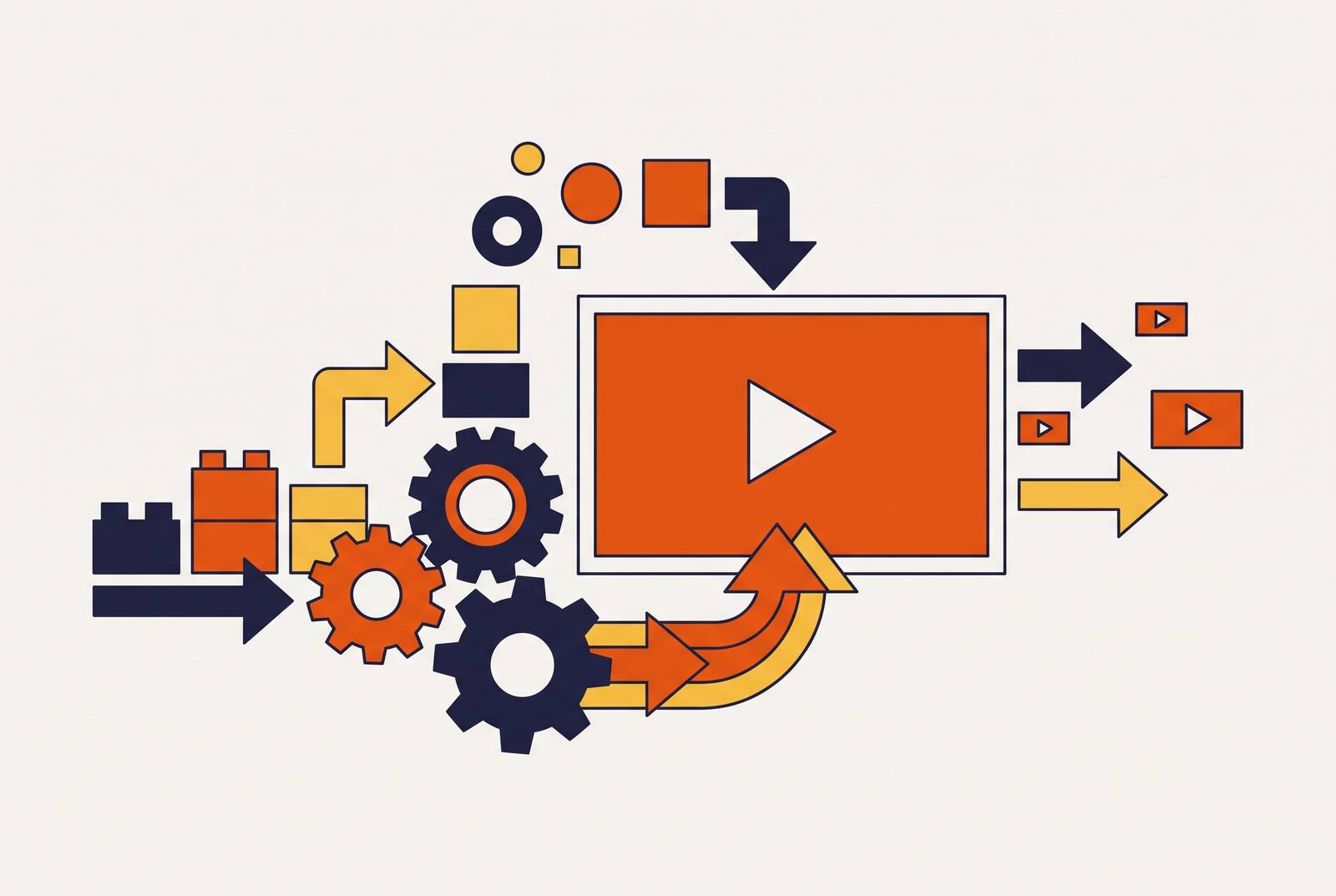
Record once, cleanly. Browser-based capture tools log every click as its own discrete step. No scripting narration ahead of time, no retakes when someone fumbles a sentence mid-recording. The AI reads context straight from the UI, so it understands what each screen does without a human labeling every step by hand. If a live recording isn't practical, existing screenshots or footage work fine as source material too.
Let the AI do the heavy lifting from there. From one capture, the system builds step-by-step text annotations, contextual descriptions, and a full voiceover. It reads the layout of each screenshot to figure out where to zoom, what to highlight, and which button or chart the viewer's eye needs to land on next. AI voice generation now produces narration close to human quality, with adjustable pacing, for around $22 a month. Voice cloning from one to five minutes of sample audio builds a consistent brand voice across every video the team ships after that. Auto-transcribed captions run above 95% accuracy, meaningfully reducing the manual captioning burden.
Keeping demos current when the product ships weekly
The fix here is architectural. Each step in an AI-generated demo lives as its own layer, so updating one screen or one button label means editing that single step, not re-shooting the whole video.
Changing one step updates it everywhere that demo lives, on the landing page, the sales deck, and the onboarding email. No swapping links across a dozen places and hoping nothing gets missed along the way.
Individual elements stay editable after the video gets generated, too: text, icons, UI assets. A button changes color in the next release. The fix is one layer, not the whole file.
Compare that to a traditionally edited, exported video. Once it's rendered, there are no layers left, just pixels. One UI change means starting the re-shoot from zero. That's the exact fragility that makes manual production a bad fit for a weekly release cycle, and no amount of editing discipline fixes it. Teams that keep trying to out-discipline this problem instead of out-architecting it are the ones still re-shooting the same five demos every month.
Localization: making the demo work for every market without re-recording
Localization used to mean treating every language as its own project, with its own budget line and its own timeline. Record a fresh version per market, hire translators, book voice talent, coordinate across time zones. For a company selling into six or eight markets, that workload alone could stall a demo refresh for an entire quarter.
AI translation collapses that math down to one step. Duplicate the demo, translate the on-screen text and voiceover into the target language, done. No re-recording, no separate voice session booked per market.
Some avatar-based platforms in this category support 240-plus AI avatars across more than 160 languages, which is a real shift in what a two- or three-person team can put out on its own. Others offer AI voiceovers in 15 or more languages generated from a single original recording, or support multiple languages through one-click translation. At least one platform's translation engine covers an exceptionally broad range of languages. A team that once needed a translation vendor on retainer now just needs a dropdown menu.
Choosing the right tool for your team's workflow and scale
Most tools on the market fail at least three of the five things that actually separate a good fit from a bad one.
Editability decides whether a single screen or label can be updated without re-recording the whole thing. Production speed determines how long the gap runs between capture and a published, embeddable demo. Scalability measures whether a team can produce demos across personas, use cases, and languages without burning out whoever owns the process. Localization asks whether translation is a built-in action or a separate project with its own timeline. Input flexibility checks whether a demo can start from an existing document or slide deck, or whether it demands a fresh live recording every single time.
Three broad categories exist as of 2026, and each earns its place for a different reason, not because one is simply better than the others.
AI video generators win on speed, editability, and scale. They're built for structured storytelling: onboarding sequences, sales demos produced in volume, content that needs to update as often as the product ships. Some tools in this category skip screen capture entirely, converting PDFs, slide decks, and product documentation straight into editable demo videos. Others work primarily from screen capture and prompt-based generation, with text-to-video available as a separate path for teams that want to start from a script instead of a UI walkthrough.
Interactive demo platforms optimize for conversion, not speed. Clickable, branching, built for a prospect who wants to explore on their own terms instead of watching someone else drive. These fit naturally on pricing pages and inside PLG activation flows, capturing footage through browser extensions and generating step-level analytics that show exactly where a prospect drops off.
Screen recorders serve a narrower job: quick, async capture for internal communication. They were never built to be maintained as customer-facing assets over time. Treating one as a long-term demo library leaves a team right back where it started, re-recording everything by hand, which is the exact problem this whole shift was supposed to solve. Anyone reaching for a screen recorder to build a customer-facing demo library has picked the wrong tool for the job, full stop.
Pricing splits sharply by category. Some autonomous demo tools start as low as $40 a month. Video agencies still command substantial per-project fees. Broader video editing suites cost somewhere in between, with free tiers stepping up to paid business plans. The right pick depends less on budget ceiling than on how often the product actually changes, because that's the one variable that decides whether manual production was ever going to hold up.