Knowledge Checks and Assessments Alongside Software Training Videos
Knowledge checks force retrieval that strengthens memory more than watching video alone.
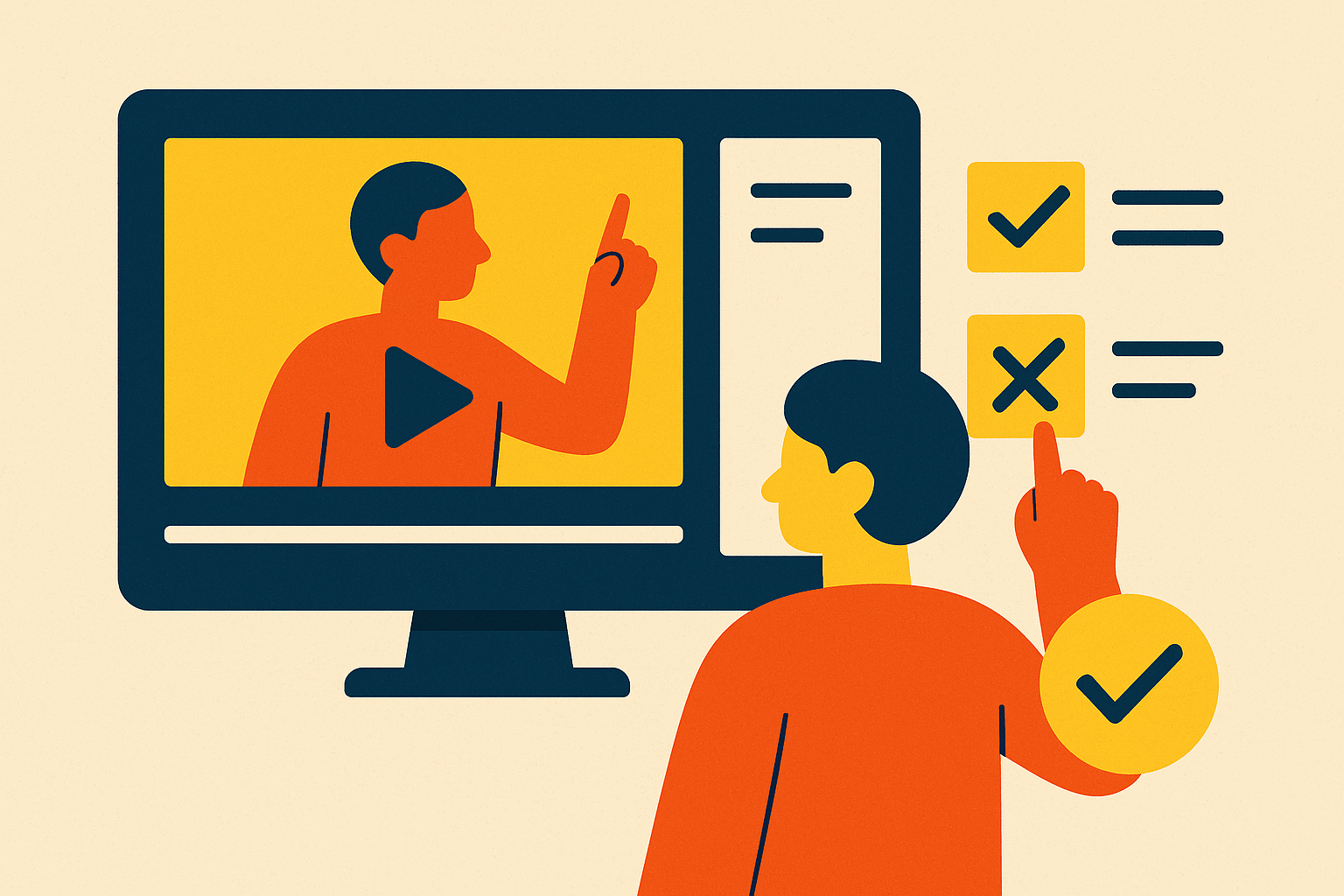
A completion dashboard tells an L&D team who clicked through to the end of a video. It does not tell them who learned anything. Those are two different facts, and most software training programs report the first while quietly assuming it stands in for the second.
The mechanics explain why the gap is so wide. A course with no questions counts as complete the moment a learner reaches the final frame. A graded course only counts as complete when a learner clears a pass mark, and Easygenerator's platform data shows what that difference does to the numbers: courses with 1 to 3 questions completed at 72.3%, and courses with four or more completed at a similarly lower rate. A no-question course and a graded course are not reporting the same underlying event, so comparing their completion rates side by side produces a misleading picture of which one actually worked.
This creates a perverse incentive. A team under pressure to raise a completion number has an easy lever: strip out the questions. Doing so makes the dashboard look better while making the training itself worse, because the thing removed was the only part of the course that forced a learner to engage with the material rather than scroll past it.
None of this is a quirk of one poorly configured course. It is the structural default across most LMS deployments, where throughput is easy to see and learning transfer is not. Dashboards surface what's countable: a click to the end of a video is countable in a way that genuine capability is not.
The deeper obstacle is organizational rather than pedagogical. As long as L&D teams are evaluated on how many people finished a course rather than on what those people can now do, the incentive will keep favoring fewer questions and smoother completion curves. None of this means completion data is worthless. It means training measurement has to work as a decision system, answering whether the training addressed a real capability gap and whether learners actually gained knowledge or skill, questions a completion rate alone cannot answer.
How knowledge checks change the brain's activity during a training video
Completion rates are an organizational problem, but a cognitive one sits underneath it: watching a video and answering a question about it are not the same mental activity, and only one of them builds durable memory.
The relevant mechanism is known as the testing effect. Retrieving information from memory strengthens that memory more than re-reading or re-watching the same material does. Research by Roediger and Karpicke, cited in Easygenerator's benchmark data, found that repeated retrieval testing produced better results after a week than repeated studying, even though studying had performed better on a test given immediately after the material was first presented. That timing detail matters enormously for anyone designing software training. A quiz given right after a video can make a studying-heavy approach look like the winner, while a retrieval-based approach that looks weaker in the moment ends up being the one learners can still use a week later.
Passive viewing removes the retrieval act. A learner who leaves a video playing in the background, or clicks through without pausing to recall anything, reaches "complete" without the brain ever doing the work that makes the material stick. No retrieval happened, so nothing was reinforced.
A 2022 experiment on online video-based learning drew a useful distinction here: it tested learners on retention questions, which cover material taught directly, versus transfer questions, which require applying that knowledge to a new situation. That split maps almost exactly onto what software training needs. The goal is rarely to confirm a learner remembers what a button is called. The goal is to confirm they can complete the workflow that button belongs to.
Low-stakes knowledge checks, ones with no pass mark and no gate, serve a narrower but still valuable function in this picture. They re-engage attention mid-video and force a small act of recall without creating a barrier to finishing the course. Bobby Burchill, Training & Development Manager at ProPharma, described the practical version of this during an Easygenerator video learning webinar in February 2026: instead of a single 30-minute video, breaking the material into three 10-minute segments, with a bit of text, an interactivity, or a question placed between each one to pull learners back in as they go. The segmentation itself is a retrieval strategy rather than just an editing choice.
The practical difference between a knowledge check and a graded assessment
Knowledge checks and graded assessments get treated as interchangeable in a lot of course design, and that's the most common mistake in software training video programs. The two tools exist for different purposes, and confusing them is what causes teams to either over-gate training that should flow freely or under-measure training that needs a hard standard.
A knowledge check carries no pass mark and no consequence. A learner who answers wrong still moves forward and still finishes the course. Its job is to prompt attention and recall in the moment, not to decide who's allowed to proceed.
A graded assessment works the opposite way. It carries a score and a threshold, and a learner who falls below that threshold does not complete the course, no matter how much of the video they watched. Its job is to produce proof that a standard was actually met.
That distinction accounts for the entire 18.4-point completion gap Easygenerator observed between no-question courses and graded ones. Courses with zero questions have nothing a learner can fail. Graded courses do, and that single fact explains the gap completely.
The decision rule follows directly from the purpose of each tool. Reach for an ungated knowledge check when the goal is attention and recall during the training itself. Reach for a graded assessment when someone downstream, a compliance officer, a manager, a certifying body, needs proof that a specific learner met a specific standard.
Software training sharpens this further because the assessment should mirror the actual task. Asking what a button does tests recognition of the interface. Asking a learner to complete a multi-step workflow tests whether they can actually use the software, and that second outcome is almost always the real training objective.
Graded assessments create the audit record compliance and legal teams need: proof that a named person was trained on a named policy or process, scored a passing mark, and signed off on it. A read receipt on a video only proves delivery. It says nothing about whether the material landed.
Where to place assessments in a software training video
Pre-training, mid-video, and post-training assessments don't just measure the same thing at different times. Each one answers a question the others can't, and a program built around only one placement is leaving real information on the table.
A pre-training assessment establishes a baseline before the video runs. Consider a software onboarding flow: a new hire scores 90% on a post-training quiz about the permissions system. That number looks strong until a pre-training score reveals the learner already knew most of it going in. A pre/post design is the minimum standard for claiming the video itself produced any change at all. Baseline scores also let experienced learners skip or move quickly through material they've already mastered, which respects their time and keeps their attention on what's genuinely new.
Mid-video checks, kept ungated, do a different job: they manage attention and break the content into segments. In a feature tutorial, placing a short question right after a feature is demonstrated, before the walkthrough moves to the next step, interrupts passive drift and forces a retrieval act while the material is still fresh. Video analytics back this up directly. If learners keep rewinding the same demonstration, that section is probably moving too fast. If a large share of viewers exits at the same point, that section needs a second look, and mid-video engagement data combined with mid-video checks point at the same underlying problem from two angles. If most learners skip a segment entirely and still score well on the related assessment, that segment may not be adding much value, worth acting on when revising the video.
An immediate post-training assessment, given right after the video ends, confirms coverage while the material is still top of mind, but it has a real limit. A method that performs well on an immediate test can perform worse once time passes, which is the same timing problem the testing effect research surfaces.
A delayed assessment, given days or weeks later, for example two weeks after a system go-live, measures what a learner can still retrieve once the material isn't fresh anymore, and it actually shows whether training changed how someone uses the software on the job. The Kirkpatrick model gives this a formal structure: Reaction, Learning, Behavior, and Results. Pre- and post-assessments speak to the Learning level, while delayed and behavioral follow-up speak to Behavior and Results, and none of this appears on a completion dashboard.
Writing assessment questions that test software ability, not video memory
Most knowledge-check questions in software training confirm one thing: that the learner watched the video. Well-built questions confirm something more useful, that the learner can actually use the software, and getting there requires different design choices than most course authors default to.
Kraiger, Ford, and Salas laid out the relevant framework in a 1993 paper in the Journal of Applied Psychology, dividing training outcomes into cognitive, skill-based, and affective categories. Different objectives call for different assessments, and software training is overwhelmingly a skill-based objective; the assessment has to test doing, not just remembering.
Recall questions, like asking what a specific button does, test cognitive recognition of what the video showed. They're useful for confirming that terminology and basic process steps landed, but they stop well short of confirming capability.
Application questions push further. Present a learner with an unfamiliar scenario, something not pulled directly from the video's narration, and ask what action to take. In a software context, that might mean describing a customer account in an unusual state and asking which setting resolves it, rather than asking the learner to repeat a step the video walked through verbatim.
For procedural training, SOP walkthroughs, multi-step configuration tasks, sequencing questions do distinct work. Asking a learner to put a set of steps in the correct order tests whether they've internalized the process itself, rather than whether they watched it happen on screen.
Scenario-based and branching question formats tend to produce the strongest engagement and retention of any interactive format, because they remove the shortcut of pattern-matching to the narrator's exact words. A learner has to reason through the software context itself to pick the right branch, which is a much closer match to what using the software actually requires.
Satisfaction surveys, asking whether a section was relevant or unclear, belong in the mix too, but for a different reason. A 1997 meta-analysis in Personnel Psychology separated affective reactions, how much a learner enjoyed the training, from utility reactions, how useful they found it, and found the relationship between those reactions and actual outcomes varied considerably. Satisfaction data improves the training experience. It should never stand in as a proxy for whether learning happened.
What failure data reveals about the video itself
A failed assessment unsettles a lot of L&D managers, because it dents the completion number they've been asked to protect. Read correctly, a failure is rarely a verdict on the learner. It's a signal pointing at a specific breakdown somewhere in the training-assessment chain, and the data usually says exactly where.
Platform numbers from Easygenerator back this up. Among the many hundreds of thousands of learner-course combinations with at least one failed attempt, 70.1% of learners eventually passed. A failing grade functions as a pause for most people, not an exit, which changes how a failure should be handled operationally.
Different failure patterns point to different fixes. A retake that requires a manager to manually reset it is a workflow problem, and the fix is removing that friction. A retake that nobody tells the learner about is a communication problem, and the fix is a better notification. A learner who simply gives up signals a design problem: the assessment doesn't match what the video actually taught, or the video didn't teach it clearly enough.
The most useful part of failure data is what it reveals when read alongside video analytics. If failures cluster on a specific question, that question points straight at a specific video segment that moved too fast, used unclear terminology, or assumed knowledge the learner never had. A high rewatch rate on that same segment, paired with high failure on the corresponding assessment, confirms the video explains that content poorly. High failure with no elevated rewatch rate suggests a different cause: the learner never engaged with that section.
Among courses with graded questions, a separate pattern stands out: four in five non-completers had already worked through all the content and simply missed the pass mark. That's a very different learner than one who abandoned the video halfway through, and treating the two the same, as a flat "incomplete," erases a distinction that matters for fixing the course.
Failure data, in other words, is one of the richest sources of information a team has for improving a video, which argues for building assessment into production from the start rather than bolting it on afterward once a completion number has already disappointed somebody.
Using video analytics alongside assessments to diagnose content problems before they become retention problems
Video analytics and assessment data answer different halves of the same question. Analytics show how people interacted with a video: where they rewound, where they dropped off, how long they lingered on a given segment. Assessments show what people actually learned and whether they can use it. Neither one alone gives a complete diagnosis, but read together, they turn a vague sense that "a course isn't working" into a specific, fixable finding.
A repeated rewind pattern on one section of a software walkthrough, paired with a cluster of failures on the question tied to that section, confirms the problem is in the video itself, not in the learner. The section likely moves too fast, skips a step, or uses a term nobody defined. A high failure rate on a question with no elevated rewatch rate on the related segment suggests the opposite problem: learners never engaged with that part of the video in the first place, which points toward a structural or motivational issue rather than a clarity issue.
This pairing lets a team catch content problems before they calcify into a retention problem that appears weeks later in a delayed assessment or, worse, in actual job performance. Defining the intended outcome before building the course, deciding whether the goal is cognitive, skill-based, or affective, determines which assessment to build and which analytics to watch alongside it. For software training, where the end goal is almost always a learner's ability to complete a real task inside a real tool, that pairing of what people watched and what people can now do is the only measurement combination that answers the question a completion dashboard was never built to answer.
Sources
- Knowledge Check: Definition, Examples & Best Practices (2026)
- 10 Best Compliance Training Software in 2026 [Updated]
- Top 3 Best Software Simulation Tools for Training in 2026
- Knowledge Checks: Employee Training Tools for IT Teams
- Knowledge Check Explained: Examples, Best Practices, And Tips - eLearning Industry
- How Knowledge Checks Boost Training Retention and Effectiveness
- Embedded Knowledge Checks Now Available in Video Studio
- Knowledge Checks in eLearning: Nuts and Bolts