AI Tools That Generate Training Videos From Screen Recordings
AI collapses the four-step video production process into a single automated pipeline.
The hard part of training video production is everything that happens after hitting record: scripting the narration, recording a voiceover, editing the footage, and captioning the final cut, four separate jobs that have historically required four different skill sets or tools. A single polished feature walkthrough used to cost roughly two hours of editing time, and for a SaaS product shipping weekly updates, that math simply doesn't work. Two hours per video, multiplied across a product changing every week, means the training library falls behind the product almost immediately.
Most teams don't stall at the recording stage. They stall in the space between having a screen recording and having something a new hire or a customer can actually learn from, and that gap between raw footage and usable training asset is precisely what AI pipelines are now built to close. Understanding that gap, what's in it and why it used to require so many hands, is the starting point for understanding what these tools actually do.
How AI collapses four production jobs into one pipeline
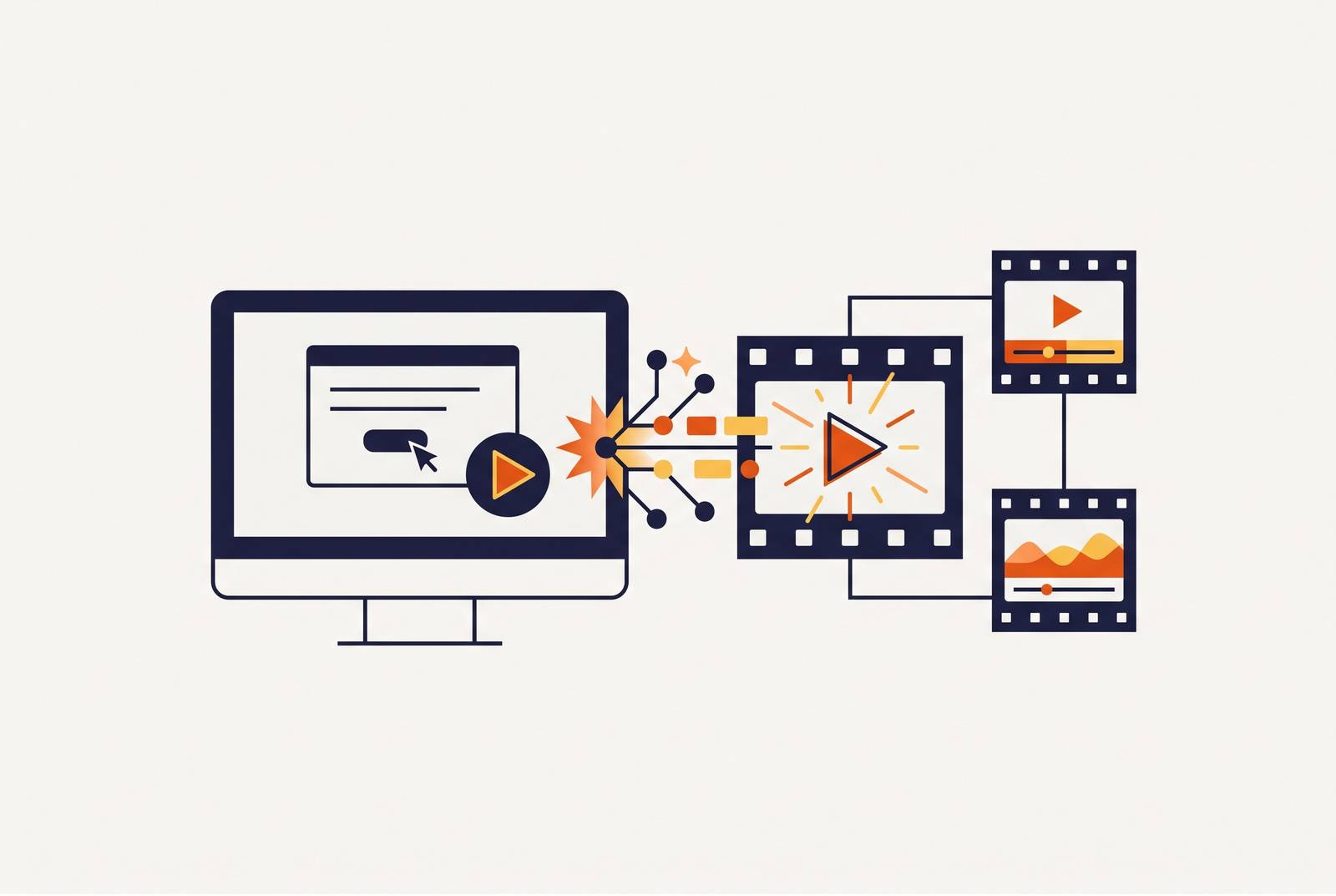
The modern AI pipeline runs the raw screen recording through a sequence of automated stages, each one replacing a job that used to require a specialist.
The first stage is transcription. The audio track gets converted into text, and that text becomes the editable script every later stage depends on. Edit the transcript, cut a filler word, restructure a sentence, and the change propagates straight to the video timeline. No re-syncing, no re-cutting.
The second stage is script cleanup. AI takes the raw, unscripted narration, the kind that comes out when someone just talks through a workflow while recording their screen, and rewrites it into clear, structured instruction. This is the stage that turns a rambling walkthrough into something that reads like it was written by a professional instructional copywriter, without one.
The third stage is narration generation. A synthetic voice reads the cleaned-up script, and depending on the underlying model, that voice can range from obviously robotic to close to indistinguishable from a human narrator. Voice cloning and language selection live here too, a detail that matters a great deal once localization enters the picture.
The fourth stage is smart zoom and spotlight. The AI detects where the cursor sits and when a click happens, then applies a zoom automatically to pull the learner's eye toward whatever's active on screen. The new way means the software detects the click and zooms there on its own. Vidocu's platform runs this stage to the point where a screen recording becomes a full documentation package in about 5 minutes.
The fifth stage is captioning and export. Captions get pulled from the same transcript, either burned directly into the video or delivered as a separate sidecar file, and the finished video exports in whatever format its destination requires, an LMS, a help center, a sales email.
Five stages, one upload. A polished feature walkthrough used to take roughly two hours of editing per video, a rate that made continuous content maintenance impossible at the pace of weekly product updates in an actively developed SaaS product.
The two architectures serving different training briefs
Not every AI training video tool solves the same problem, and the single most common mistake in evaluating them is treating two fundamentally different architectures as interchangeable.
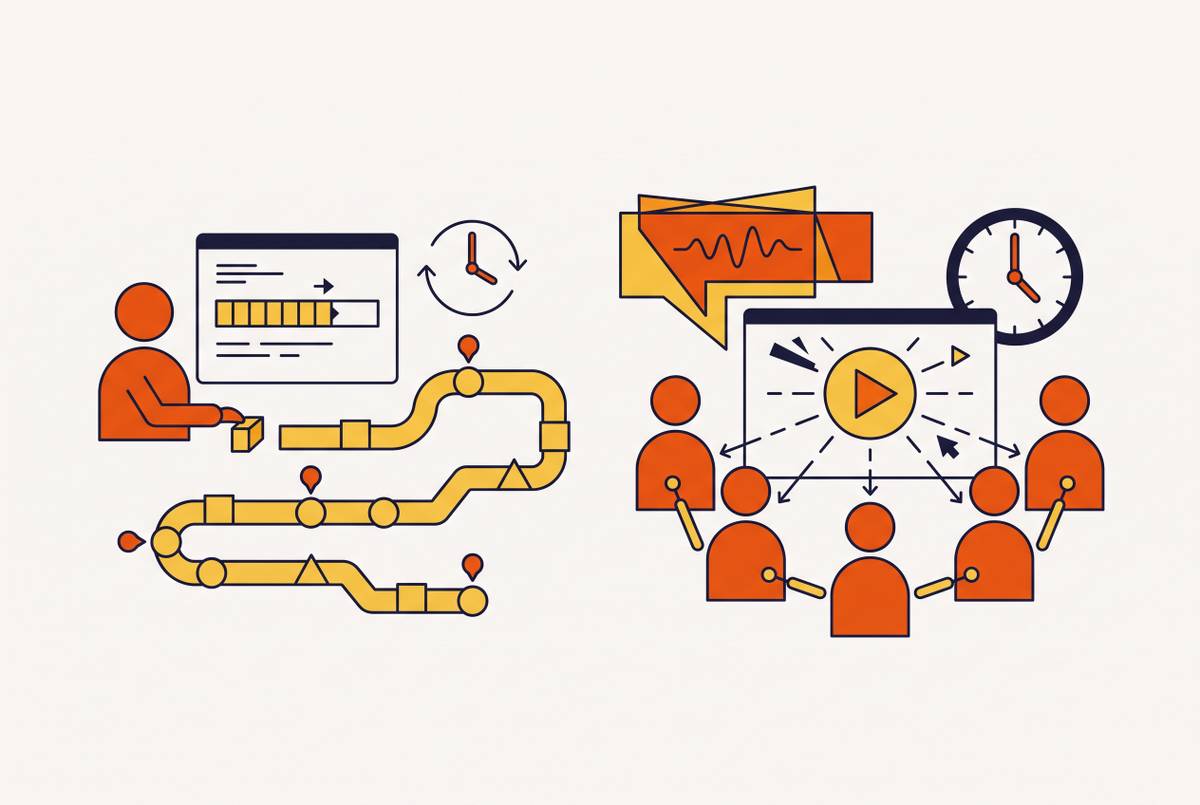
The first architecture is screen-capture-to-video. A team records a live software workflow, and AI takes over everything downstream, transcription, narration, zoom, captions, with no pre-written script required. This fits software walkthroughs, SOP recordings, and feature demos where the learner needs to see the actual process happen inside the actual interface. Learners build muscle memory and UI recognition by watching the real product rather than a stand-in for it.
The second architecture is document-to-video. Instead of recording anything, the team uploads material that already exists, SOPs, training manuals, compliance documents, PowerPoints, PDFs, and the platform generates an animated or avatar-led video from that source. Knowlify's document-to-video workflow follows this model closely: source documents get converted into an editable storyboard before any rendering happens, so the AI is always working from material a human has already approved rather than improvising its own structure. This architecture fits compliance training, policy onboarding, and HR communications, cases where the content already exists in writing and the goal is making it watchable, not demonstrating a UI.
The test for choosing between them comes down to one question: does the learner need to see where to click? If yes, screen-capture-to-video is the right starting point. If the material is a policy or a process that doesn't live inside software at all, document-to-video gets there faster. Most organizations end up needing both, one pipeline for product training, another for HR and compliance, and the tools built for each category rarely do the other job well.
What AI handles well
The pipeline removes most of the manual labor, but it introduces its own failure mode, and ignoring it is the most expensive mistake a team can make.
Content accuracy drift is the central risk. AI narration can describe a button, a workflow step, or a product name that no longer matches what's actually in the product, and because the finished video looks polished and authoritative, learners have no reason to question it. That risk concentrates in screen-capture tools that generate narration straight from cursor movement instead of a human-verified script. The AI is inferring intent from where the mouse happens to go, and where the mouse goes isn't always what the process actually calls for.
Smart zoom carries a related limitation. It's a probabilistic system: the AI zooms toward the click target, but if the workflow actually requires the learner to notice something sitting next to that click, a warning banner, a required field, the auto-zoom can crop that detail right out of frame.
None of this is an argument against the pipeline. It's an argument for a verification gate built into the workflow: AI runs all five stages, and then a subject-matter expert reviews the editable transcript and previews the finished video before it publishes, a step that takes minutes rather than the hours a traditional review cycle used to cost. Training Magazine's 2024 Industry Report found more than half of L&D leaders naming "keeping content current" as a top challenge, which shows that AI hasn't eliminated the human review burden so much as moved it from production work to verification work.
The maintenance problem that initial-creation tools do not solve
Making the first training video has gotten fast. Keeping sixty of them accurate is what decides whether a training library survives past its first year.
The real test is how quickly a one-line fix, a renamed button, a deprecated feature, or a changed UI flow after a product sprint propagates through to a finished, re-rendered asset, not how quickly a tool produces a new video. A platform that requires re-recording the whole segment to fix one sentence still forces teams to redo work that a single edit should have covered. It has only solved the much easier problem of making the first version.
Some platforms are built around this gap specifically. Whale, an SOP-specific platform, treats maintenance as part of the workflow rather than an afterthought: procedures get assigned, read, and tested, not just stored, so when a version changes, it triggers a re-assignment cycle instead of quietly going stale in a library nobody checks. That structural choice, building verification into the content lifecycle rather than bolting it on later, is what separates a tool that handles sixty videos from one that only handles the first one.
A team making a handful of videos a year needs a solid creation workflow, but a team maintaining fifty or more needs a fast update workflow, and those two needs don't always point toward the same product.
Where localization still breaks
Localization is a maintenance problem in its own right, and the architecture of the pipeline either makes it nearly free or turns it into a separate project with its own budget line.
Because the pipeline already separates the narration layer from the video itself, the transcript is the editable text, the voice is generated from that text, adding a new target language barely adds production cost. The same workflow that generates English narration can generate Spanish, German, or Japanese narration from that same transcript. That's a structural shift from how localization used to work. Translating a single training video into five languages, including professional-rate dubbing, used to run into tens of thousands of dollars. HeyGen's documented work with Würth Group cut those translation costs by a large margin and delivered a 65-minute presentation in eight languages in four days.
Language coverage among leading platforms reflects this shift. HeyGen supports more than 175 languages with lip-synced avatars, and research cited alongside these tools shows comprehension improves meaningfully when training reaches learners in their native language rather than a second language they're translating in their head.
What breaks is less obvious and more consequential. Most standard localization workflows translate the voice and leave behind everything that made the training module actually function as training: quiz logic, branching scenarios, compliance checkpoints, regional engagement data. None of that survives translation automatically. A video that drops its quiz and completion tracking during localization is a localized video, not a localized training module, and for compliance or certification purposes those are two different things entirely.
Before committing to a platform for multilingual training, confirm whether SCORM or xAPI packaging, grade passback, and quiz logic make it through the localization process intact, and whether the voice changes language.
Pipeline adaptations across common software training use cases
The same AI pipeline produces different outputs depending on the training job, and understanding the job determines which stages of the pipeline matter most for a given team's evaluation.
Customer onboarding video is the clearest fit for screen-capture-to-video. Short, segmented clips under 90 seconds per feature consistently outperform one long tutorial, and the smart zoom stage carries outsized value here, because the learner is seeing the interface for the first time and needs their attention pointed at exactly the right spot. Users who don't engage within the first three days have a very high probability of churning, which makes production speed itself a retention lever, not just a nice-to-have.
SOP documentation runs on a related but distinct version of the pipeline. AI observes a process by analyzing a screen recording, auto-generates numbered steps, and produces a written SOP alongside the video, not as a separate export but from the same source material. The creation half of this problem is largely solved. The maintenance half isn't: a process can change without any obvious trigger telling anyone the documentation is now wrong. Platforms that pair documentation with built-in verification outperform ones that only generate and store.
Sales demo creation benefits from the same decoupling that makes localization cheap. One source video can be localized, regenerated when the UI changes, and cut into a 30-second ad or a three-minute follow-up version, all without anyone touching a screen recorder again. Demo content maps to deal stage: a short, benefit-led explainer ahead of a discovery call qualifies interest, while objection-handling clips address the same friction points consistently instead of depending on whether a given rep remembers the right answer that day.
Internal L&D and employee training lean on the document-to-video architecture, since the source material (policies, compliance text, HR documentation) already exists and the goal is watchability and verifiable completion rather than showing a UI. SCORM or xAPI export back into an LMS isn't optional here. A video that can't report completion back to the LMS doesn't function as an auditable training asset, whatever its production quality. One company cut onboarding time meaningfully by moving training to video, and another using AI-generated video presenters for new hires reported extremely high new-hire NPS scores for the onboarding experience.
Evaluating AI training video tools against the actual pipeline
Judge any AI training video tool against the five stages it's supposed to automate, not against a marketing page listing features in isolation.
Start with architecture. Does the tool work from a live screen recording, from existing documents, or both? That answer alone rules out tools that don't match the actual source material a team has on hand.
Check the narration path. Does the tool generate script from cursor movement, or does it work from a human-written or human-verified transcript? The first approach moves faster. The second approach carries less risk of describing a UI element that no longer exists.
Test the maintenance cycle directly, not hypothetically. Change one line in a transcript and time how long it takes the platform to produce a corrected, re-rendered, published video. A tool built for creation alone will struggle here even if its first-draft output looks excellent.
Confirm what survives localization. Ask specifically whether quiz logic, SCORM or xAPI completion tracking, and grade passback make it through a translated version intact, or whether localization only changes the voice and discards the training architecture around it.
A team doing customer onboarding needs smart zoom and fast segmenting. A team doing compliance training needs document ingestion and LMS reporting. A team doing both needs to accept that one platform rarely does both jobs equally well, and plan for two tools rather than forcing one to stretch across use cases it wasn't built for.
The pipeline itself, transcription, script cleanup, narration, smart zoom, captioning, is now largely solved technology. What separates one platform from another is how well it handles the two problems that live outside that pipeline: keeping content accurate as the product changes, and keeping the training architecture intact as the audience changes.