Training Video Update Cycles for Frequently Changing Software
Training videos become obsolete faster than teams can update them.
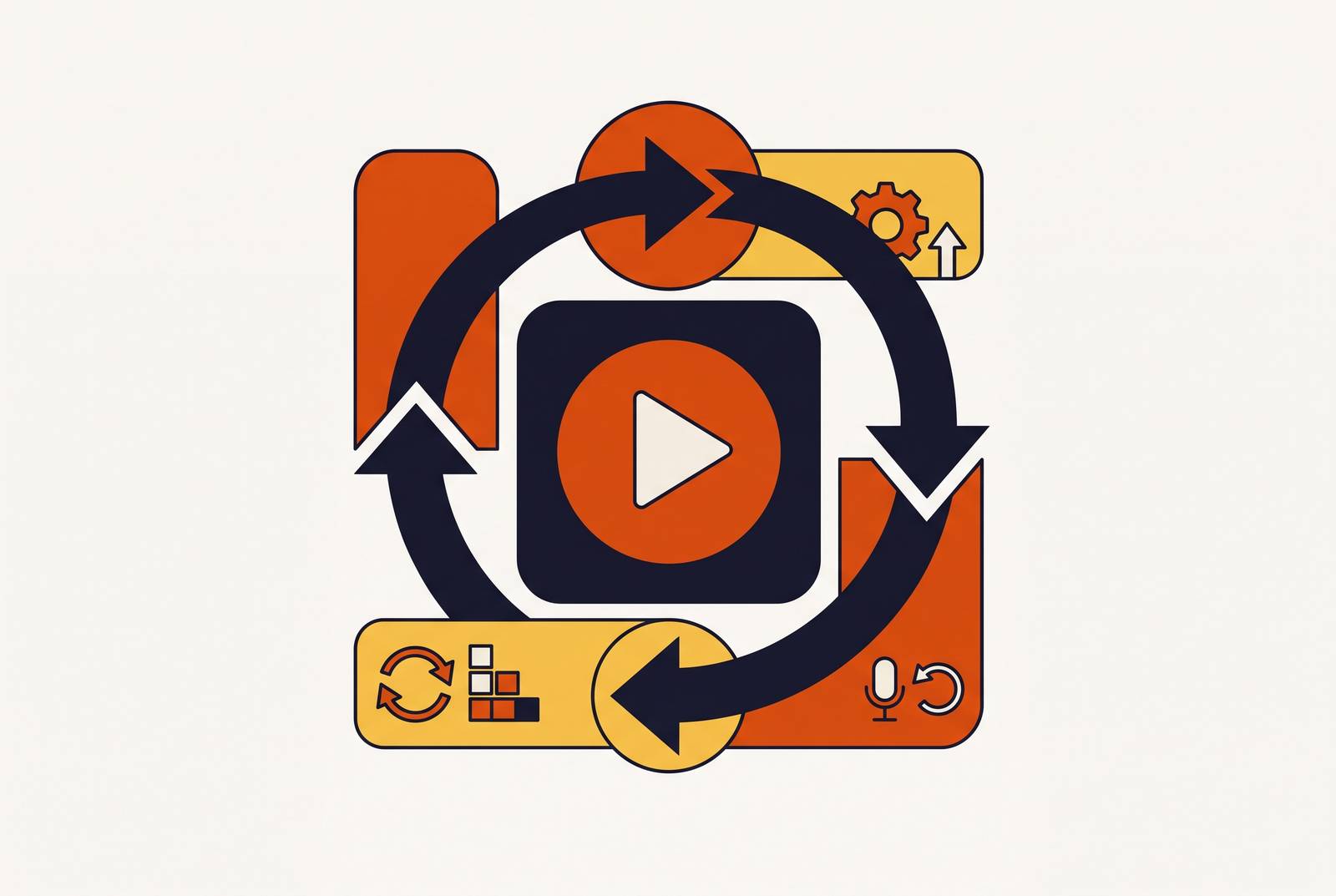
Software now ships changes weekly, sometimes daily, and training video production still moves on a schedule built for annual release cycles.
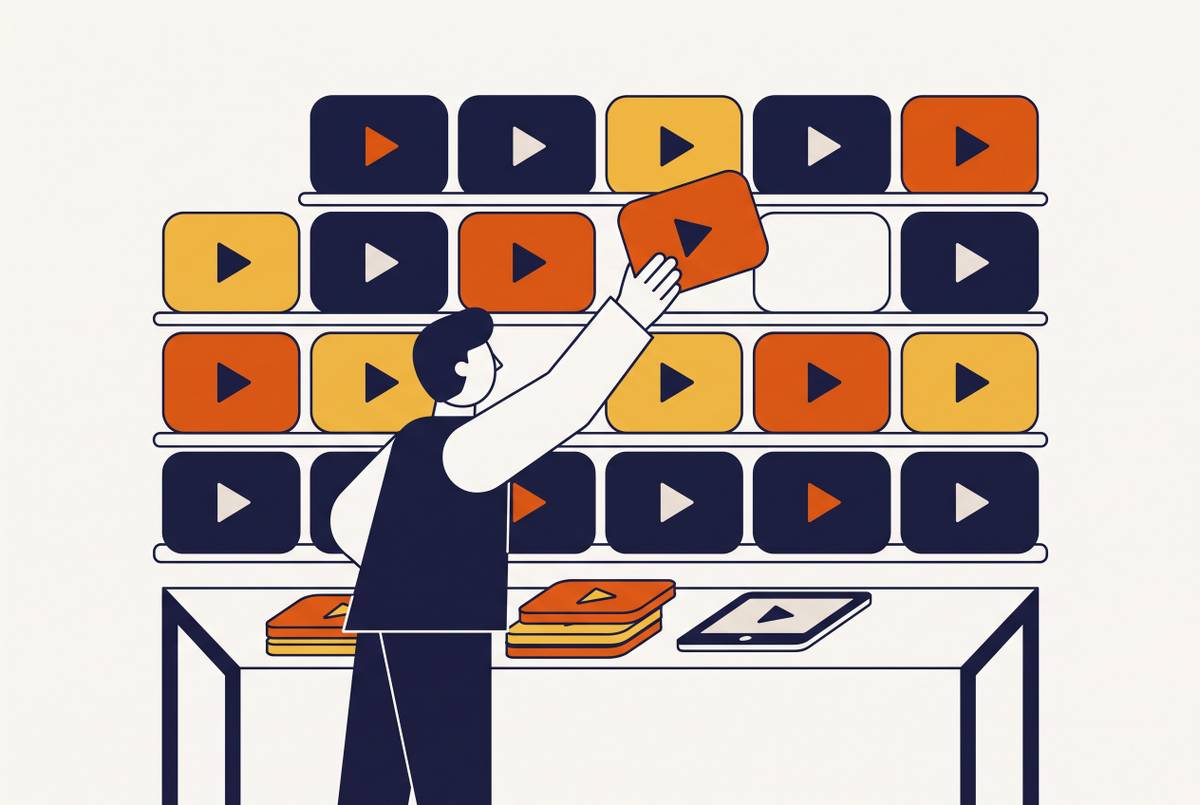
Software training libraries going stale faster than teams expect
Two clocks are running here, and they're not in sync. One measures how fast software changes. The other measures how fast a training team can turn a script into a finished video. Software releases now arrive in a constant stream rather than annual drops, and AI coding tools are only pushing that pace further. Video production, by contrast, still runs on scripting, recording, editing, and rendering, a sequence that takes real days even for a small change.
Meanwhile the pile of software that needs explaining just keeps growing. Enterprises are on track to spend an estimated $1.4 trillion on software in 2026, up 15% from the year before, so the total surface area of things that need a training video is expanding right alongside the growing backlog of updates that videos must reflect. Training debt compounds the same way technical debt does: skip enough update cycles and the backlog grows from a scheduling nuisance into the whole problem.
None of this is a training-department inconvenience to be managed quietly in the background. It's a product adoption problem. Most people, 83% by one measure, would rather watch a video than read a manual to learn how something works. So when that video shows a button that got moved three releases ago, the user doesn't think "the video's a little old. They think the product is confusing, or that the company doesn't know its own tool well enough to document it. Trust in the whole training library erodes over one bad walkthrough.
Not all training content ages at the same rate, knowing which category you're in changes everything
Not every video decays at the same speed, and treating them as if they do is where a lot of production budget gets wasted. The single biggest factor in figuring out what something should cost to produce is how often it needs to change, not how polished it looks on day one.
Software walkthroughs sit at the top of the risk list. Rename a field, move a menu item, and the video is instantly wrong in a way viewers will notice within the first ten seconds digitalapplied.com. Compliance content carries its own version of this risk: change the policy language and the whole script usually needs a full re-record, because compliance wording tends to get quoted, not paraphrased.
A notch down in urgency: onboarding content and safety or product training. These shift when roles change or new tools get rolled in, but the foundational parts, "here's how our org is structured," "here's why this process exists," tend to hold up longer than a specific click-path ever will.
At the calm end sits manager coaching and soft-skills training. This content is close to evergreen. A conversation about how to give difficult feedback doesn't expire because a dropdown menu changed. That means production investment here pays off over a much longer stretch, and it justifies more polish up front.
Skipping this sorting step has a cost of its own. Teams that don't tier their content end up over-engineering short-lived process guides, treating a video about this quarter's workflow like it's a permanent onboarding asset, and that mismatch quietly burns budget on things that were never going to last. The fix is an audit: map the existing library against these tiers before building any kind of update schedule. The highest-change tier is where the update system needs to be strongest, because neglect there is visible fastest and does the most damage.
Defining clear update triggers so teams stop guessing when a video needs to change
Once the tiers are mapped, the next question is mechanical: what actually triggers an update? Without an answer, updates happen by accident, a user complains, a support ticket piles up, a manager happens to remember a video is wrong, and someone scrambles. That's not a system. Without an answer, updates happen by accident, a user complains, a support ticket piles up, a manager happens to remember a video is wrong, and someone scrambles, which is luck rather than a system.
A real trigger list starts with UI and navigation changes: any renamed field, relocated button, or removed menu item that shows up on screen in a recorded walkthrough. Workflow changes count too, a step added, removed, or reordered changes the sequence a video teaches, even if nothing on screen looks different. Policy and compliance updates are their own trigger category, especially when regulatory or internal wording appears verbatim in a script. Role and audience shifts matter as well: new job functions, retired roles, restructured teams all mean a video's audience assumptions are out of date. And localization deserves its own line item, because when a source video updates, every language version needs to get flagged at the same moment, not discovered separately weeks apart.
Just as important is knowing what doesn't force a rebuild. A minor branding refresh that never appears on screen doesn't touch the video. A new feature that gets added without changing any existing workflow doesn't either. And content built around concepts rather than specific UI steps, the "why this matters" material, tends to survive a UI change untouched.
None of this works, though, without someone actually owning it. Who reads the product changelog and decides what needs updating? In most organizations, nobody does this formally. That is exactly why updates get missed even when the information to catch them was sitting right there. A living content map ties every video to the exact product version, UI state, and workflow it documents, so a changelog entry can be checked against the library directly instead of relying on someone's memory.
Modular content architecture and the reduced cost of each update
Triggers tell a team when to act. What determines how expensive that action turns out to be is architecture, specifically whether the content was ever built to be taken apart.
Most training videos are still monolithic. A 20-minute course covers onboarding, navigation, and workflow all in one continuous recording, so changing a single step in the middle means re-editing or re-recording the whole thing. That's the core inefficiency modular design solves. Build discrete pieces instead, ones that can be swapped independently, and a three-minute screen recording segment becomes far easier to replace than a 45-minute training video shot start to finish. The difference isn't subtle.
Splitting the "what and why" from the "where to click" helps too. The conceptual layer ages slowly. The procedural layer, the actual click-path, is what breaks the moment a release ships. Keep them as separate segments and a UI change only touches the procedural layer, which was always going to need replacing anyway.
This lines up with where learning content is trending generally.
Getting the benefit means designing for replaceability from the very first recording session, not retrofitting it later. Capture screen, narration, and camera on separate tracks, so a screen segment can be swapped without touching the voiceover at all. Keep version-specific language and timestamps out of the narration script, since that's exactly the kind of detail that forces a full rewrite every time something updates.
There's a role-based version of this too. Sales, customer success, and admin audiences often share a common foundation module but need their own role-specific segments layered on top. Update the foundation once, and it propagates to every audience without anyone having to touch the role-specific layers.
Modular architecture shrinks the size of each update. What shrinks the time and skill it takes to execute that update is a different shift entirely: modular architecture limits the scope of each update, and AI-assisted production compresses the time and skill required to execute it. X-Pilot's customer education guide favors 2–3 minute segments with knowledge checks. Completion rates drop 50% for videos over 6 minutes (X-Pilot, 2026), so short modules are better for learners and cheaper to maintain simultaneously (x-pilot.ai). X-Pilot states optimal length by type is 30–90 seconds for quick tips and feature highlights, 2–5 minutes for tutorial walkthroughs, and 5–10 minutes for comprehensive onboarding modules.
What AI-assisted re-production changes about the update workflow
The old cost of an update was never just the recording. It was re-recording, matching a voice actor's tone from months earlier, re-cutting the timeline, re-rendering the final file, a process where even a small fix restarted a cycle that ran multiple days.
AI collapses several of those steps into one pass. Script cleanup and rewriting happen without a writer drafting from a blank page. Voiceover replacement happens without re-booking a voice actor or scheduling studio time. Captioning and zoom effects apply automatically to whatever segment got swapped in. And when the underlying documentation changes, the video tied to it can update right along with it; courses on fast-moving subjects stop quietly rotting between one cohort and the next.
The scale of the shift is visible in the numbers. Average production costs have dropped by around 40%, with the median cost per finished minute falling from roughly $4,200 to $2,500 in 2026 data digitalapplied.com. One platform reports output ten times faster at a tenth of the cost compared to traditional production, based on its own internal data across more than 15,000 courses digitalapplied.com. That's a substantial structural gain. That's a different cost structure entirely, and it's why more than half of L&D teams, 52% by one study, are already using AI to generate video content. This moved from experiment to standard practice fast.
What AI doesn't do is make the decision. Figuring out which trigger fired, what actually changed, and what the new correct workflow looks like still needs a person who understands the product. AI handles reproduction. Judgment stays human.
That division is exactly what makes the whole system workable day to day. Because the technical bar for producing a polished update has dropped so far, customer success managers, product managers, and generalist L&D staff can execute updates themselves, without routing every small fix through a dedicated video specialist. That's the detail that turns a modular update cycle from a nice idea on a whiteboard into something a small team can actually sustain at release cadence, week after week.
Modular architecture plus AI-assisted production is what makes frequent updates realistic instead of aspirational. What's left is matching the right tool to the job.
Tools built for frequent updates
Judge these on one question: which one makes updating a video that already exists the least painful, not which one produces the flashiest first draft.
Some platforms lean into AI-generated training videos with avatars, motion graphics, and interactive elements, and they're built for that from the ground up. The update-friendly part of that design is one-click translation: a source change propagates out to every language version without restarting the localization chain from scratch, and coverage across more than 160 languages with voice cloning means that propagation actually reaches a global audience. Entry pricing includes a free tier, with paid plans starting around $18 a month. Where it's not the right fit: teams that need very advanced interactivity beyond what avatar-based tools offer, or teams that specifically don't want an AI avatar presenting their content.
For dependable, step-by-step software training where screen fidelity really matters, a screen-recording-first tool with separate tracks for screen, camera, and audio is the better fit. The separate-track setup is what earns it a place in this list: a UI segment can be swapped out without re-recording the narration at all, which is close to the definition of designed for maintenance. Pricing runs on an annual subscription between $39 and $249 a year, and permanent licenses aren't available anymore. First drafts typically come together in about 90 minutes.
There's also a category built around AI-powered training with avatars and voiceovers, a strong fit for organizations where information changes frequently. And a different category built around capturing workflows as they actually happen, generating step-by-step guides automatically and narrating them in over 200 voice options. That capture-as-you-work model means an update can be triggered by simply re-running the workflow, rather than scheduling a whole separate shoot.
For quick, narrow fixes, screen captures, GIFs, and short clips with automatic transcripts and chapters serve a different need entirely. That's the right tool when a product marketer needs to explain one small changed workflow fast, not when the goal is a full course sitting inside an LMS.
Generating video straight from approved source documents, SOPs, compliance files, product guides, and slide decks stands apart as its own approach. When the source SOP updates, a new video comes out of the revised document directly. The update lives inside the documentation workflow instead of becoming a second, separate video project. That's a meaningfully different mental model from every other tool on this list.
Finally, there's the category built for L&D teams that want video, course authoring, and delivery living in one environment. One-click translation across 75 languages and AI avatars and voiceovers in more than 70 languages fit teams that are pairing video with structured learning paths and quizzes, not just standalone clips.
Across most of these, the update-friendly workflow looks roughly the same: record or upload a screen capture, let AI rewrite the script, generate a matching voiceover, apply smart zoom and captions automatically, and produce an accompanying written guide alongside the video. Producing the video and the documentation in the same pass means a single UI change triggers one update process instead of two separate ones running in parallel. Broad language coverage, again in the range of 160-plus languages via one-click translation, means updates propagate without restarting a translation project from the beginning. Self-serve pricing in this category tends to start around $19 a month, with mid and upper tiers around $49 and $129, and no fixed enterprise tier listed publicly X-Pilot. It's a good match for smaller SaaS teams with no dedicated video producer on staff, where update cycles need to track the sprint schedule directly rather than running on a separate calendar.
Localization as an update-cycle problem, not a one-time translation project
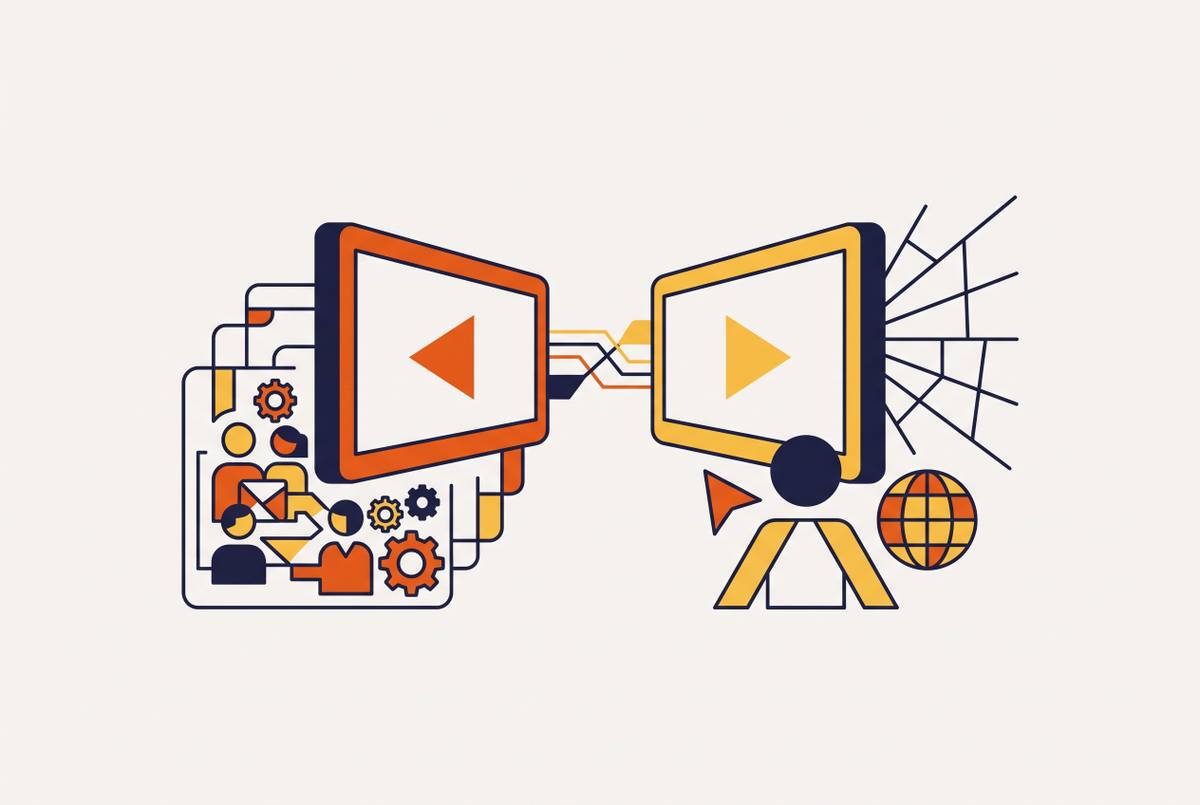
Localization usually gets treated as a project with an end date: translate the video once, ship it, move on. That framing breaks the moment the source video changes, because the traditional chain, export the script, send it to a translation agency, wait for certified translation back, is sequential and slow by design. Every one of those handoffs is a place where a language version can quietly fall out of sync with the source and nobody notices until a user in that market flags it.
The fix runs through the same principle as the rest of the update cycle: treat every language version as a dependent asset tied to the source. When the source updates, every language version should get flagged automatically, at the same time, rather than getting rediscovered independently weeks or months apart. One-click translation tools that propagate a change across 160-plus languages in a single pass turn localization from a recurring bottleneck into a step that rides along with the rest of the update cycle instead of trailing behind it. Treated this way, localization becomes just one more branch of the same update system rather than a separate project competing for calendar space.