Walkthrough Videos for Complex B2B Software Workflows
Narrow each walkthrough to one workflow so viewers actually watch it.
Most walkthrough videos fail for one reason: someone tried to explain the whole product instead of one workflow. The camera work is fine. The voiceover is clean. But the scope was wrong from the first click, and no amount of editing fixes a video that answers ten questions instead of one. That's a structural problem, and it's fixable with a process any team can run without hiring a video department.
The stakes are bigger than they look. Most SaaS buyers won't book a sales call until they've seen the product in action, which means the walkthrough isn't marketing collateral sitting next to the real sales conversation. It is the first sales conversation. Deals fall apart when buyers say some version of "didn't understand how it applies to us," and that complaint traces back to the exact same failure that ruins a walkthrough video: wrong scope, wrong pacing, no sense of who's actually watching.
How enterprise users process multi-step software workflows
Enterprise buyers don't watch tutorial videos the way someone watches a recipe video on a Saturday morning. They scan first. Before committing any real attention, they check whether the workflow even applies to their role, because an admin's problems and an end user's problems rarely overlap. Someone configuring access permissions has nothing in common with someone submitting an expense report, even if they're staring at the same dashboard.
Once a viewer decides a workflow's relevant, they still won't follow the steps blindly. They want the outcome first: the finished report, the automated task, the approval that clears without three follow-up emails. Only after seeing what's on the other side do they commit to watching the clicks that get them there.
Enterprise users also get pulled away mid-task constantly. Slack pings, a meeting reminder, a coworker leaning over the cubicle wall. A walkthrough needs reference points, chapter markers, on-screen labels, something that lets a person drop back in at minute three without rewatching the first two. Structure the video around that rhythm and retention holds up. Completion rates fall off sharply past the six-minute mark regardless. That's why the trend now is breaking dense material into shorter segments, sometimes with a quick knowledge check wedged between them.
This is why "comprehensive" is the wrong goal, and most teams chase it anyway. A comprehensive walkthrough tries to answer every question and gets abandoned around minute three. A complete one answers exactly one question, fully, and gets watched to the end.
Choosing the right scope: one workflow, one outcome, one video
The line between a walkthrough that works and one that doesn't comes down to a single distinction. A weak walkthrough shows where to click. A strong one shows what the viewer will have when they're done.
Scope gets set by answering three questions before anyone touches a recording tool:
- Which role is watching? An admin configuring permissions and an end user submitting a request are not the same viewer, even if they touch the same screen.
- What single task does that role need to finish? Not what feature exists, what task gets completed.
- What will the viewer have when the video ends? A generated report, a completed automation, an approved submission. Something concrete and checkable.
One forcing function actually works here: map the 5 to 8 workflows a new user has to get through in their first 14 days, and turn each one into exactly one video. No combining, no "and while we're here, let's also show." That constraint fixes scope faster than any style guide, because it removes the temptation to cram.
Trying to show every menu and every settings panel doesn't make a product look more capable. It makes the viewer close the tab. A tightly scoped workflow does the opposite. It gives someone a reason to keep evaluating, because they just watched themselves succeed at something specific.
Matching video length and format to the viewer's position in the workflow
Length is tied directly to where the viewer sits in their evaluation. It's tied directly to where the viewer sits in their evaluation, and treating a 90-second tutorial and a 5-minute deep-dive as interchangeable is where most teams lose the thread. Four formats cover most of the ground in complex B2B software.
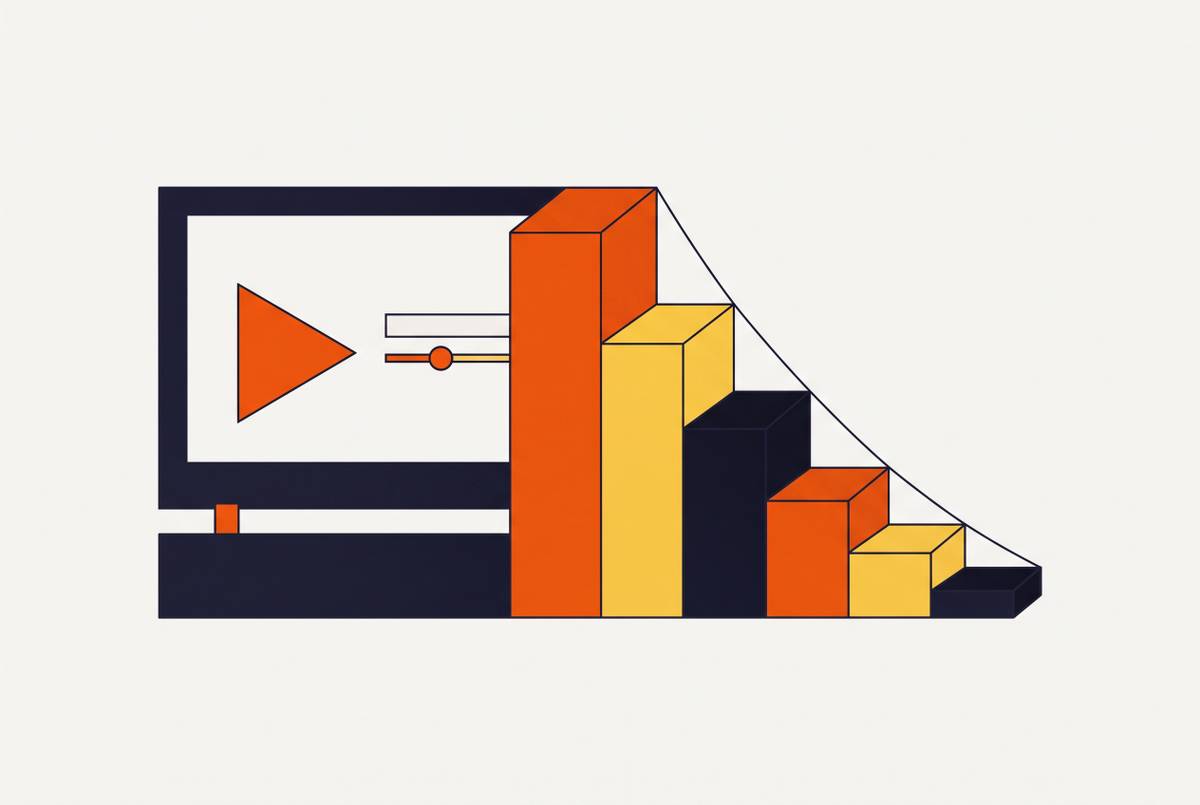
Short clips, 15 to 30 seconds, work as in-app tooltips or single feature callouts. Completion is in the 85 to 95% range because the commitment is tiny, almost nothing to abandon. One step up, 60 to 90 second videos handle a single-workflow tutorial or a landing page hero, and this length tends to carry the strongest conversion lift of the group. In the middle, 2 to 3 minute walkthroughs work as full onboarding sequences or help-center companions, and this is where activation lift peaks for product-led growth onboarding specifically. Anything past five minutes needs to be reserved for admin certifications or genuine multi-step deep-dives, and it needs chapter breaks, because past that mark viewers scan and jump instead of watching straight through.
A 90-second video that lands the "aha moment" beats a 4-minute deep-dive abandoned at minute two, every single time. For anyone still in the awareness stage, keep it under three minutes, closer to 90 seconds if possible. Save the longer, denser material for prospects already deep into evaluation who've specifically asked for the details.
None of this gets decided in the editing bay. Length gets set the moment scope gets set. If someone's cutting a video down after it's already shot, the scope was wrong before the camera ever rolled, and no amount of trimming fixes that after the fact.
The layering problem: how context, steps, and outcomes have to be sequenced
Every complex walkthrough is really three layers stacked in order, and getting that order wrong is the single most common mistake in enterprise video.
The context layer comes first: one sentence, before any clicking starts, explaining why this workflow matters to this specific role. Skipping it leaves the viewer with no frame for what they're about to watch and no reason to keep paying attention.
The step layer follows: the actual sequence of actions, with enough visual anchoring (callouts, zoom, a visible cursor) that someone can follow without rewinding every ten seconds. Then the outcome layer: what changed, what's now possible, what the viewer should do next.
Almost everyone skips straight to the step layer. The viewer watches clicks happen with no idea why they should care, and retains nothing even if they sit through the whole thing. A better sequence, borrowed straight from sales demo structure, holds up just as well for internal product walkthroughs: establish the hook, frame the problem, preview the solution, walk through the core steps, and close with one clear call to action. The viewer's brain treats "someone is selling me something" and "someone is teaching me something" the same way." It's looking for the same three layers either way.
For workflows that genuinely can't be compressed under five minutes, chapter breaks aren't optional. Each one needs its own small context reset before diving into the next set of steps, or the viewer loses the thread the moment attention drifts.
Building a repeatable production loop: from single recording to multi-format output
The efficient version of this process captures the product flow once and generates several output formats from that single capture. Re-recording for every format is where most teams burn their budget for no reason, and it's an easy trap to fall into because each format feels like it deserves its own shoot.
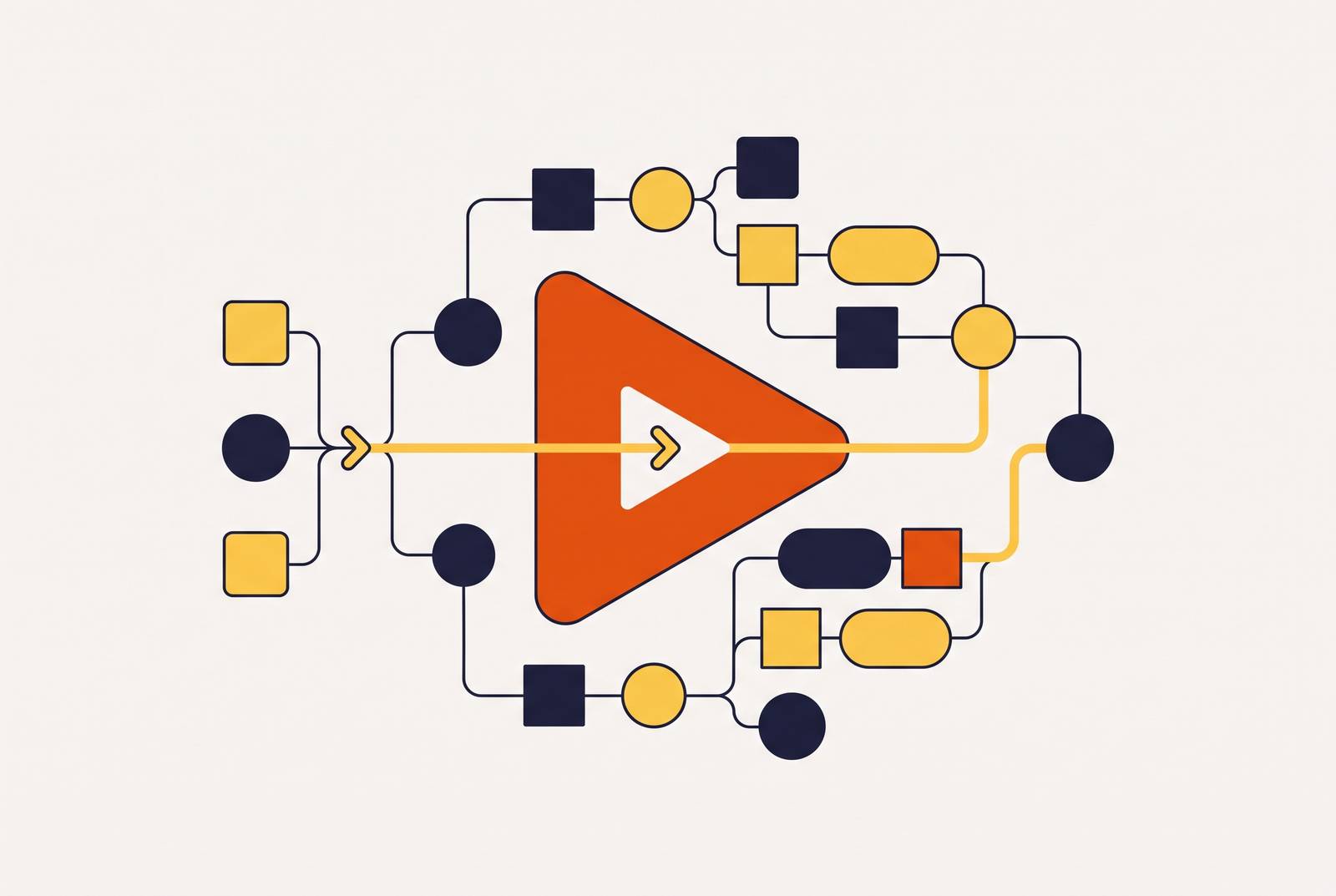
The loop runs in five stages. Planning comes first: map the activation journey, define scope and outcome before touching a recording tool. Pre-production follows, storyboarding in static images before spending money generating anything, with the narration brief written in plain English and matched against the capture.
Production means recording the happy path end-to-end, once. AI-assisted tools don't need multiple takes the way a human presenter might, so one clean capture is enough raw material to produce both a 60 to 90 second tutorial and a 15-second in-app callout from the same footage.
Post-production splits the labor cleanly. AI handles captions, zoom, callout placement, and voiceover generation. Humans review for brand voice, factual accuracy, and narrative sense to someone outside the product team, because AI cannot run that check on itself.
Distribution closes the loop, publishing to an in-app tooltip, a help-center embed, and a landing page hero from that one capture, without re-editing for each surface separately.
Most teams never build this loop on purpose. They adopt AI tools stage by stage, solving whatever's annoying them that week, and end up with a pile of disconnected point solutions that don't talk to each other. Mapping the actual bottleneck first, then picking tools that solve what the map shows rather than what's trending, beats that scattershot approach every time.
Let AI build the skeleton for the 80% of the video that just needs to exist and be accurate. Hand-finish the remaining 20%, the framing, the voice, the moment that decides whether the viewer trusts what they're watching.
What still requires human judgment to get right
AI earns its keep on a specific set of tasks. Script cleanup from raw narration. Voiceover generation. Transcription, captioning, translation. Smart zoom and callout placement based on where the cursor moves. Exporting one source recording into several formats without redoing the work each time. None of that is controversial anymore, and teams that still hand-edit captions are wasting hours that AI closes in minutes.
Judgment is where AI still falls short, and pretending otherwise creates real damage down the line. Deciding which workflow deserves a video is a strategy call, not something a model generates its way into. Brand voice and messaging accuracy need a human pass, because an AI draft is a starting point and never a finished asset. Someone also has to confirm the steps shown still match the current product, since AI has no way of knowing the UI changed after the recording was made. The context and outcome layers, the parts that make a walkthrough actually land, require a person who understands what the viewer's job looks like on a Tuesday morning with three other tabs open.
A large majority of B2B SaaS teams now use AI-generated tutorial video as their primary in-product help asset. Teams have stopped debating whether to use AI. What's left is drawing the line correctly between what AI drafts and what a human signs off on, and teams that blur that line ship videos with confident narration over an outdated screen.
Storyboard before generating, every time. Most failed AI video attempts fail because the prompt was the entire spec, with no static storyboard behind it. Planning the sequence in still images first, before spending compute or money on generation, heads off the expensive regeneration loop that eats budgets and timelines alike.
Pairing the video with written documentation: why both outputs need to come from the same workflow
Video handles motion and sequence. Written documentation handles scanning, searching, and following at your own pace. Enterprise users need both, and they need both to say the same thing, which sounds obvious until you look at how most teams actually produce them.
The usual failure mode: help-center articles live in one system, walkthrough videos live in another, and the two drift apart every time the product ships a change. Six months later, the video shows a button that's moved, and the article describes a flow that no longer exists. Nobody decided to let that happen. It just accumulates, update by skipped update.
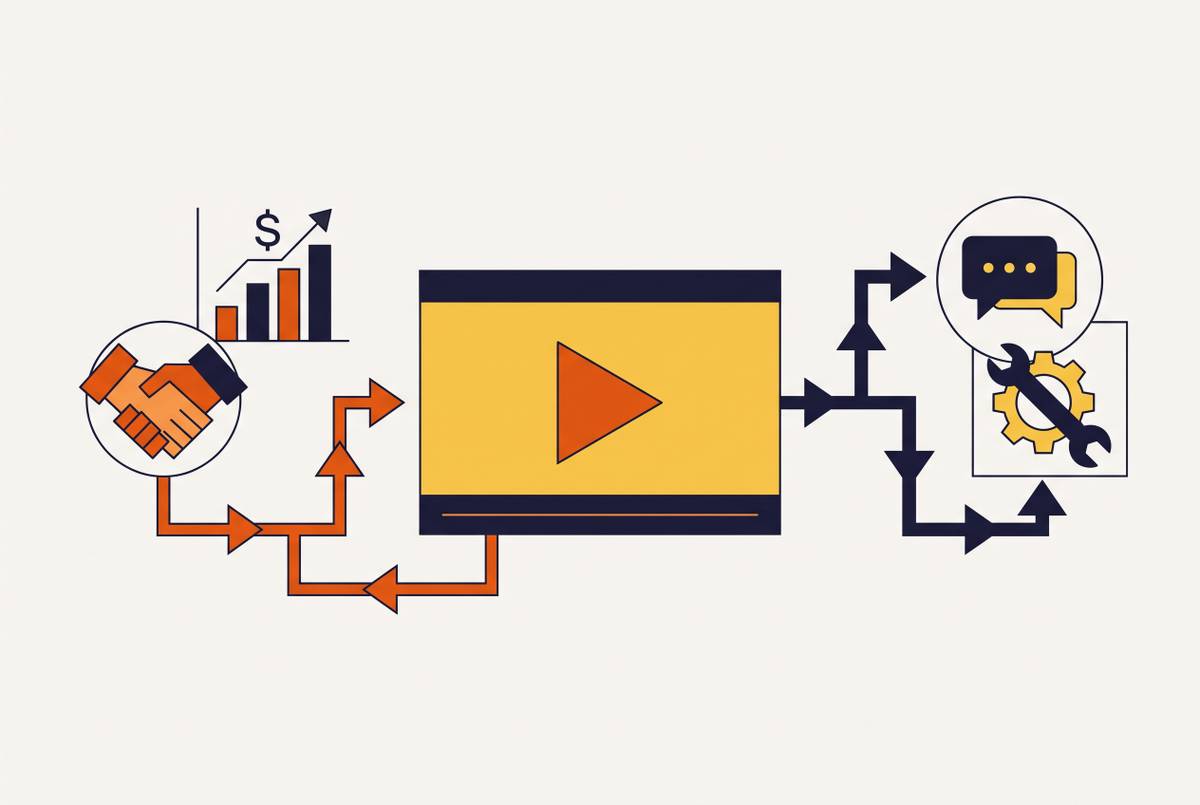
Generating both outputs, video and step-by-step written docs, from the same screen recording kills that drift at the source, because there's only one artifact to update instead of two. It also doubles what a single capture is worth. According to Forrester, organisations running this kind of workflow see content creation time cut by roughly 65%. A team no longer pays twice to document the same thing twice.
Scaling the framework across teams, personas, and languages
A framework that works for one video has to survive contact with dozens of workflows, several user personas, and more than one language, without needing a dedicated production team bolted onto every group that wants to publish something.
A large share of SaaS companies now fund formal customer education programs, and the volume of walkthrough content those programs demand has outpaced what production teams can keep up with by hand. Hiring more editors doesn't close that gap. Fixing the structure does, and that distinction matters because a scaling plan keeps pace while a hiring spree still falls behind.
The fix that holds up: organize the walkthrough library by role first, then by workflow stage within that role. That mirrors how enterprise users actually go looking for help, so someone can browse straight to what they need without a search bar doing the work for them.
The payoff isn't just tidier content, either. Video-based customer education is estimated to cut support tickets by 25 to 40% while lifting activation at the same time. At library scale, that's a real operational return sitting on top of a content quality win.
Measuring whether the walkthrough framework is working
Activation teams measure tutorial video with metrics like completion rate, time-to-value, and retention lift. View count tells almost nothing on its own, and teams that still lead with it are measuring the wrong thing on purpose because it's the easiest number to report up the chain.
Each metric maps back to a decision made earlier in the process, which is what makes this approach useful instead of decorative. A low completion rate almost always points back to scope or length, not production quality, so the fix is tightening scope or length rather than improving the thumbnail. It's a shorter, tighter video answering one question instead of several. Time-to-value points back to the layering: if viewers finish the video but still can't complete the task on their own, the outcome layer probably wasn't concrete enough. And retention lift over 30 days is the number that separates a walkthrough people watched from a walkthrough that actually changed how they use the product.
Measured this way, the walkthrough stops being a support asset judged on how polished it looks. It becomes a structural test of whether scope, pacing, and layering were right from the start, and the data either backs that up or it doesn't.