Measuring Completion Rates and Drop-Off in Walkthrough Videos
Diagnose viewer drop-off by the second, not by completion rate alone.
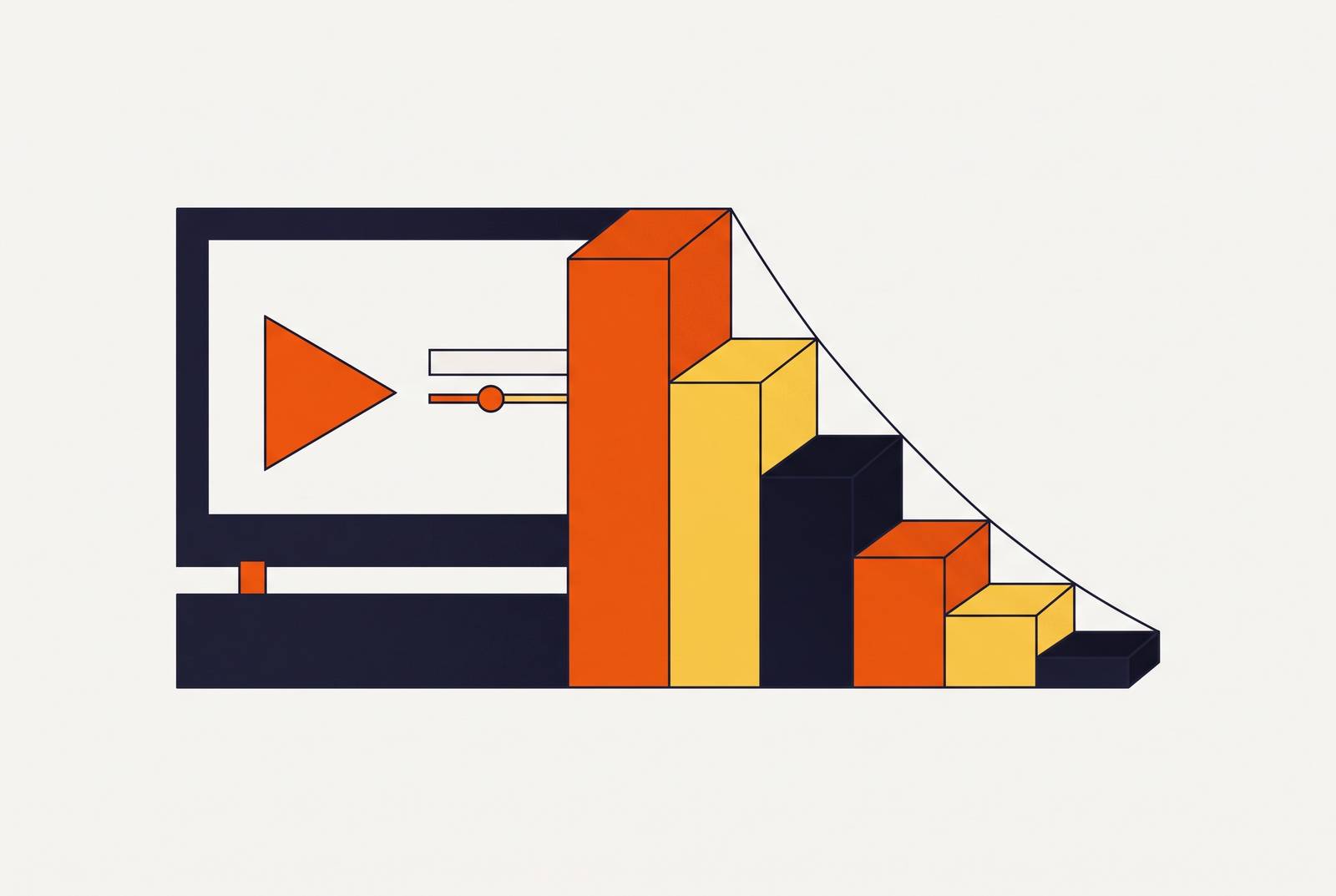
Completion rates and drop-off curves are a map for your walkthrough videos. A video that loses 40% of its viewers at the same exact timestamp, week after week, is telling you something specific happened at that moment, and it's fixable. Here's the position this piece takes: chasing a high completion rate misses the point. Chasing the right drop-off, at the right point in the video, is what actually moves activation numbers.
A cliff at a specific timestamp on the retention curve is the signal to chase. Platforms like YouTube Analytics and Wistia both provide second-level or frame-level retention data, and that granularity is what separates a diagnosis from a guess: quartile checkpoints alone are too coarse to find the exact second something broke. Pull the retention graph for the video, locate the precise five-second window where the audience consistently falls off, and audit what is happening on screen at that moment. Common causes include a topic pivot that felt irrelevant, a pacing slowdown, a section that repeats itself, or a UI state that appears on screen without any narration to explain it.
The core metrics and what each one actually measures
Video Completion Rate, or VCR, is the simplest number in the toolkit, and it's also the most overused. Take everyone who watched the whole thing, divide by everyone who hit play, multiply by 100. VCR is a binary endpoint: it tells you who crossed the finish line and nothing about what happened on the track. Two videos with identical 50% VCR can have completely different problems. One loses half its audience in the first ten seconds; the other bleeds viewers steadily throughout. Treating those two videos the same is the single most common mistake teams make with this metric, and it's the reason VCR alone should never be the number a team reports up the chain.
Average Percentage Viewed, or APV, is more forgiving, and for longer walkthrough content, it's the more useful number. It's the average share of the video people actually watched, so a viewer who bails at 80% still counts for something instead of registering as a total failure. A low APV on a 90-second video is a five-alarm fire. A low APV on a 15-minute walkthrough might just mean people found what they needed and left, which isn't failure at all.
Some hosting platforms, Wistia among them, calculate an engagement rate: total time played, divided by total plays multiplied by video length. This one catches rewatches and pauses, which makes it a closer proxy for real absorption than VCR alone.
The drop-off curve is the instrument that actually diagnoses things. VCR and APV are summaries; the curve is the full readout, second by second, of what percentage of the audience is still watching at any given moment. Most platforms show this at the 25%, 50%, 75%, and 100% marks, which is fine for a quick gut check but too coarse to find the exact second something broke. For that, frame-level or second-level retention data is required, and platforms like YouTube Analytics and Wistia both provide it. Anyone relying on quartile checkpoints alone is diagnosing a car engine by looking at it from across the parking lot.
One more thing worth flagging: these numbers don't mean the same thing in every context. A walkthrough embedded in an onboarding modal, one sitting in a help center article, and one linked from an email will each produce a different baseline curve, even with the identical video file. Where the video lives changes who's watching and why.
What a "normal" completion rate looks like for walkthrough and onboarding content
Forget general video benchmarks; they come from a different world entirely. A fifteen-second, non-skippable ad format posts sky-high completion because the viewer has no choice in the matter. That number tells you nothing about whether the content worked. A walkthrough viewer chose to click play. They wanted the information, so if they leave early, that's a real signal, one that deserves far more attention than a forced completion ever earns.
Completion rates for SaaS onboarding content vary a lot company to company, and the median tends to sit lower than most teams expect going in. Category matters too: completion rates vary meaningfully across product types, so the right comparison point is your own category, not some blended industry average pulled off a vendor's marketing page. Comparing one product vertical against another's benchmark is comparing apples to a different fruit altogether, and any team doing that comparison is measuring against the wrong yardstick.
Length predicts completion better than almost anything else. Short videos, under a minute, hold viewers far better than long ones, though they naturally rack up less total watch time. Instructional content in the 10 to 19 minute range tends to be a popular preference, but plenty of viewers won't even press play on something they expect to run 20 minutes or more. A 14-minute walkthrough finishing at 55% completion might be doing just fine, while a 3-minute walkthrough finishing at that same 55% has a real problem hiding in it. Same number, opposite diagnosis.
Engagement across video broadly trended downward in 2024, according to Wistia's State of Video report, and short-form content took a steeper hit than long-form. Viewers increasingly expect value delivered faster, and the benchmark question worth asking isn't "is our completion rate good?" It's whether the drop-off happens before or after the moment that actually teaches the viewer something. That's the only benchmark that matters, and no vendor report can hand it to you.
How do you figure out why viewers are dropping off at the same timestamp every time?
Wistia's nose-body-tail model is a useful lens for reading any retention curve, and it splits neatly into three phases with three different failure modes.
The nose covers roughly the first few seconds. A drop here means the hook didn't land: the viewer pressed play, and the opening moments didn't confirm they were in the right place watching the right thing. Nose drop-off tends to get worse as videos get longer, with engagement loss in the opening window correlating with overall video length. Most viewers who are going to abandon a video decide to during that opening window, so tightening the nose compounds across the entire audience in a way tightening the middle never quite matches. This is where the fix pays off hardest, and it's where most teams spend the least time. That mismatch, effort spent versus payoff available, is the biggest missed opportunity in this whole framework.
The body is the long middle stretch. A slow, steady decline through the body is normal; it happens in almost every video and isn't worth panicking over. A sudden cliff at one specific timestamp is different, and that's the signal worth chasing down. Common causes: a topic pivot that felt irrelevant to the viewer's task, a pacing slowdown, a section that repeats itself, or a UI state on screen that never gets explained.
The tail is the stretch approaching the call to action. Viewers dropping before the CTA doesn't always mean failure, since plenty of them got what they came for and left satisfied. That's why CTA completion, tracking who acts on the prompt rather than who watches the credits roll, often matters more for onboarding content than raw video completion does.
Rewatch spikes deserve a separate mention. When one segment gets replayed at a much higher rate than the rest of the video, that usually means the content there is confusing or too dense. A rewatch is a viewer telling you they had to stop and figure something out, so the fix is to clarify the content rather than log the replay count as some kind of engagement win.
How to set up tracking that produces actionable retention data
The platform hosting your video sets a hard ceiling on how much detail you can see. YouTube Analytics gives a second-level retention graph for free, and that's enough for anything public-facing. For B2B walkthrough content sitting behind a login or embedded inside the product itself, platforms like Wistia offer heatmaps built from individual viewer sessions rather than aggregated curves, which matters when the goal is diagnosing one specific broken moment rather than spotting a general trend. Product tour tools such as Userpilot and Chameleon report step-level completion, which lines up more directly with an onboarding flow than a video retention curve ever will on its own.
Before anything launches, a few things need configuring rather than left on default settings. Turn on timestamp-level retention reporting instead of relying on quartile checkpoints alone. Track embed contexts separately, since the same video dropped into a modal, a help center article, and an email will each produce a different curve. Tag sources with UTM parameters so retention can be segmented by acquisition channel or user type.
None of this matters much, though, unless video completion gets connected to what happens next. The real signal is whether the people who finished the video went on to do the thing the video was trying to teach them. Chameleon's analysis of product tour interactions found that completion rate alone doesn't predict retention; what matters is whether users performed the activation behavior the tour was guiding them toward. So map video completion events into whatever analytics platform or CRM is already in use, and correlate viewing against trial conversion, feature activation, or churn.
A small team doesn't need an elaborate stack to start. Video hosting with a retention graph, plus one downstream event tracked per video (feature used within 24 hours of viewing, say), is enough to start making real decisions.
Translating drop-off patterns into specific edits
Nose drop-off calls for a rewrite of the opening. The first sentence should say who the video is for and what they'll be able to do by the end, full stop. Skip the company intro, skip the feature name recited like a press release, cut the logo animation, cut the "welcome back," cut any throat-clearing before the actual content starts. A cold open that drops straight into the product, in motion, showing the outcome before explaining how it got there, beats a slow warmup nearly every time.
A cliff at a specific timestamp calls for an audit of that exact five-second window. Does the topic shift there? Does the pace suddenly drag? Does an unexplained screen pop up with no narration to match? If the cliff sits on a natural topic boundary, split the video there. Viewers who needed the first half are already satisfied, and a second video covering the next section gets a fresh shot at holding attention. If the cliff falls in the middle of one continuous task, tighten the narration around it and add a visual cue, a zoom or a callout, to pull the eye back.
Gradual decay across the whole body usually points to a pacing or length problem, and the most common cause, by a wide margin, is narration that just describes what's already visible on screen. Someone recorded themselves saying "and now I'll click on Settings" while the cursor is already visibly clicking on Settings. That redundancy is one of the most fixable causes of steady viewer bleed there is. Cut recaps that repeat what was just shown, and speed up any screen action where the cursor crawls or a menu takes its time loading.
Rewatch spikes call for simplification. A step people replay three or four times needs slower pacing, a text overlay reinforcing the action, or a split into two smaller steps.
Tail drop before the CTA usually means the next step needs to show up earlier. Plenty of viewers finish learning what they came for and exit before the formal prompt at the end, so move the CTA to the moment the instructional goal lands, not the final frame of the video.
Every one of these edits traces back to a specific point on the retention curve. None of them should come from a vague feeling that a video "needs more energy."
How production quality and video structure affect retention before you ever look at the data
Wistia's research surfaces something counterintuitive: simple instructional videos with modest production value often outperform polished, heavily produced ones. Clarity of instruction keeps people watching more reliably than visual spectacle does. Any team pouring budget into motion graphics before fixing a confusing script has its priorities backwards, full stop.
That's not a license to get sloppy, though. Shaky audio, dead air, a fumbled click through the wrong menu, filler words while the presenter figures out what to say next: these create their own drop-off points that have nothing to do with how simple or polished the format is. Clean narration and deliberate screen flow are non-negotiable, even in the plainest screen recording.
A few structural choices protect retention before a single metric gets pulled. One task per video, so a viewer who only needs step three isn't forced to sit through steps one and two; this also lets each piece get tracked on its own. Lead with the action and follow with context, rather than the reverse. In software walkthroughs specifically, captions and smart zoom matter more than they get credit for, since viewers need to see exactly where the cursor lands and exactly what the text on screen says.
On presenters: research on viewer preferences indicates that many viewers prefer a real person over an AI avatar or animated character for instructional content. That distinction carries more weight for presenter-facing videos than for screencasts with voiceover, where the screen itself does most of the visual work anyway.
One practical shift worth naming: AI-assisted production has cut the friction that used to make teams avoid re-editing a video once a drop-off problem got flagged. When trimming a section or fixing a voiceover line takes minutes instead of days, iterating on retention data stops being a luxury reserved for the highest-traffic videos and becomes something a team can do routinely.
The onboarding stakes: what drop-off in walkthrough videos costs in user activation and retention
SaaS companies lose a large share of new users during onboarding, according to Amplitude research, and most of that loss happens before the user ever reaches the product's core value. That's the real cost sitting behind every drop-off curve discussed above, and this isn't a video-team problem so much as a product problem wearing a video-team disguise. A walkthrough video is often the mechanism carrying a brand-new user across the gap between signing up and actually getting value. When that mechanism fails silently, nobody on the product team even knows to look.
Chameleon's 2025 research found that structured onboarding guiding users to a clear early win increases retention substantially and speeds up feature adoption, and video is one of the more effective formats for delivering that first win fast. Every viewer who drops off mid-walkthrough, at the exact moment the video was about to show them how to do the thing that matters, represents more than a metric ticking down. That's a user who may never activate the feature at all, may file a support ticket instead, or may simply churn quietly without anyone on the product team ever finding out why.
The retention curve is a record of exactly where the product's own onboarding promise broke down, timestamped to the second. Ignore it, and the same break keeps happening to the next cohort, and the one after that.