Screen Recording to Polished Product Video Automation
Automation transforms raw screen recordings into finished videos and documentation in one pass.
A raw screen recording is a starting point, not a finished asset, and the gap between the two used to be filled by hours of manual labor: trimming dead air, adding zooms, writing captions, recording narration. That gap now closes through an automated pipeline that turns footage into a polished video in roughly the time it takes to review a draft. Teams still treating this as a "nice-to-have" speed boost are missing the actual shift: video and documentation used to be separate jobs with separate deadlines, and now they're one pass through the same file.
The same pattern is visible in enough unedited screen captures. A cursor drifts around hunting for the right button. Ten seconds of silence pass while someone reads a menu. The click that actually matters happens too fast to register, and nobody's narrating any of it out loud. None of that is a mistake on the recorder's part. It's just raw output, before a human or a model touches it.
Fixing it by hand costs more than most people budget for. A 10-minute tutorial typically needs 60 to 90 minutes of manual work: zooms added, audio cleaned, dead space cut. That ratio is bad enough for one video, but for a team shipping several a week, it burns entire working days before anyone's written a single caption. What a team supplies is the subject matter and the final sign-off, and people keep assuming that step will take longer than it does. It just relocates it: an inconsistent tutorial library reads as an unfinished product, and a viewer who lands on a confusing, unedited demo bails before the end.
What AI does to a raw recording: the four-stage pipeline
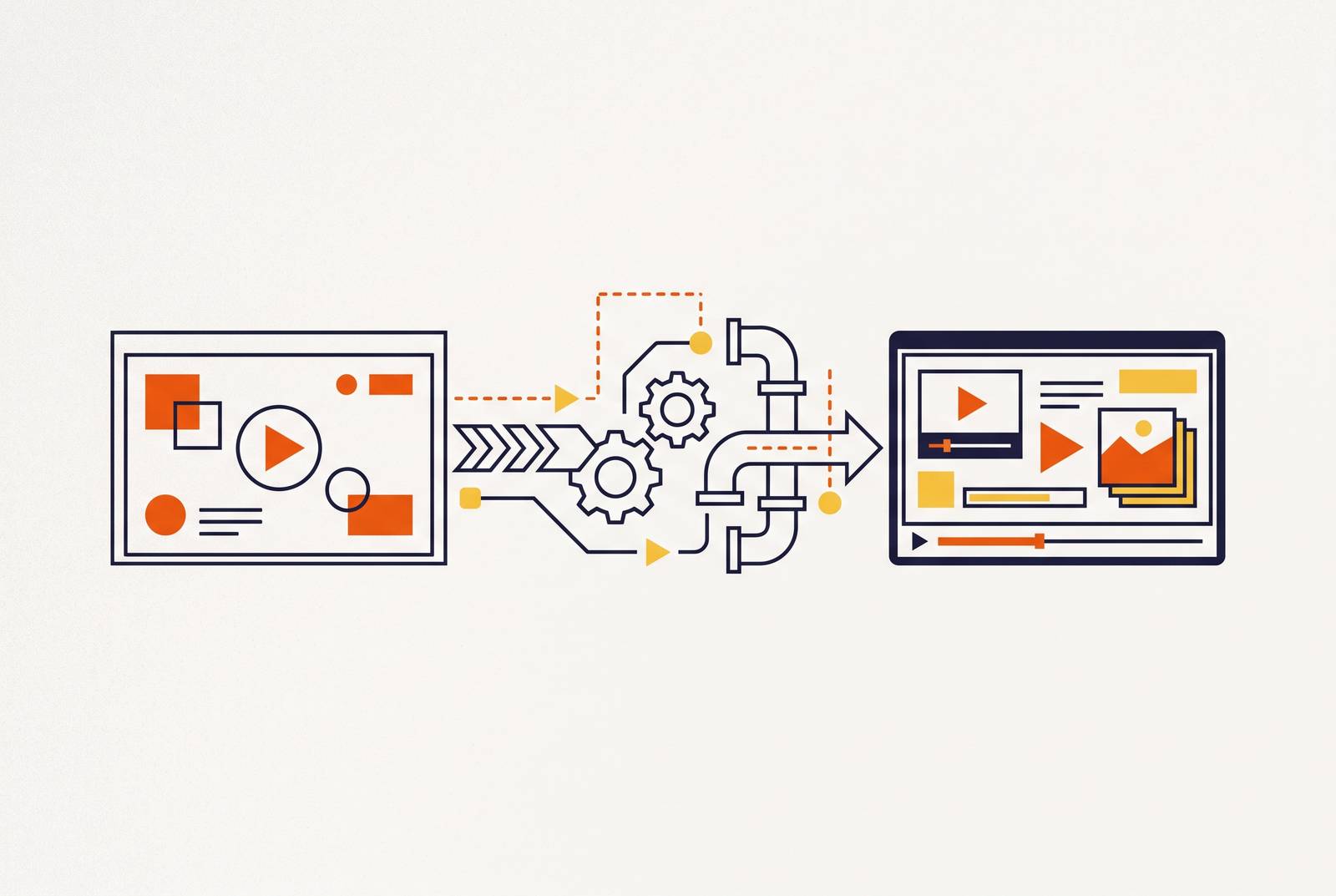
Calling this "AI video editing" undersells it. It's four distinct jobs stacked in sequence, each one replacing a manual pass an editor used to do by hand.
Stage one is capture and analysis. The recording segments itself into logical steps automatically, no human sitting at a timeline scrubbing back and forth hunting for cut points. That segmentation is the foundation everything downstream depends on.
Stage two is script generation and cleanup. Working from that sequence of interactions, the AI drafts a narration script describing what happens at each step. If a voice was captured during recording, filler words, long pauses, and awkward phrasing get stripped from the transcript. If no voice exists, the script gets written straight from the interaction sequence itself. A person reviews that draft as text, editing it the way you'd edit an email, not scrubbing an audio waveform hunting for a cut point.
Stage three covers voiceover, captions, and visual polish. The cleaned script becomes narration audio automatically, so nobody's booking a recording booth or hiring a voice actor. Captions get generated and timestamped to land in sync with the audio. Smart zoom pushes in on whatever UI element matters at each step, so a viewer's eye lands where it needs to without guessing. Narration earns its place here, not as a finishing touch: demos with AI-generated voiceover run completion rates 14% higher than demos with none.
From one recording to multiple finished assets
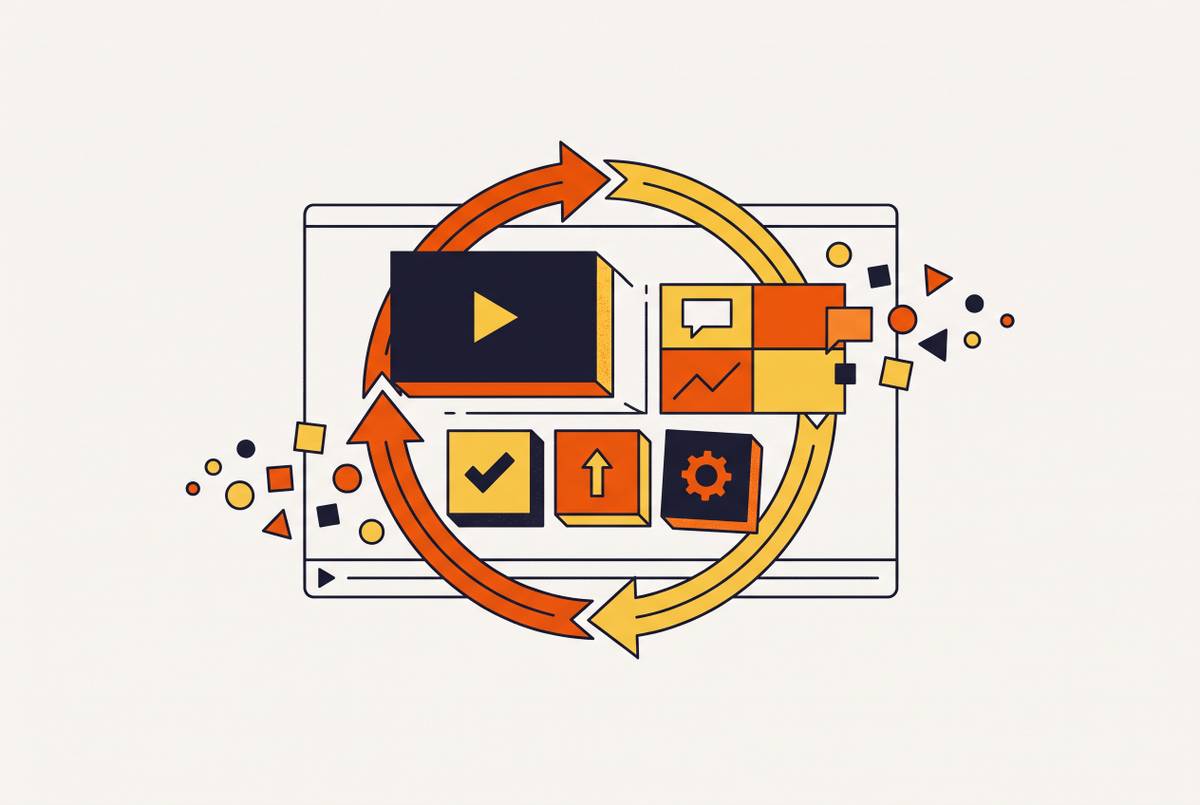
The leverage lies in what one master recording turns into. It's in what one master recording turns into. A single capture of a product workflow can become a video demo, a step-by-step written article, a sales leave-behind, a help-center embed, and a localized version for every market the product sells into.
That kills the re-recording tax teams didn't realize they were paying. Recording the same workflow four or five times, once for video, once for the written guide, once for sales, used to be standard practice. One capture now feeds all of it. Teams that still run video and documentation as two separate production tracks are doing more work for a worse result, and that gap only widens as the library grows.
The written output determines how much value a team can get from a single recording, since it turns straight into a reusable SOP or how-to article without extra effort. The same recording that produces the video also generates a written SOP or how-to article, complete with numbered steps and annotated screenshots pulled straight from the footage. Video and documentation used to run on separate schedules with separate owners. Now it's one pass through the same source file.
Localization follows the same logic once the English cut is locked. AI dubbing and translation swap the voiceover and on-screen text for each target language, turning what used to be a full production cycle into a rerun of a process that's already built and already working.
The tools teams are using in 2026 to run this workflow
These tools split by job, not by which one wins a head-to-head comparison. Some are built for procedural how-to content, some for presenter-led explainer video, some for straight post-production editing. Skipping that step means buying a tool that's good at something you don't need. Looking at enough unedited screen captures reveals the same pattern every time.
For turning workflows into complete video guides and documentation, Guideless and Trupeer lead the category. Guideless was ranked top by Unite.AI's evaluation. It connects capture, AI-written steps, voiceover, documentation, distribution, and analytics into one workflow, and outputs in MP4, PDF, and Markdown, with multilingual generation built in, which suits customer education and support teams maintaining a large library of guides. Trupeer, founded in 2024, runs a similar pipeline: script generation, awkward-section removal, voiceover, and a structured document produced alongside the video. Trupeer won a Salesforce award, and one documented SaaS case study using the tool saw demo production time drop from roughly two hours to about ten minutes.
For editing screen recordings entirely through text, transcript-based editing tools let you cut, trim, and remove filler words by editing the written transcript instead of scrubbing a timeline, with audio repair and multi-track support layered on top.
For polished, presenter-led demos and explainers, purpose-built recording tools handle screen and camera capture together, strip silences and filler words automatically, and let you edit the transcript directly before exporting in high resolution with analytics attached.
What AI does to a raw recording: the four-stage pipeline
Onboarding is where this appears first, and not because a vendor pushed it there. Customers are asking for it directly: 69% say more video content during onboarding would improve their experience. That's a majority telling companies the format they already use isn't showing up often enough.
The downstream numbers back the preference up. Strong video-based onboarding produces an 82% improvement in time-to-value, and retention runs 50% higher among customers onboarded with video versus those without it. Support tickets follow the same curve. Wyzowl found companies using video in their support flow see a 43% reduction in support calls.
A recorded, edited video says the exact same thing to the hundredth viewer as it did to the first. A live walkthrough from a support agent can't make that promise: wording drifts, steps get skipped under time pressure, and one agent's explanation of a feature won't match another's three desks over. That consistency is the actual product here, and most teams still underrate it because it doesn't appear as a line item on any budget or report.
Where this workflow pays off: customer education, onboarding, and support
Buyers watch video before they'll take a sales call, full stop. 70% of B2B buyers watch video somewhere in their purchase decision process, and the average buyer gets through 7 videos before that process wraps. Shoppers who watch a product demo convert at meaningfully higher rates than shoppers who only see photos or text descriptions of the same product.
Picking the right one starts with naming what you're trying to produce. Forrester estimates 60 to 70% of the content marketing teams build for sales reps never gets used, because reps cannot find it. Forrester prices that waste at $2.3 million a year.
AI-produced demos attack that on two fronts at once. A short, link-based video demo is easier to find and easier to track than a PDF buried three folders deep in a shared drive, and when the product changes, regenerating the demo from an updated recording takes minutes instead of a full reshoot. The reps leaning into this kind of tooling are already pulling ahead: Top-performing sales reps are increasingly adopting AI tools to stay ahead in prospecting.
How sales and enablement teams use AI-produced demos to close faster
None of this requires hiring anyone who's ever touched a timeline editor. AI handles the production layer end to end: scripting, voiceover, zooms, captions. It's in what one master recording turns into. A single capture of a product workflow can become a video demo, a step-by-step written article, a sales leave-behind, a help-center embed, and a localized...
Record something real instead of a script performed for the camera. That's the entire point of the workflow: script, narration, and documentation all get generated from what actually happens on screen during a genuine walkthrough. Writing a script first and performing it for the recording defeats the purpose before the workflow even starts.
Start small instead of converting a whole library at once. One getting-started video, one feature walkthrough, and a how-to article generated from that same capture is enough to prove the workflow before scaling it. Lock a brand kit in early too: consistent logo, consistent color palette, consistent voice across every output, so the fifth video doesn't look like it came from a different team than the first one did.
Scaling up means more output to check, not less, and teams forget this the moment they get excited about the speed. Every generated video needs a pass for factual accuracy, for sensitive information visible on screen, and for interface details that'll go stale the next time the product ships an update. Build that review into the workflow itself: AI produces the first draft, a human signs off before it goes live. Assign an owner to each video or SOP, too, so when the product changes, someone actually knows to trigger the update instead of hearing about it from a confused customer three months later.