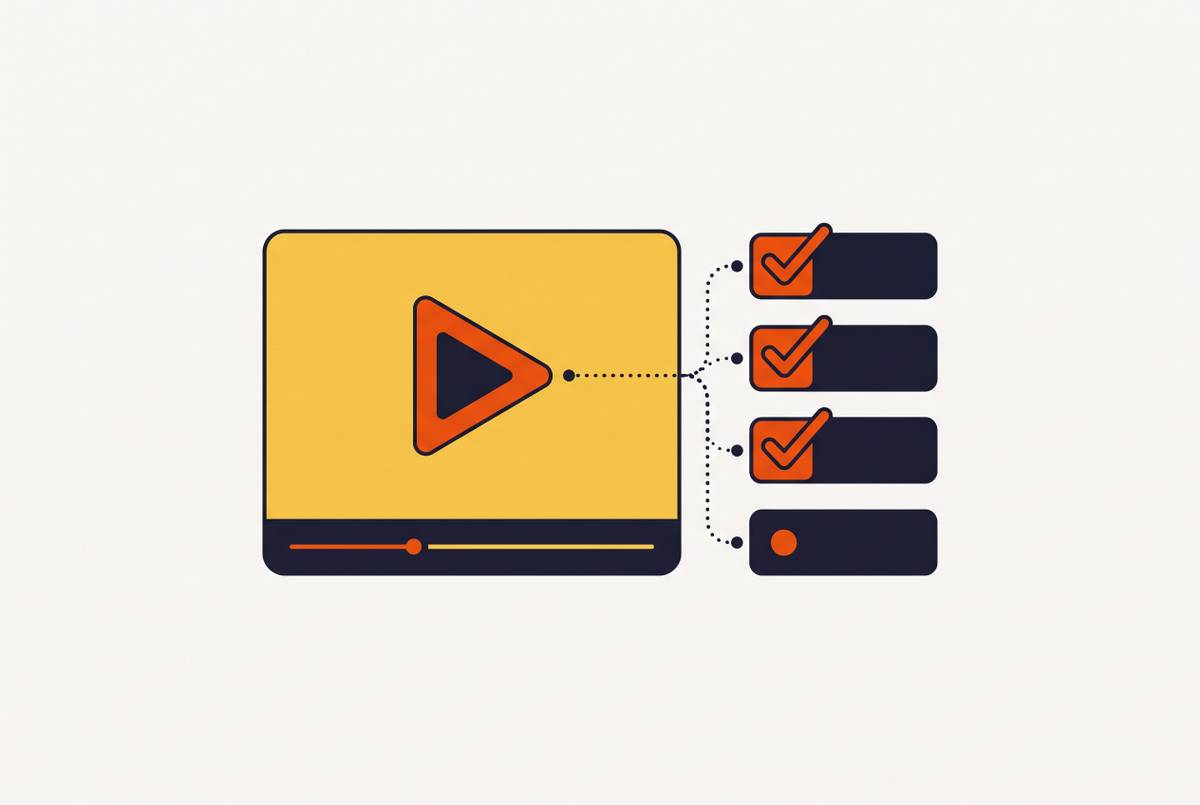
Reusing Walkthrough Videos Across Sales and Support Contexts
One modular video with task-specific cuts serves sales, support, demos, and onboarding.
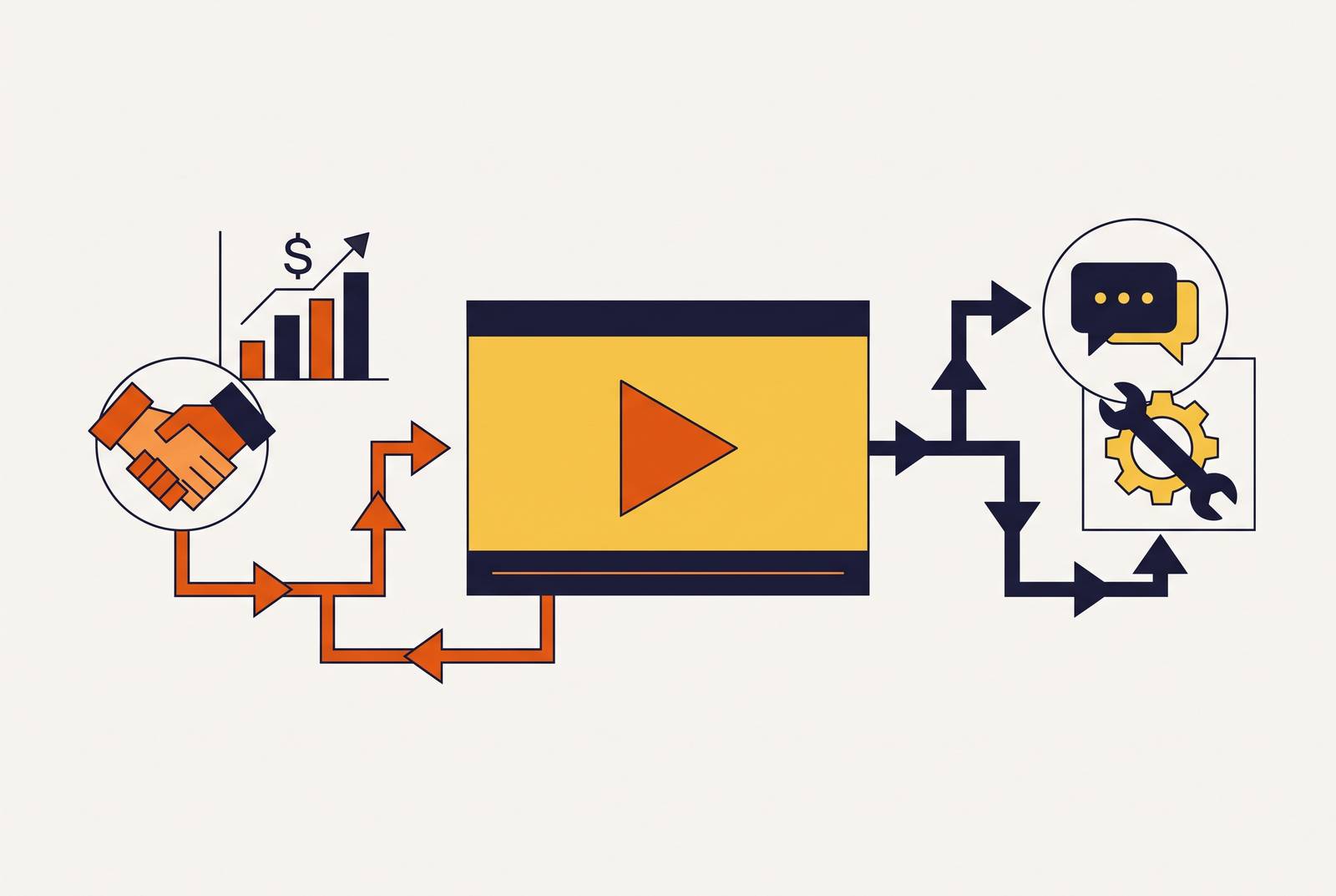
A walkthrough gets asked to do different jobs depending on who's watching and why. Four contexts show up again and again, and most teams treat all four the same way, which is the mistake. Each one wants something specific from the footage.
One recording, structured as discrete chapters, covers all four contexts without re-shooting. The full assembly serves onboarding; a 60-to-90-second chapter pulled from whichever segment shows the key outcome serves sales outreach; a single task-specific segment, embedded directly in the relevant help center article or ticket reply, serves support deflection; and the live demo gets a chapter-level cut sent as a leave-behind after the call. What changes across the four is which segment gets deployed, how long it runs, and where it lives. The screen sequence, the product demonstration itself, stays identical across all of them, and that shared core is what makes reuse work rather than requiring four separate productions.
Sales outreach runs on speed and a sliver of trust. A prospect hasn't committed to anything; they've maybe agreed to open an email. What they need is a fast, benefit-led signal that's easy to forward to a colleague without friction.
Live demo support works differently. The rep runs the room and controls the pacing, so the video serves as backup rather than the main event. A good demo clip reinforces what the rep just said out loud. It shouldn't repeat the pitch word for word, or it starts to feel like filler.
Support deflection is the least forgiving of the four. Most companies get it wrong by treating it like a mini sales pitch, and that's backwards: the user already owns the product and just hit a wall. They want the answer to one specific problem, right now, not a tour. A six-minute overview does nothing for someone stuck on step three of an export flow. Findability and precision matter more here than production polish ever will.
Onboarding asks for completeness. New users need the full sequence, not a highlight reel, paced so they actually retain it. This is where video's edge over text shows up clearest. Insivia's 2024 research put video retention at around 95%, against roughly 10% for text alone. That gap is worth designing around.
What shifts across these four contexts is audience readiness, the action you want next, acceptable length, how much product detail belongs on screen. What stays fixed is the screen sequence itself, the underlying product truth, the actual demonstration of how a feature works. That shared core is the whole reason reuse is possible.
How do you structure one recording so it works for sales, support, demos, and onboarding?
Videos that fail to travel almost always share one flaw: someone recorded them as a single, unbroken take, built for one audience and one length, with no thought given to what happens after the first use. Fix the structure, and the reuse problem mostly solves itself.
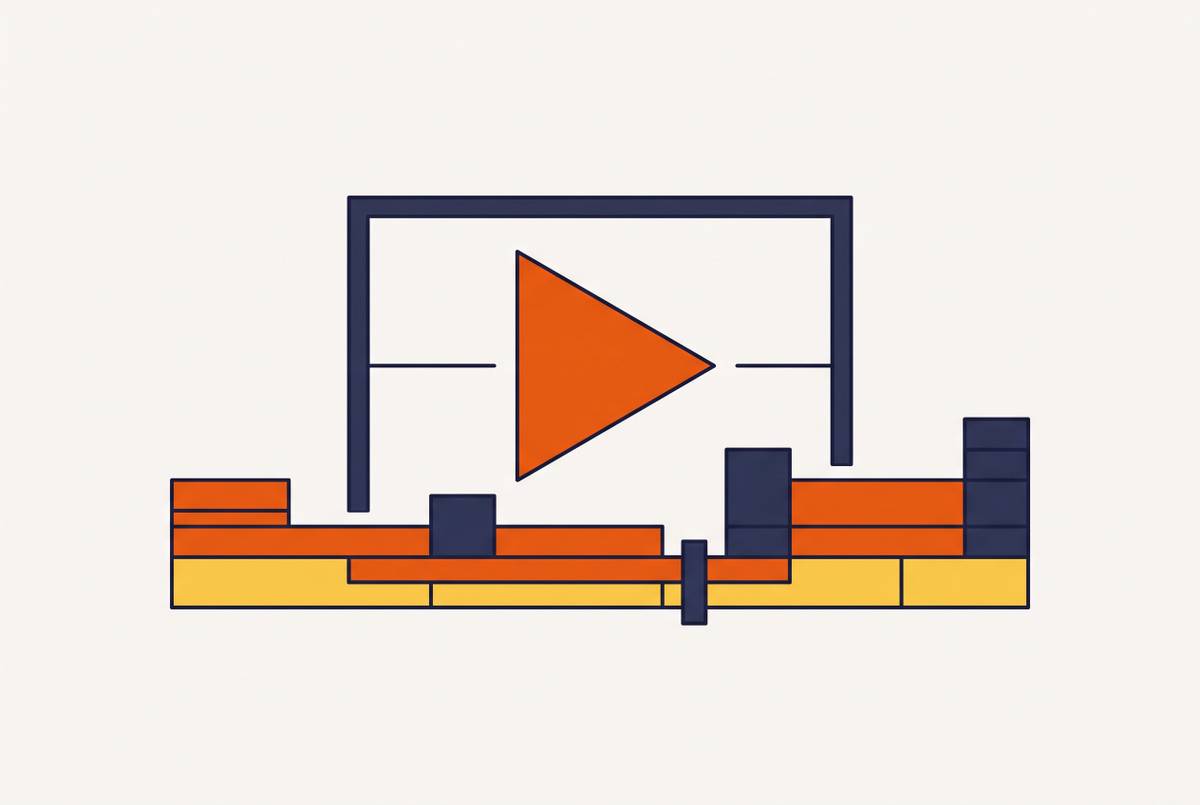
Modular structure fixes this at the root. Record the walkthrough as discrete chapters, each covering one step or one feature, and save each segment as its own file alongside the full assembly. Now two things exist instead of one: the complete video, and a set of independent parts that can each be pulled and deployed on its own.
Plan length around the deepest use case first. Build the full version at onboarding depth, somewhere around 5 to 10 minutes for a complete workflow, knowing most other contexts will only ever use a trimmed piece of it. Research from X-Pilot in March 2026 found completion rates drop by half for videos over 6 minutes once you're outside onboarding. That number cuts against the instinct to cram in "just one more feature" before hitting export, and it's the reason the edit plan deserves as much attention as the record plan. More, honestly.
Script discipline matters too, and it's cheap to get right. Narration should describe what's on screen without leaning on phrases like "in this demo" or "as I showed you earlier." That kind of language ties a clip to one specific viewing context and turns it into dead weight everywhere else.
Visual quality isn't decoration. Clean captions, smart zoom on the right screen elements, a voiceover that doesn't sound like it was recorded in a stairwell: none of that is cosmetic. A rough-looking video signals low trust to a prospect before it's had a chance to explain anything, the same way it signals low investment to a new hire during onboarding. AI-assisted production tools (automatic zoom, generated voiceover, auto-captioning) make that baseline achievable without a dedicated production team on staff. Clueso, an AI platform that turns raw screen recordings into polished product videos and step-by-step documentation, is one tool built specifically for that workflow.
Lock in brand consistency early with approved templates and a brand kit, so every clip pulled from the source already matches company style. That saves a review cycle on every derivative down the line. Store the original project files, too, not just the exported MP4s. A finished export can't be re-cut, but a project file can, and this is the detail that's easy to skip under deadline pressure and expensive to regret later, once the only surviving copy is a flattened export nobody can touch.
Adapting the core video for sales outreach and async demos
Sales prospects haven't asked to learn about the product. They've agreed to glance at it. That distinction shapes everything about how the sales cut should look, and most teams ignore it by sending the full demo when nobody asked for one. That's the wrong instinct, and it costs replies.
ClickMinded's 2026 citation of Vidico research found 73% of B2B decision-makers would rather watch a short demo video than read a whitepaper. Notice the word doing the heavy lifting: short. The sales cut should run 60 to 90 seconds, pulled from whichever chapter shows the outcome, not the setup. Lead with the problem the product solves, let the feature follow, and close on one clear next step rather than a recap of everything just shown.
Drop that clip directly into a sales email or a LinkedIn message in place of a bulleted feature list. Wyzowl's 2026 data found shoppers who watch a product demo are 1.81 times more likely to purchase than those who only see photos or text. Functionally, the clip runs the rep's first call before any call gets scheduled.
For live demos, the video's job shifts to leave-behind. After the call ends, the rep sends the fuller version, or a chapter-level cut, so the prospect can pass it along internally. That solves a real problem: the internal champion, the person who has to sell the product to their own team after the call is long over, now has something concrete to forward instead of trying to summarize the pitch from memory.
Match format to funnel stage rather than using one cut everywhere. Top of funnel wants the short clip embedded on the website. Mid-funnel wants an async share, sent by email or Slack, matched to the prospect's specific use case. Bottom of funnel wants the full version, sent after the call for whoever on the buying committee handles technical review.
Recording a separate "sales version" from scratch, with its own script, amounts to a second production dressed up as reuse. Skip that. A re-cut, drawn from the editing discipline above, should handle this instead. Research on sales enablement found formal programs achieve 49% higher win rates and a 4:1 return on investment. Systematic video reuse is part of what separates a formal program from teams winging it deal by deal.
Adapting the same video for support deflection and self-serve help
Support users aren't curious. They're stuck. That single fact should shape every decision about how the video gets cut and deployed here. Nobody wants the full tour when they're three clicks from giving up on a task, and sending them one is the fastest way to lose them entirely.
This is where the modular chapter structure earns its keep most directly. Pull the single segment that matches the exact task at hand and embed it right where the user already is: in the help center article for that task, in an in-app tooltip, or attached directly to a support ticket reply. The clip doesn't need its own intro or outro. The surrounding article or ticket already provides that context.
The payoff shows up in ticket volume. Wyzowl's research found companies using video see a 43% reduction in support calls, and additional research found proactive video placed at known friction points can cut support volume by 20% or more. The mechanism is simple: a user who solves their own problem with a 90-second clip never opens a ticket in the first place.
Pairing video with a written walkthrough beats either one alone. The video shows the exact screen sequence; the text below it gives a searchable version, with labeled steps and any compliance notes spelled out plainly. Users who prefer to scan get the text. Users who are lost get the video. AI-powered tools that generate written steps directly from a screen recording turn this into a one-pass workflow instead of two separate jobs, and Glitter AI's 2025 research found organizations using visual standard operating procedures see training time drop 30 to 50%, with error rates down 23 to 30%.
One thing the support cut should never include: the benefit-led hook that opens the sales version. These users already bought the product. Skip straight to the fix. Naming matters more than it seems, too. Support clips need titles built around the task, "how to export a report," not the feature, "Export module walkthrough." Nobody searching a help center types in a feature name; they type in what they're trying to do.
Onboarding as the full-length home base for the core video
Onboarding is the context that asks for the most out of the core video, often the entire assembly, sometimes with light resequencing layered on top.
What onboarding needs that the other three contexts don't: progression and retention. Steps build on each other here, so viewers need to follow a path in order rather than jump to a single moment. The goal is competence, not conversion, so pacing and periodic recaps carry real weight. Research found video-based learning improves retention by 65% compared to text alone, which matters a great deal when the entire point of onboarding is that people actually remember what they were shown.
Sequencing the core video into an onboarding flow doesn't require re-recording anything. Chapter segments can sit behind completion checkpoints in an LMS or a customer portal. The full video can get split into a multi-session module. Interactive layers (embedded quizzes, clickable hotspots) sit on top of the existing footage without touching the original file at all.
Even inside onboarding, shorter holds up better than longer. The same X-Pilot research showing a 50% completion drop past 6 minutes applies here too, and a modular build already solves for it, since each chapter functions as its own standalone unit that can be assigned and tracked on its own.
Internal onboarding, for new hires, and customer onboarding often use the exact same footage with only a framing change: who the viewer is and what they're being set up to accomplish, not what the product actually does under the hood.
There's a quieter payoff, too. An onboarding video that lands well tends to become the thing users go back to later, on their own, when they hit a snag. The best support deflection often happens before anyone even considers opening a ticket.
Managing the asset library so reuse stays practical over time
None of this holds up if the file system underneath it is a mess. A reuse framework built on scattered folders and mystery filenames collapses fast: teams can't find the clip they need, someone uses an outdated version, or a chapter gets re-recorded from scratch because nobody can locate the source project. This is where most reuse strategies quietly die, more often than in the recording booth.
A working asset library needs a few basics in place. One canonical location for source project files, not just exports. Naming conventions built around product area, task, and version date. Tags by context (sales, support, onboarding) so any team can pull the right clip without tracking down whoever made it. And a "last verified" field, since walkthroughs go stale the moment the product's UI changes, not whenever someone finally notices.
Update logistics get much simpler once the modular structure is in place. When a UI changes, only the affected chapter needs a re-record, not the whole walkthrough. That matters given how much training already costs: the Association for Talent Development found the average U.S. company spent $1,207 per employee on training in 2024. Most organizations struggle to keep that content current as products evolve, and modular recording addresses the cost directly, because updates stay small and targeted instead of becoming full re-shoots.
Ownership needs to be explicit, too. Who keeps each context's version current? A lightweight structure works fine here: the team that owns a given context (sales ops, customer success, learning and development) owns its derivative clip, while one team owns the canonical source.
AI-assisted production speeds up the update cycle further. Re-recording a single chapter and regenerating its voiceover and captions takes minutes now, not a full production cycle. That's what actually makes the framework sustainable: if updates stay cheap enough, teams keep doing them instead of letting the library quietly rot. With brand kits and approved templates enforced from the start, there's no need for a review cycle on every derivative. Consistency gets baked in at the source instead of policed after the fact.
Extending reuse to global audiences through localization
Most teams accept a quiet gap without ever questioning it: the walkthrough exists in English, and international users either get a lesser version or nothing at all. That gap isn't a rounding error. It's a growth ceiling most companies never bother to measure, and it's the wrong call for any company with meaningful revenue outside English-speaking markets.
The business case against it is hard to ignore. The case for localization is well established: companies that serve international users in their native language consistently see stronger engagement and retention outcomes than those that default to English-only content. Localization has stopped being a nice-to-have for any SaaS company with meaningful international users.
Modular structure is what makes this manageable rather than overwhelming. Individual chapters can move through localization independently, translated and re-voiced one at a time, instead of forcing a full re-export of the entire walkthrough for every language a company supports. A support team can prioritize the three or four chapters that get the most non-English traffic first, ship those, then work through the rest as time allows. Nothing about the underlying video needs to change to make that possible. The structure built at the very start, the one designed for sales cuts and support clips and onboarding modules, turns out to be the same structure that makes global reach practical, too.