Sales Enablement Training Videos for New Software Reps
Quick videos tied to specific deal stages help reps retain what they actually need.
A new rep finishes a training video, checks the box, and moves on. The video wasn't bad. It was built around the wrong unit of content for the moment that rep actually faced.
That gap is why so many sales enablement programs feel busy, but they produce little. Product UI changes, pricing shifts, and positioning evolve, but re-recording a long training module costs so much time and money that teams just let the outdated version sit in the library. Meanwhile, enablement teams in 2026 are expected to operate like product teams: fast iterations, a consistent brand, measurable outcomes. The record-once-distribute model can't keep up. It breaks the moment messaging or the UI shifts underneath it.
Reps technically complete their training. They watch the module, pass the quiz, get marked ready. But they retain almost nothing they can use on a live call, because the content was never tied to a specific deal stage or task. Fixing this means rethinking what training videos are built around, how they're made, and how reps find them in the moment they need them, which is what the rest of this piece works through.
The ramp stages that should drive your video content architecture
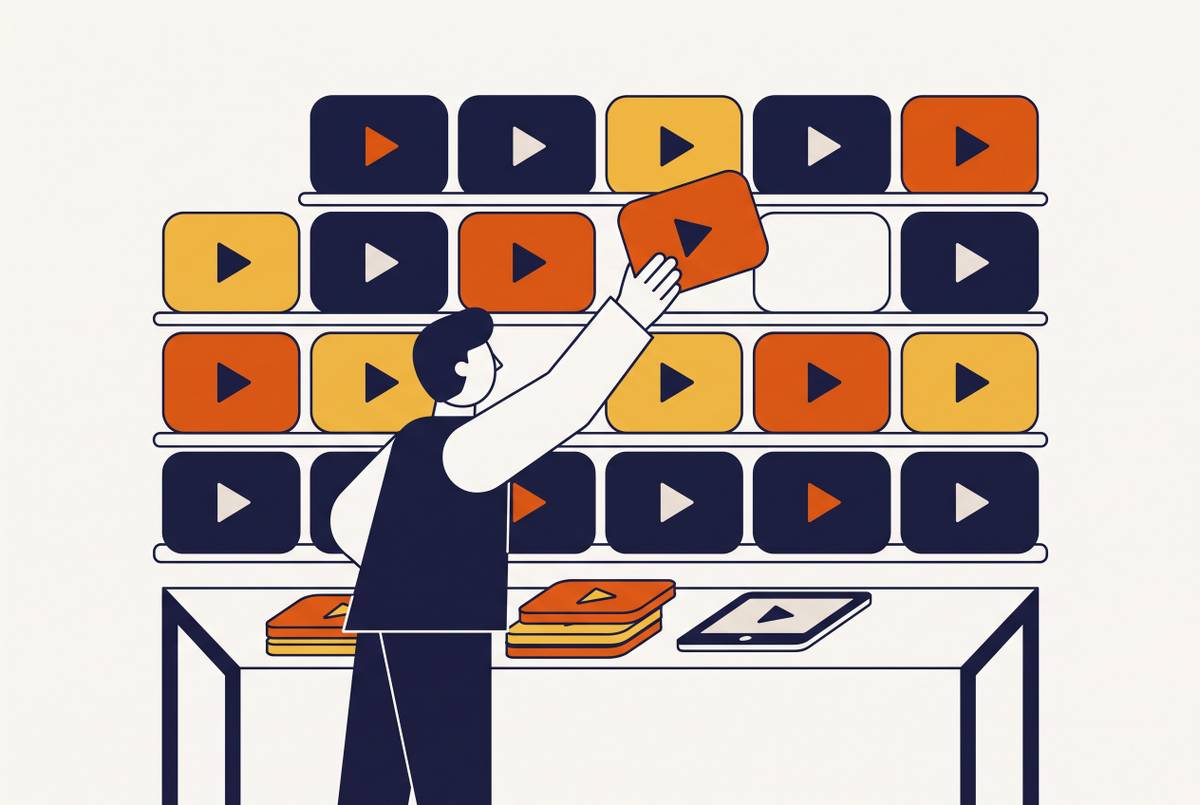
Effective sales enablement video programs organize content around ramp stages instead of topics, because what a rep needs to know on day three has almost nothing in common with what they need in week six. A topic-based library (say, folders labeled "Product," "Pricing") asks the rep to guess which folder matches their current problem. A stage-based library hands them the answer.
Stage one covers pre-call readiness, roughly days one and two. The job here is foundational: product basics and persona context, delivered through short, benefit-led explainer videos that cover what the product does and why it matters, without requiring a full live demo. The goal is to give a brand-new rep enough grounding to run a credible first discovery call. The same principle that governs good customer onboarding applies internally too: one outcome per video. A single video trying to cover "everything" about the product overwhelms a rep exactly the same way it overwhelms a new customer.
Stage two covers active pipeline, roughly weeks two through four. This is where objection handling and competitive positioning take over. Short, focused clips addressing the recurring objections, price, implementation time, security, let the video do the work of landing the message consistently, rather than leaving it to each rep to improvise their own version on the fly. Competitive battlecards get the same treatment: instead of a static deck a rep has to read and remember, the battlecard becomes a short video module they can watch right before a call and forward to a teammate who's stepping into the same deal.
Stage three covers deal progression, roughly weeks four through eight. This is the proof stage: customer testimonials and vertical fluency. Real customer stories that a buying committee can watch on their own time carry more weight than a case study PDF, and they're far easier to share with an economic buyer who never sat in on the original demo call. Pairing that with industry-specific use-case videos, built by vertical, means a rep can sound fluent in a prospect's world without reconstructing the story from scratch for every new account.
Stage four covers ongoing enablement, the period after the initial ramp ends. This stage is less about onboarding and more about keeping pace. Quick refresh videos now replace the long PDFs that used to announce a pricing change or a UI update. Short microlearning modules handle competitive moves and process changes, available whenever a rep needs them instead of waiting for the next scheduled training call.
Not every video belongs at every stage, and that's the point of building the map this way. A ten-minute product deep dive that works in week six will lose a brand-new rep on day two. The most effective programs match the video type to where the rep actually stands in their ramp, not to what's easiest to produce next.
What makes a training video stick
A video a rep actually uses is short, tied to one task, and built around a single outcome. The stage map determines what gets made. Craft decisions shape whether the rep remembers any of it.
Delivery quality affects whether the rep remembers any of the training. There's a consistent warning from practitioners who've tested AI avatars in training contexts: wherever trust is the thing being built, leadership training, sales enablement, customer-facing education, a robotic avatar delivery undercuts the authority the content needs to carry. It means being selective about where AI sits in the production process. Script cleanup, captions, zoom, visual matching, AI handles these well. Trust-critical narration still needs a human-sounding voice or a real presenter behind it. The choice between an AI avatar and a screen recording with human narration is one of the biggest decisions a team makes, and the right answer depends on the content's purpose, not on which option is newer or faster to produce.
Proof beats explanation, in training videos the same way it beats explanation in a sales demo. A demo that shows a customer outcome persuades more effectively than a demo that walks through a feature list. The same logic applies internally: a scenario-based clip showing a rep actually handling a tough objection teaches more than an abstract walkthrough of "here's how the feature works." One shows the skill in motion. The other describes it.
Captions aren't a nice-to-have for a distributed sales team. Plenty of reps watch training clips on mute, because they're sitting in an open office or squeezing in two minutes between calls. Captions make that possible, functioning as a core usability feature rather than an accessibility checkbox. When subtitle styling and branding stay consistent across every module, it signals that the content is current and maintained, so a rep doesn't have to wonder whether a given video is still trustworthy.
Picture two versions of the same objection-handling video. The weak version is five minutes long, opens with a generic AI avatar reading a script about "handling pricing objections," and never shows what a real conversation sounds like. The strong version shows two reps role-playing the actual objection, it uses a human voice, and it ends with the exact line the rep should say next. The second version gets rewatched before calls. The first one gets watched once, for compliance, and forgotten.
Building a production workflow that keeps videos current without a production team
None of the structure above holds up if updating a video costs as much time as making one from scratch. The only workflow that scales against a fast-moving product and a fast-moving message is one where editing a training video costs about as little effort as editing a document.
The dominant pattern in 2026 isn't new production, it's asset-to-video conversion. Enablement teams take what already exists, playbooks, product pages, slide decks, recorded demo calls, and turn those into finished video rather than starting from a blank script. Several input types work well here: approved talk tracks and playbooks convert through text to video, existing sales decks convert through PPT to video, product announcement pages and internal wikis convert through URL to video, and recorded calls or demos get reworked through transcript-based editing.
Splitting the work between the AI layer and the human layer matters for figuring out where quality actually comes from. AI handles the mechanical, time-consuming parts: scene segmentation, visual matching, voiceover generation, captioning, smart zoom, and applying brand elements. Humans own the parts that require judgment: messaging accuracy, trust-critical delivery decisions, compliance review, and deciding which content belongs at which ramp stage. One practitioner finding captures the scale of the shift well: a five-minute enablement video that used to take over an hour to produce with traditional tools, manually syncing screenshots, timing narration, exporting across platforms, can now come together in minutes once the visuals match the narration script automatically.
The update workflow is where this approach pays off the most, and it's also the direct fix for letting outdated videos sit in the library unchanged. With transcript-based editing, a pricing change or a competitor move doesn't require booking a studio or re-recording anything. Someone edits the script text, and the video regenerates around it. If teams use tools built for this kind of transcription-driven editing, they can remove filler words, trim silences, and update wording without reopening the entire production chain.
None of this works at scale without governance. If you lock in logo, fonts, and color palette through a shared brand kit, every rep in every region can put out on-brand video without needing a designer to check their work. Shared project libraries and in-browser collaborative review links also shorten an approval cycle that would otherwise stretch production timelines out for weeks. The teams that handle this well set the rules up front: what inputs are allowed, what outputs are expected, which brand standards apply, what the quality checks look like, how reviewers collaborate, before the first video ever gets generated. Defining that operating model early prevents rework once the library grows past a handful of modules.
A build-in dual-output production from the start, generating both a video and a written SOP from a single recording. Video is the better format for showing motion and sequence. Written documentation is better for scanning, searching, and following steps at a reader's own pace. Reps need both, and platforms that produce a polished video alongside a written SOP from one screen recording solve a problem that otherwise occurs every time the product updates: video and written documentation drifting apart.
Distributing training videos so reps find the right one at the right moment
Production and structure solve half the problem. Distribution solves the problem of reps finding the right video at the right moment, and most programs underinvest in it.
Placement should follow the moment of need. A video belongs embedded at the ramp stage a rep is actually in rather than organized by topic, since what a rep needs on day three differs categorically from what they need in week six. Feature-specific videos should trigger the first time a rep hits a blank state or meets a capability they haven't used before. Video should sit inside every help center article, and support ticket responses should link directly to the relevant clip, because what already works for customer-facing onboarding works just as well for internal rep enablement. Keeping clips short and self-contained also makes them portable in a way static documents aren't: a rep can send a two-minute walkthrough to a prospect, and it ends up circulating across the entire buying committee without a single calendar invite getting sent.
For training that doubles as a compliance requirement, distribution needs to run through an LMS. SCORM and xAPI export, completion tracking, and analytics stop being optional once leadership expects training completion as a measurable business outcome. Without that tracking layer, training stays content, and you can't report on it. LMS integration also supports role-based tracks, which matters because a new SDR and a new enterprise AE are on different ramp paths and should never be watching the same video queue.
Search matters as much as placement. A modular library full of well-made clips still fails if reps can only find videos by scrolling through a folder structure. They need to search by topic, by deal stage, by objection. Tagging every video by ramp stage, persona, product area, and objection type isn't a finishing touch, it's an operational requirement once a library grows past a handful of modules.
Field reps also need channels built for how they actually work day to day. Slack announcements, mobile-first clips, and short-form internal posts work just as well to distribute product refresh and competitive update videos, not just channels reserved for external marketing content. Aspect ratio should be decided during production, not patched afterward: 16:9 for LMS, 9:16 for mobile-first field updates, and 4:5 (with 1:1 as a fallback) for internal social. Getting that right at the point of creation means the same video shows up correctly no matter where a rep encounters it, on a laptop before a call or on a phone between meetings.