Building a Software Training Video Library Without a Media Team
Organize your video collection with a five-part system before recording starts.
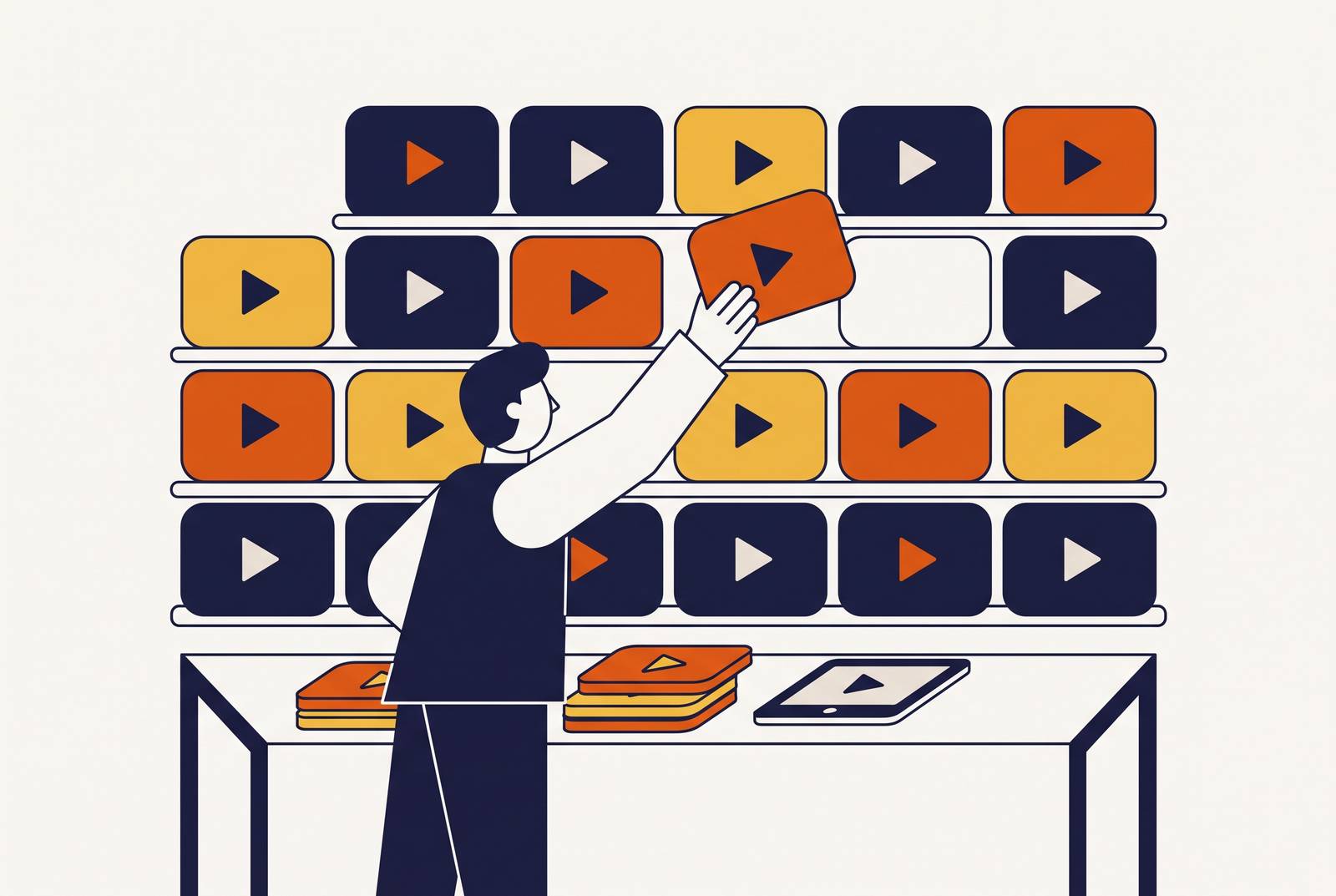
Most software teams know the feeling: someone opens the shared drive looking for a training video and finds files with names like "final_v2" and "demo_updated_real. Nobody remembers which one is current. That moment, the one where a team realizes it has a pile of recordings but nothing it would confidently hand a new customer, is where this problem actually starts.
The cause is almost always the same. A feature needs explaining, someone grabs a screen recorder, posts the result somewhere, and moves on. No shared structure guides what gets recorded next. No one owns the video once it's published. No plan exists for what happens when the product changes under it. Each recording is treated as a finished task rather than one unit in an ongoing system, and that's exactly the mindset that keeps the collection from becoming a library.
L&D and onboarding teams report the same pattern over and over: producing the first video was never the hard part. Keeping it accurate over time is where the system breaks down. A library that can't be updated without starting over is a growing pile of expiring content, and the gap between the two is the subject of everything that follows.
What a training video library requires to function
A library isn't defined by volume. What separates a library from a pile is whether the content can be found, maintained, measured, and extended by people who have never produced a video professionally in their lives.
Five functional requirements draw that line. The library needs a content hierarchy that maps each video to a user segment and a stage in that user's learning journey, so nobody is guessing who a given video is for. It needs a production workflow repeatable enough that any team member can follow it without special training. It needs clear ownership: a named person responsible for each video staying accurate. It needs an update mechanism that doesn't require re-recording from scratch every time the product changes. It needs measurement that ties viewing behavior to actual outcomes, showing whether anyone learned something rather than just whether a view counter climbed.
A sixth factor drives all five: the ability to produce and update many videos without the workflow collapsing under its own weight. Video quality is a reasonable thing to care about. Batch production capability, the capacity to keep churning out accurate content at scale, is the more important planning criterion for a team without a media department behind it.
Maybe there's an obvious owner for onboarding content, or a decent tagging system in whatever tool hosts the videos. What's usually missing is all five working together, and that's precisely why the library never quite clicks into place even when individual pieces look fine on their own.
How to build the content hierarchy before recording anything
The single most common waste in training video production is recording something nobody needed: a topic that duplicates existing content, a video aimed at the wrong audience, or an explanation of a step nobody was ever stuck on. All of that is avoidable, provided the hierarchy gets built before the camera, or the screen recorder, ever turns on.
Planning should start from support data. The topics generating the most support tickets, the onboarding steps where users consistently drop off, and the features with the lowest adoption numbers are the clearest signal of where the library needs coverage first. Instinct says "people probably want to see the dashboard tour." Support data says where users are actually getting stuck, and that's a far more reliable map.
Before scripting a single video, it helps to map it against three variables: the user segment it's built for, the moment in that user's journey when they'll need it, and the single action the video is meant to drive. A simple table does the job: one column for segment, one for journey moment, one for intended action. Nothing more elaborate is required. This isn't a full instructional design exercise, just a planning discipline that keeps every video tied to a real purpose instead of a vague sense that the topic seemed worth covering.
That same hierarchy also sets update priority later. A video sitting at the top of the funnel, the kind every new user watches in their first session, needs to stay current faster than a niche walkthrough built for power users who rarely touch that corner of the product. Planning the hierarchy up front means the team already knows which videos deserve the fastest attention when the product eventually shifts.
Designing a production workflow that non-specialists can repeat
What makes library-scale production possible without a dedicated media team is a shift away from the old record-everything-then-edit approach, toward a modular, AI-assisted pipeline where every stage has a clear input and a clear output. Instead of one person doing everything from script to final cut, the work breaks into stages that different people, or the same person at different times, can run independently.
Recording first rather than scripting first removes the two slowest parts of the old process: trying to remember every step in order, and then describing those steps in writing before anyone touches a camera. Doing the task once on screen solves both problems simultaneously, since that single capture becomes the source material for the video and for the written documentation at the same time.
A repeatable workflow built this way runs through five stages, and any team member can own any one of them. It starts with a script or outline, usually pulled from an SOP, an internal doc, or a PDF the team already has, since the document-to-video pipeline means nobody has to write a script from zero for every new video. From there, someone captures the screen workflow directly or uploads existing slides and documents. AI-assisted production then handles the rewriting of raw narration, voiceover generation, captioning, and the zoom and emphasis effects that used to eat up editing hours. A human reviewer checks the result: the subject-matter expert who recorded the video confirms accuracy, and a documentation editor checks for completeness, a step that stays non-negotiable for safety-critical or compliance material where AI can miss edge cases or knowledge that was never stated out loud. The video then gets published and tagged, entering the library with metadata that makes it findable and links it back to the SOP it came from.
AI carries the parts of the process that used to slow teams down most: cleaning up scripts, generating voiceover, adding captions, handling zoom effects. Humans keep control over accuracy and creative judgment, because AI video tools cut production time without replacing the instructional design decisions a person still has to make. Once this workflow runs smoothly for a single video, the workflow itself becomes the template, and running it again produces the same result.
Video and step-by-step documentation should come out of the same recording
Video and written documentation each do different jobs, and a training library needs both: video carries process overview, sequencing, and context, while step-by-step docs carry the exact actions, parameters, and edge cases someone needs open in another tab while they work. Neither replaces the other.
Treating them as separate workflows doubles the production burden, and the same screen recording that generates the video is also the most accurate source for the SOP, because it captures what you actually do rather than what you think you do. One recording, two outputs, instead of two separate efforts that can quietly drift apart from each other over time.
That shared source becomes even more valuable once the product changes. A UI update means both the video and the SOP need to reflect the new reality, and if they were built from the same source, they can be updated from that same source. Modular architecture reduces update risk: breaking training content into small, topic-specific modules means a product UI change triggers an update to one module.
AI-generated SOP drafts make a strong starting point, but they stay a starting point. Edge cases, implied knowledge that was never spoken aloud during recording, safety-critical steps, and decisions that depend on context can all slip past an automated draft. The subject-matter expert who did the recording and a documentation editor both need to sign off before anything goes live. They're one workflow wearing two outputs, not two separate projects competing for the same team's time.
Assigning ownership without a dedicated media team
Having no media team means ownership gets distributed across the teams that already hold the knowledge: customer success, product, L&D, sales enablement, and operations. The knowledge already lives somewhere in the organization. The job is assigning who's responsible for turning it into a video and keeping it accurate.
The belief that only specialists can produce video causes ownership to collapse back to nobody. If a customer success manager assumes video production requires a production background, the video never gets made, and the knowledge stays locked in that person's head. The fix is making the workflow simple enough that a CS manager or product manager can run it start to finish without help.
A practical ownership model fits four roles, and a small team can cover all four with as few as two people. A content owner, often a CS lead or product manager, decides what gets made, reviews it for accuracy, and stays accountable for updates when the product changes. A recorder, frequently the same person or another subject-matter expert, captures the screen workflow once. An editor runs that recording through the AI-assisted pipeline, handling script cleanup, voiceover, and captions, with no video production background required to do it. A librarian, a role that can rotate or be shared across the team, tags and publishes the video, links it to its SOP, and tracks whether it needs an update down the line.
None of these roles need to be four separate people sitting in four separate departments. What matters is that each responsibility has a name attached to it rather than floating unassigned, waiting for someone to notice it's nobody's job. At scale, this model needs every team, customer success, L&D, product, sales, able to produce its own content independently, because the system breaks the moment one team becomes the bottleneck everyone else has to wait on.
Keeping the library current as the product changes
A training library only holds value while it stays accurate, and for software that ships updates continuously, staying current is the real reason libraries fail, not the cost of producing the first batch of videos.
The architectural fix is modular content: each video covers one task or one feature rather than a chain of several, so a UI change in a single area triggers an update to one module instead of a full re-record of a course built around many steps. This applies the same modular principle from the production workflow section to maintenance rather than creation.
Ownership turns that architecture into something that actually happens rather than something that should happen. The content owner assigned to a video at the moment it's created is the person notified when the feature it covers changes, so the library doesn't depend on someone happening to stumble across an outdated video and flagging it. For regulated industries or compliance-heavy products, version control adds another layer: being able to show which version of a training video was active at a given point in time, and update only the one module that's affected, counts as an enterprise requirement rather than a nice-to-have.
The compounding effect is what makes this approach worth the setup cost. A modular library with named ownership and an AI-assisted update process gets easier to maintain as it grows larger, not harder. A pile of unstructured recordings works the opposite way: every new video adds to a debt that nobody is tracking, and the whole collection gets harder to trust with each addition rather than more valuable.
Scaling to multiple teams, languages, and use cases without rebuilding
Once a production system runs well for one team, extending it to other teams and other languages becomes an infrastructure decision rather than a new project from scratch, as long as the original tooling and architecture were built with that extension in mind.
Localization is where a lot of libraries quietly stall out. Straight translation alone falls short for global training, because it ignores the local workflows and operational realities that differ from one region to another. AI-assisted translation paired with professional linguistic review closes that gap and makes multilingual production achievable without carving out a separate localization budget.
Microsoft's experience with Articulate Localization is the clearest documented example of this working at scale: courses localized into five languages, with translation time cut in half. A Fortune 500 restaurant group using the same platform translated its courses across multiple languages in five weeks to speed up training across its global teams, showing that pace like that doesn't require a large dedicated localization staff when the underlying architecture is modular to begin with.
The same production infrastructure that serves customer education can carry sales enablement, L&D, and internal operations content too. Each of those teams runs the same production workflow and draws from the same asset repository, simply building a different content hierarchy suited to its own audience. The system doesn't need rebuilding for each new use case. It needs a new hierarchy layered on top of infrastructure that already works.
Measuring whether the library is doing what it was built to do
A video library that can't be measured functions as an archive, not a business asset. Measurement is what separates a working system from a well-intentioned hobby that happens to produce videos.
Practitioners generally work with a three-tier model. Consumption metrics, view count, completion rate, rewatch rate, show whether content is actually getting used. Behavior metrics go a layer deeper, tracking feature adoption after someone watches a video and whether their behavior in the product actually changes afterward. Outcome metrics connect that behavior back to the business reason the library exists: fewer support tickets on a topic, faster onboarding, higher adoption of an underused feature.
View counts without behavior data just prove people clicked play. Behavior data without outcome tracking proves people changed something without proving it mattered to the business. Together, the three tiers turn a stack of videos into a system that can justify its own upkeep, the same system this entire piece has been describing from the first missing structure to the last localized course.