Integrating Training Videos Into LMS Platforms
Proper integration requires decisions about production, technical setup, and data tracking.
Teams that drop a video file into an LMS have completed the easiest part of the job; producing measurable learning outcomes still takes the rest. The upload button feels like a finish line, but it isn't one.
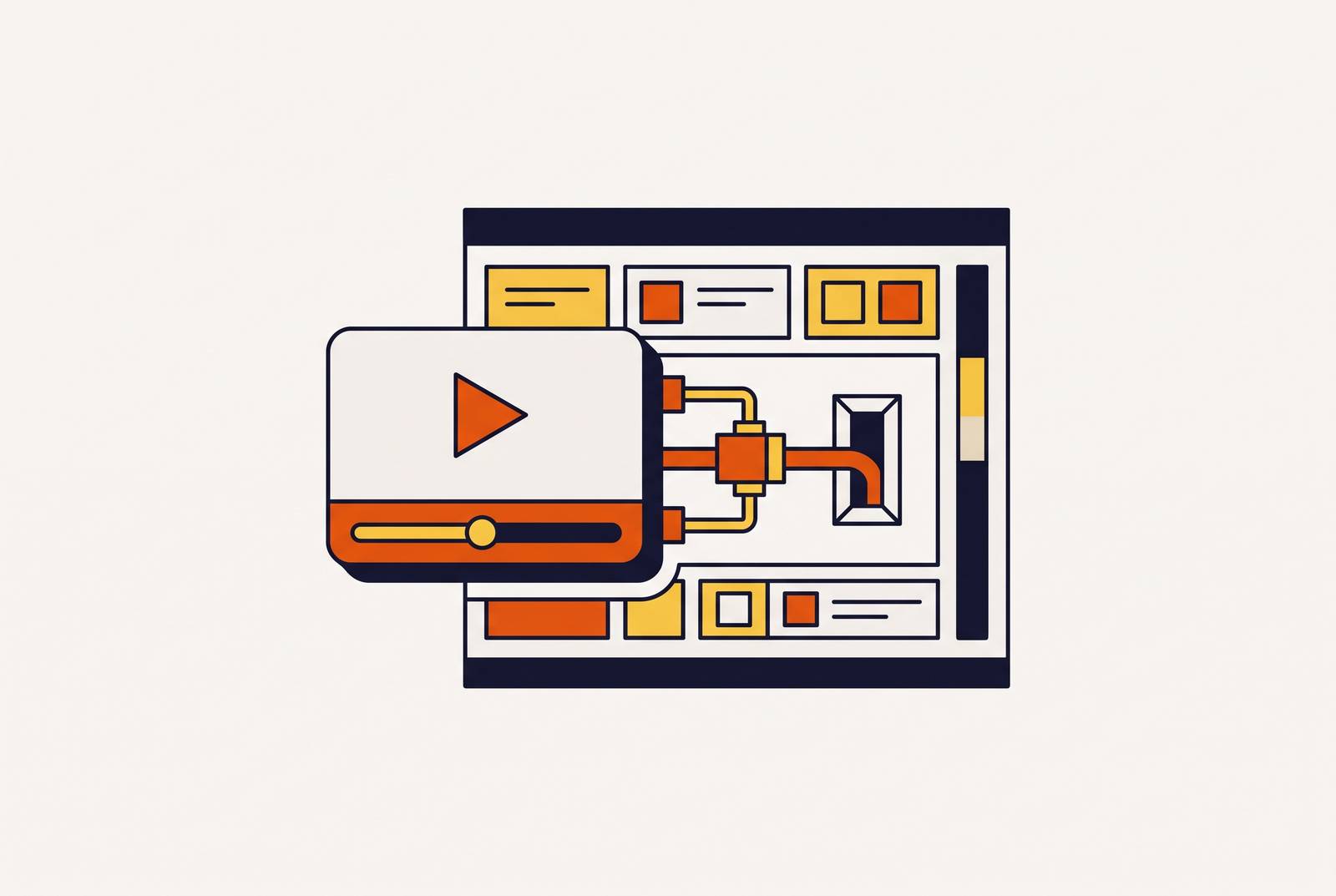
Whether a training video delivers any return depends on three separate layers: how the video was produced, how it technically connects to the LMS, and whether learner data flows back automatically once someone watches it. If you skip any one of those layers, the gap won't announce itself right away. The gap appears weeks later as a completion report nobody can generate, a module that has to be checked by hand, or a library of videos that quietly goes stale because updating them takes as much effort as making them did the first time.
Most organizations capture only surface-level analytics, views and watch time, because no one ever set up the deeper connection between video and LMS. Watch time tells a training manager that someone pressed play. It says nothing about whether that person finished the module, scored well on the embedded quiz, or retained anything past the end screen. A properly built integration answers those questions automatically. To get there, treat video production, technical integration, and data tracking as three decisions made in sequence, not one decision made once and forgotten.
What "LMS-ready" means before a video is recorded
A video earns the label "LMS-ready" long before anyone checks a box in the upload screen. What matters far more is the decisions you make during production about length, structure, and metadata. Get those three things wrong at recording time, and no amount of LMS configuration afterward will fix them.
Segment length is a structural constraint. Engagement drops sharply once a single training segment runs past a short threshold, so if content needs more time, split it into separate modules instead of stretching it into one long recording. A microlearning clip should run a few minutes at most, delivered as MP4 or WebM with compression built for mobile viewing. A software tool walkthrough can run longer, but you need high-resolution clarity on the UI elements learners are asked to follow.
Metadata is the decision most teams skip entirely, and it's the one with the steepest cost. If you apply searchable titles, role tags, module descriptions, and language labels at the point of production, a learner can actually find the right video inside the LMS. None of that metadata is hard to add. It just has to be added at the start, because retrofitting tags onto a library of existing videos is a project most teams never get around to.
Captions and transcripts belong in the same category: not a nice-to-have, but a requirement that accessibility compliance and in-LMS search both depend on. AI-powered speech-to-text now generates both at the same time the video itself is produced, rather than as a separate pass afterward.
Each video type that performs reliably inside an LMS serves a distinct learning goal, so if you mix them up, you waste production effort on the wrong format. Onboarding and orientation videos guide new hires through culture, tools, and expectations, so they cut down on first-week confusion. Software and tool walkthroughs give step-by-step clarity on internal systems and are easy to refresh when those tools change. Compliance and policy videos deliver uniform, trackable information where the completion record itself satisfies a regulatory requirement. Scenario-based learning recreates real workplace situations and pairs with LMS assessments to close the loop between watching and demonstrating understanding. Microlearning clips stay short and searchable, keep attention high, and work well alongside just-in-time support at the moment a learner actually needs it.
Producing LMS-ready training videos without a dedicated production team
The production bottleneck that used to require a dedicated video team and days of editing time has largely disappeared. Teams that know how to use AI-assisted workflows are now producing content at a pace that once demanded a full studio behind it.
Clueso is built specifically for this workflow. A team records or uploads a screen capture, and Clueso's AI rewrites the script, adds a lifelike voiceover, applies smart zoom, generates captions, and produces an accompanying how-to article alongside the video, all without requiring anyone on the team to have video production experience. Video and written documentation come out of the same workflow at the same time, which keeps LMS modules and their supporting SOPs in sync instead of drifting apart as each gets updated separately. Teams get branded templates, blur tools for sensitive on-screen information, and an article co-pilot, so they control the finished product without needing a designer in the loop. Pricing is designed to meet teams at any stage, from a free plan and affordable self-serve tiers to a custom-priced Enterprise plan. It fits particularly well for software walkthroughs, onboarding modules, and SOP-based compliance content, which happen to be the content types any LMS library has to update fastest to keep current.
Beyond that core workflow, production tools split by content type, and no single tool is the right answer for everything. Screen recording with AI cleanup is the right choice for software training and process walkthroughs, since you can produce it fast and update it the moment the underlying software changes. Converting existing SOPs, policy libraries, or training decks into video is a different job, and platforms built for document import and scene generation handle that conversion at scale. Traditional filming still has a place, but it's reserved for content that has to show real people performing real physical tasks, which makes up a small minority of most corporate training libraries. AI-assisted production covers most of what a corporate training library actually needs, and you keep traditional filming in reserve for the narrower slice that genuinely requires it.
None of this works long-term if you keep content creation locked inside a production team. Subject matter experts need to be able to create and update their own content without routing every revision through someone else's calendar.
Technical standards that connect a video to an LMS
SCORM and LTI get treated as interchangeable acronyms in a lot of LMS documentation, but they aren't, and the choice between them determines what learner data a team will ever be able to capture.
SCORM packages a video and its tracking logic into a single file that lives inside the LMS. Its extension, xAPI (sometimes called Tin Can), pushes that reach beyond the LMS itself, capturing learning that happens in the flow of work, inside simulations, or on mobile, and storing that data in a Learning Record Store rather than the LMS alone. That setup suits organizations that want to track actual behavior change beyond whether someone clicked through a course to the end screen.
LTI 1.3 works differently. It builds a live connection between the LMS and an external video platform, so a learner clicks a link inside the LMS and launches directly into that external platform to watch the content. LTI 1.3 bakes OAuth 2.0 security into that connection, and deeper grade sync becomes available through LTI Advantage extensions on top of it. If you run a dedicated video management platform alongside your LMS rather than hosting everything natively, this approach fits you.
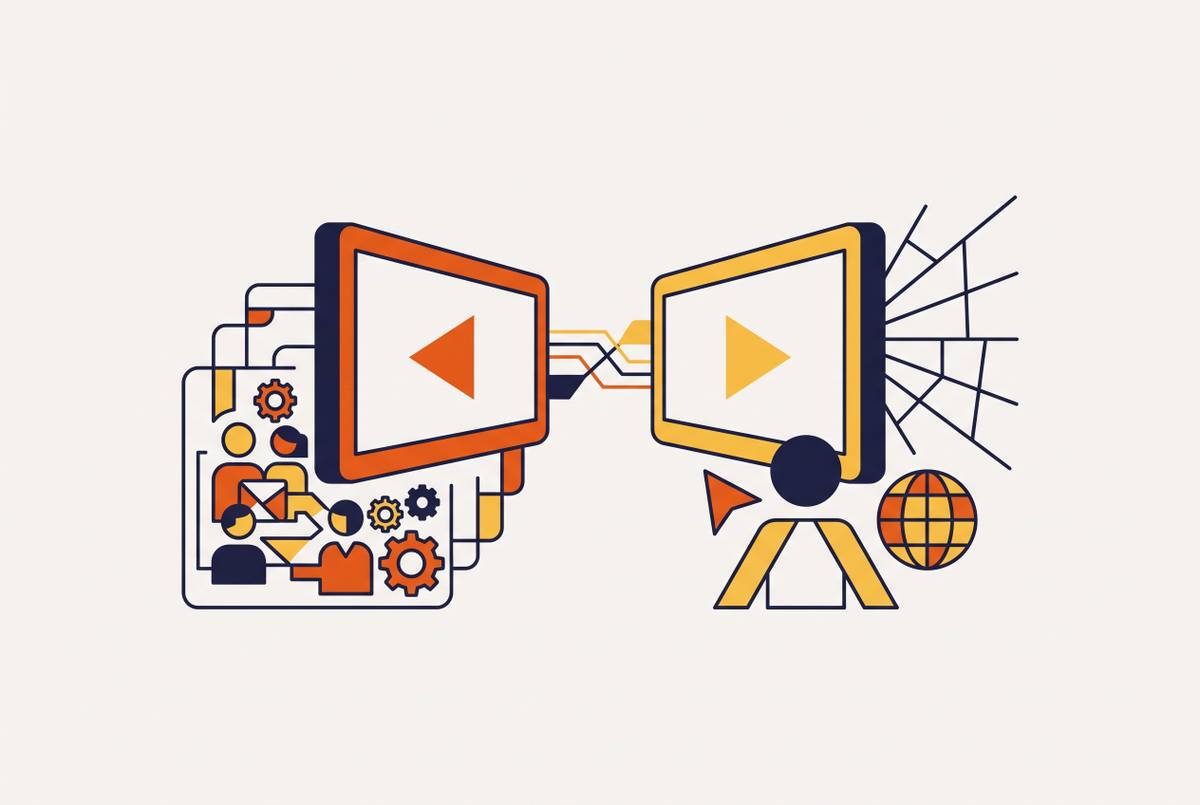
SCORM wraps the content itself, while LTI connects the platforms to each other, and both result in automatic progress syncing back to the LMS, but LTI supports richer, more dynamic content that can't be packaged into a single static file the way SCORM requires. When either standard is implemented correctly, completion status, time spent, and quiz scores flow straight into the LMS gradebook, and nobody has to generate a manual report. That automatic flow is the baseline that makes measuring training ROI possible at all.
The failure mode is common and avoidable. Organizations that embed videos as plain links or iframes get view counts and nothing else: no completion tracking, no time-spent data, no quiz scores. Every completion has to be logged by hand, since nothing else logs it. That's the manual work a wrong integration choice creates permanently, not just at launch but for every video added to the library afterward.
Choosing the right LMS for a video-heavy training program
When you choose an LMS for a video-heavy program, you aren't just picking whichever platform has the longest feature list. The right choice is whichever platform's video integration, analytics depth, and target audience actually match the way a given team works. That means evaluating a specific set of video capabilities before signing a contract, not after. Confirm which versions of SCORM and LTI the platform supports natively, since vague claims of "SCORM compatible" can mean an outdated version that doesn't support the tracking a team actually needs. Look for granular engagement analytics, second-by-second heat maps, drop-off points, and individual viewer tracking, rather than settling for aggregate completion percentages that hide where learners actually lose interest. Check for embedded interactivity, meaning in-video quizzes and polls that feed scores directly into the gradebook instead of living in a separate tool. Confirm searchable transcripts and multilingual captioning are available for global teams and accessibility compliance. And check whether the player is ad-free and brandable, since training content interrupted by ads or hosted on a platform that can change its policies overnight isn't something most compliance teams can risk.
TalentLMS suits growing teams that want an all-in-one training platform, with native integrations into Zoom, MS Teams, GoToMeeting, and BigBlueButton, plus an AI tool called TalentCraft that generates training video directly from text prompts or scripts without needing an instructor on camera. It offers a free plan for small teams, with paid tiers scaling up to enterprise pricing available on request, and reviewers consistently point to its ease of use, fast implementation, and value for money. Docebo serves a similar enterprise and growing-team segment within the internal training category. Adobe Learning Manager targets larger enterprise organizations focused on employee skilling, customer training, and partner enablement, with seminar support for large-scale events through Adobe Connect (which requires a separate seminar license) and an analytics dashboard instructors can access for session data, alongside integrations with MS Teams, Adobe Connect, and Zoom. LearnUpon is built for training employees, customers, and partners together, with session series, session waitlists, and automatic registration into the next available live session, integrating with Google Meet, Zoom, and MS Teams. Tovuti positions itself around AI-powered training for global workforces and integrates with Zoom, MS Teams, WebEx, and Google Workspace. Skilljar is built specifically for customer education, where the audience is external users rather than internal employees. LearnWorlds fits teams that also sell their courses as a product, because it bundles eCommerce functionality directly alongside its LMS features.
The segmentation that matters most when narrowing this list is audience. Internal employee training points toward TalentLMS, Docebo, Adobe Learning Manager, or LearnUpon, while external customer education points toward Skilljar or LearnWorlds, because the audience a platform is built around shapes its underlying architecture. And once your training library grows past what the LMS can reasonably host and search on its own, you should evaluate a dedicated video management platform as a separate layer for storage and deep engagement analytics, rather than trying to stretch LMS-native hosting past its limits.
Building a customer education and onboarding video program inside an LMS
Customer education gets treated as a cost center at a lot of SaaS companies, when the data suggests it functions more like a retention lever. Companies that make that mistake leave measurable gains unrealized, usually because their LMS architecture doesn't match how customers want to learn. Asana offers a concrete example: embedding getting-started modules and tiered tutorials built for different user roles helped the company reduce reported time-to-value by 60%.
The shift driving that kind of result is a move toward in-flow learning. Customers want help while they're in the middle of a task, available before they even know they need it, rather than a course sitting in an LMS they have to go find. In-flow learning shows up as in-product walkthroughs, contextual tooltips, embedded videos, interactive simulations, and role-based recommendations delivered at the moment they're relevant. Building that experience still depends on the same three layers covered earlier: content produced to LMS-ready standards, an integration method that reports data back automatically, and a platform chosen to fit an external customer audience rather than an internal employee one. A customer education program that gets all three right turns onboarding from a static course into a system that meets the customer exactly where the task is. That is where retention gets won or lost.