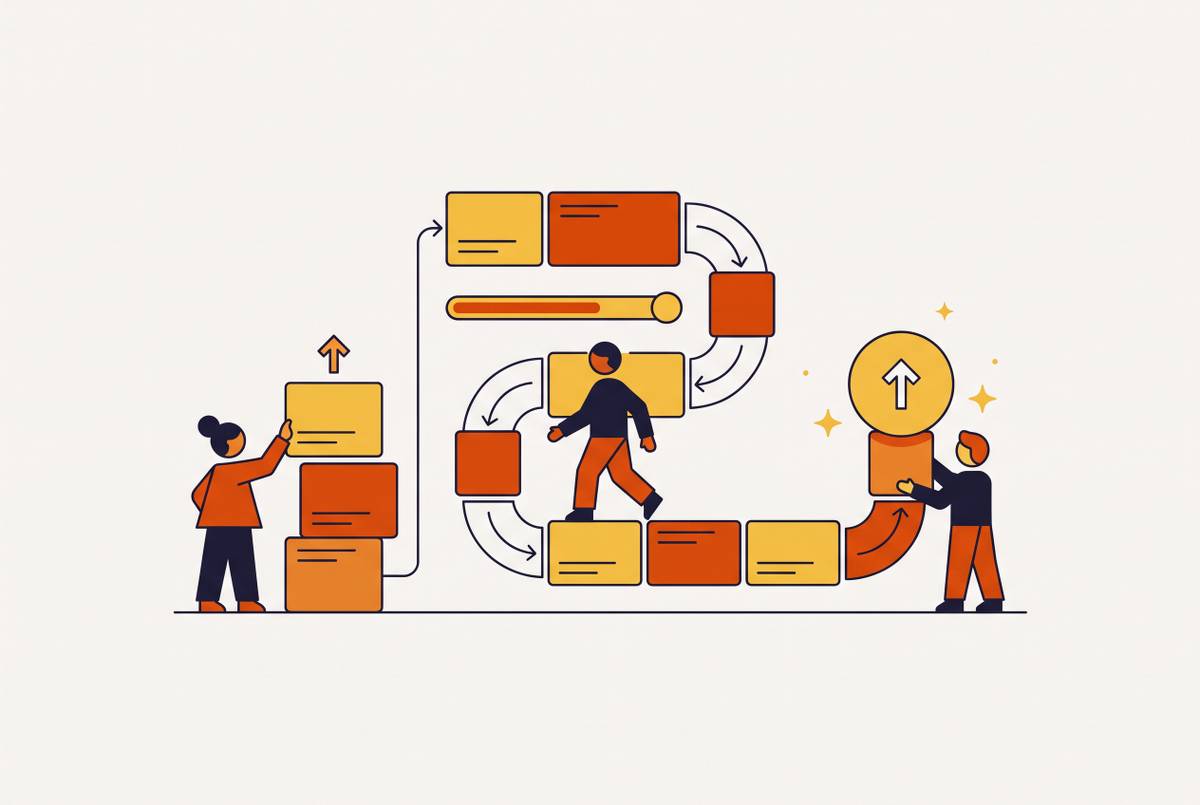
SaaS Onboarding Tutorial Videos Your CS Team Builds and Ships Without a Production Queue
Customer success teams can now produce training videos in-house when AI handles the technical work.
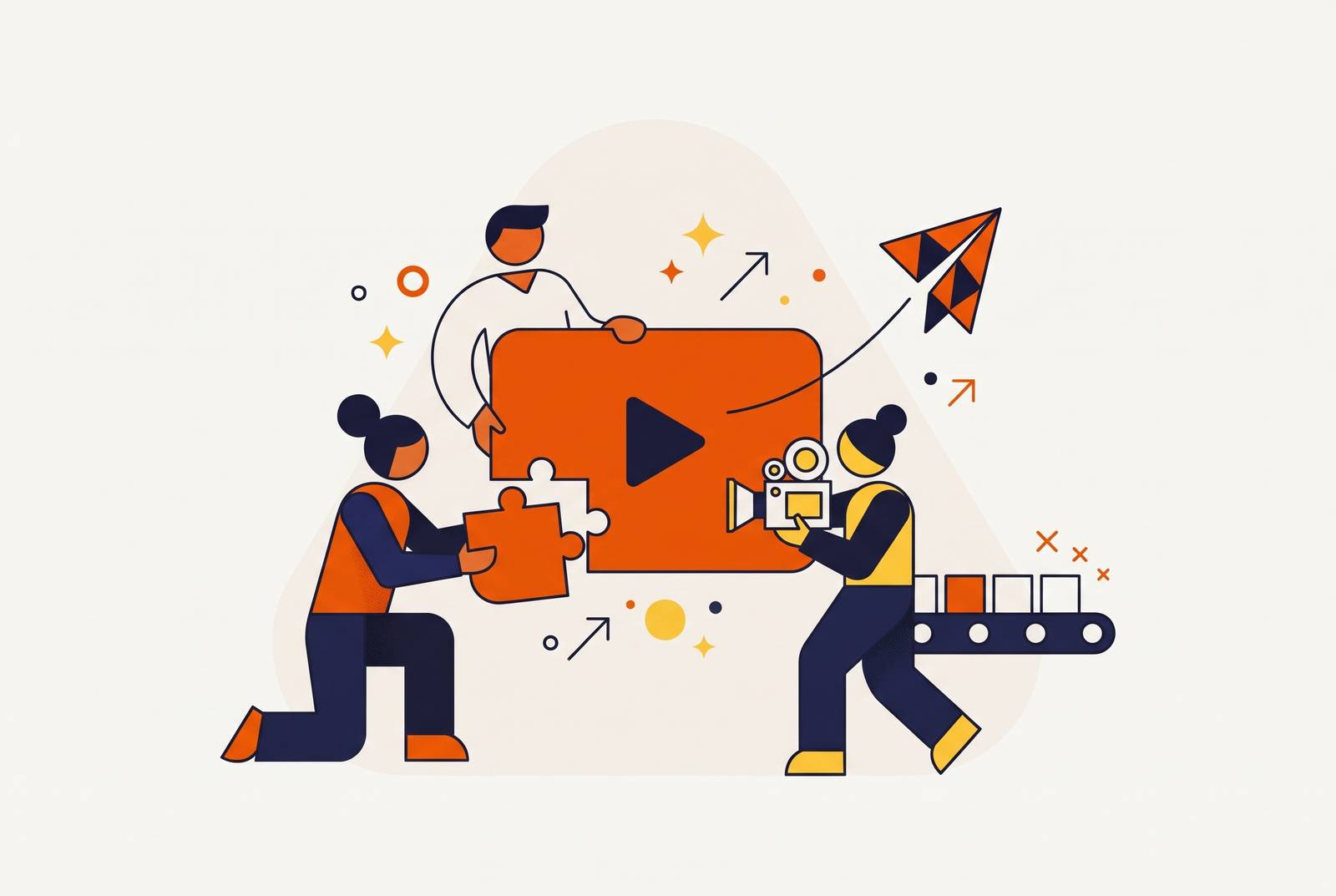
Customer success teams can build and ship SaaS onboarding tutorial videos without a video producer when AI tools handle scripting support, voiceover, captions, and editing. A self-service software training video platform for CS and L&D teams should support that whole workflow, including updates and localization. The key is giving the people who know the product control over both production and maintenance.
Why CS teams are the right people to own onboarding video production
CS teams already know how the product works and where new users get stuck. They hear where users get confused in support tickets, onboarding calls, and renewal conversations. That gives them more than a list of features to explain. It gives them the context for deciding which step needs a demonstration and which detail can wait. A producer would need to learn that from stakeholder interviews before writing a script that explains the steps users need.
Accessible production tooling has been missing. Under the traditional model, the people who know what to explain wait for the people who know how to produce it. That handoff makes a quick response to a spike in support questions harder, while product updates can overtake a video before it ships. AI removes much of the specialist work from production, although approvals and detecting stale content still need a process. CS ownership puts the explanation and its upkeep with the team closest to the customer.
How to choose which onboarding videos to build first
Start with the support queue. Recurring questions show where a short tutorial could reduce the most repeated work. Cross-reference those topics with the onboarding funnel, looking for places where users abandon setup or fail to reach a first meaningful action. A topic that appears in both should come before one that is just easy to show. Use that overlap to pick the first three or four videos.
A first-value feature tutorial can show the single most important action a user must take to see the product’s value. A setup walkthrough can cover the three to five most important steps without turning into a tour of every setting. Where the problem occurs later, a short feature spotlight can appear when someone first encounters a complex feature. A troubleshooting guide belongs with a recurring support question, where it can be searched, embedded in a help response, or linked from an error state.
Decide where each video will appear before scripting it. Placement sets the scope. A feature tutorial may need a few minutes, while a clip tied to a specific point of confusion should stay focused on that problem. This choice keeps a simple request for help from turning into a lesson on the whole product. It also gives the next stage a clear brief, namely the user’s objective, the relevant steps, and the moment when the explanation will help.
How can a CS team member create onboarding videos without a video producer?
Begin with the documentation for the chosen topic. The help articles, feature specs, and changelog entries already have the raw material for the script. An AI tool can turn that material into a concise sequence of steps, then help clean up language and structure. The CS team’s job is to keep the explanation aligned with actual product behavior and the customer’s objective. Starting from current documentation avoids the disconnect that comes from writing about a feature without knowing how it now works.
Settle the script before recording the walkthrough. Most of the instructional work happens here. The script should explain the chosen action in the order the user needs to take it, rather than reproduce every detail in the source article. AI can tighten the wording, but the team knows the product well enough to judge whether the steps make sense. Once that is settled, recording and assembly become execution rather than another round of deciding what the video is for.
Next, storyboard the video scene by scene. Assign each part of the script a visual method, such as a screen recording, an AI avatar segment, or generated b-roll. For SaaS product walkthroughs, screen recording with AI voiceover is the default because it shows the real interface and is straightforward to update. A short avatar segment can open or close the video without someone having to be on camera. Choosing these methods before generating the video saves the time spent rebuilding scenes that did not fit the explanation.
Record clean screen captures at the same resolution. Then generate the voiceover from the final script and assemble the scenes. AI can handle smart zoom, callout animation, caption generation and synchronization, and branded template application. Voiceover generation also removes the need to book a speaker or arrange another recording when the script changes. These are the production capabilities to look for in a self-service platform, rather than judging it only by how polished its sample videos look.
Captions are an essential part of the finished video. A significant share of viewers watch without audio, so narration cannot be the only way to follow the steps. Watch the finished cut on mute and on a phone before approving it. Publish the approved clip where the planning stage placed it, whether that is the product interface, a help article, or an onboarding email.
Why modular, batch production beats making videos one at a time
Making each video as a separate emergency keeps the team switching between planning and production. Batching separates those jobs. At a regular onboarding review, identify the three or four highest-impact gaps, script them together, and generate the set in a single working session. For example, a monthly support ticket review can feed a monthly video batch session. Working this way gives the clips the same tone, pace, and visual style, so the team can keep those choices for each new request.
Keep each video tied to one objective. Modularity makes the batch useful beyond its first release because a feature change then requires replacing only one short clip. It also lets the team place each explanation at the point where a user needs it. A clip can serve an in-product prompt, a help article, or an onboarding email rather than sitting only on a video page someone must find.
Version control — the discipline that keeps onboarding videos from becoming a liability
An outdated walkthrough can create the question it was meant to answer. When the video shows last month’s interface and the user sees this month’s, even a minor change can make the instructions misleading. That confusion returns to the support queue. As the library grows, relying on someone to remember every affected clip becomes less workable. Fast production does not solve this problem by itself because the team still needs to know what has changed.
Start with a spreadsheet. Record the video title, the feature covered, the product version at the time of recording, and a “flag for review” column. Connect that log to the product changelog through a simple responsibility. When a relevant interface change ships, the person who owns the feature’s documentation flags the corresponding video for regeneration. The log gives that person a way to find the affected explanation without reviewing the whole library.
Once a clip is flagged, update the script and re-record the screen or regenerate the relevant scene. Then republish the corrected video. With AI-assisted production, the team can make a small correction without having to find time to book a studio and record a human voiceover. In this model, the operational bottleneck is detecting staleness. The review flag is therefore as important as the editing tool.
Shipping onboarding videos in multiple languages without treating localization as a separate project
For CS teams serving international customers, localized onboarding should be part of the normal release workflow. It should not be a premium add-on. Traditional localization requires professional dubbing and separate production runs, with weeks of turnaround that fit poorly with frequent product updates. AI localization can reduce that work to hours or a day or two, allowing same-week deployment for a new regional cohort or a compliance-driven update. That changes when the team can offer a useful tutorial in the customer’s language.
The team can add a target language with the production tools it already has. The same workflow can support a few languages or many at an equivalent cost-per-minute rate, though that does not make additional output free. A global CS team can therefore include language coverage in the original tutorial’s scope instead of deferring it until after the English version ships.
Audio and subtitles are only part of that scope. In-app prompts, linked calls to action, and any quiz or branching content also need localization for the experience to hold together. Otherwise, the explanation changes language but the next action does not. When choosing a platform for multilingual training, check whether it also supports localization for those interactive elements. That distinction is more useful than treating translated narration alone as a complete customer education experience.
How to measure whether the videos are working
After shipping, measure whether the videos change what users do. Views alone cannot answer that question. A useful framework has three tiers, which are consumption, behavior, and business outcomes. Each tier answers a different question, from whether people watch to whether the education supports retention and revenue. Track all three so that an easy-to-collect viewing metric does not become the whole case for the program.
Consumption signals are things like view count, completion rate, and rewatch rate. They show whether users reach the content and stay with it. They do not establish whether the explanation helps. A completed video still needs to connect to the action it was built to support.
Track feature adoption after a relevant tutorial, time-to-first-meaningful-action, and support ticket volume for topics now covered by video. Support ticket reduction is the fastest payback signal to put before leadership because it maps to a cost the business already tracks. Record ticket volume before and after the video is published so there are numbers to compare without the need for complex attribution.
Compare customer retention for users who finished the onboarding sequence with those who did not, look at NPS correlation with video consumption, and track expansion revenue from users who reached power-user status by learning through video. These comparisons connect the program to the reasons the business funds customer success. These links alone do not prove that video caused the outcome. Keeping that distinction clear makes the case more credible.
Start the leadership conversation with the support work the videos address. Then use behavior and business measures to show whether the program is worth funding further or expanding. This gives CS a basis for defending the work beyond enthusiasm for faster production. AI lets the team do the work without relying on video specialists. Evidence of customer impact removes the organizational dependence on intuition, giving the team a reason to keep owning and shipping the program.