One Screen Recording That Outputs a Video Walkthrough and a Formatted Step-by-Step Article
One recording now generates both a polished video and a searchable help article automatically.
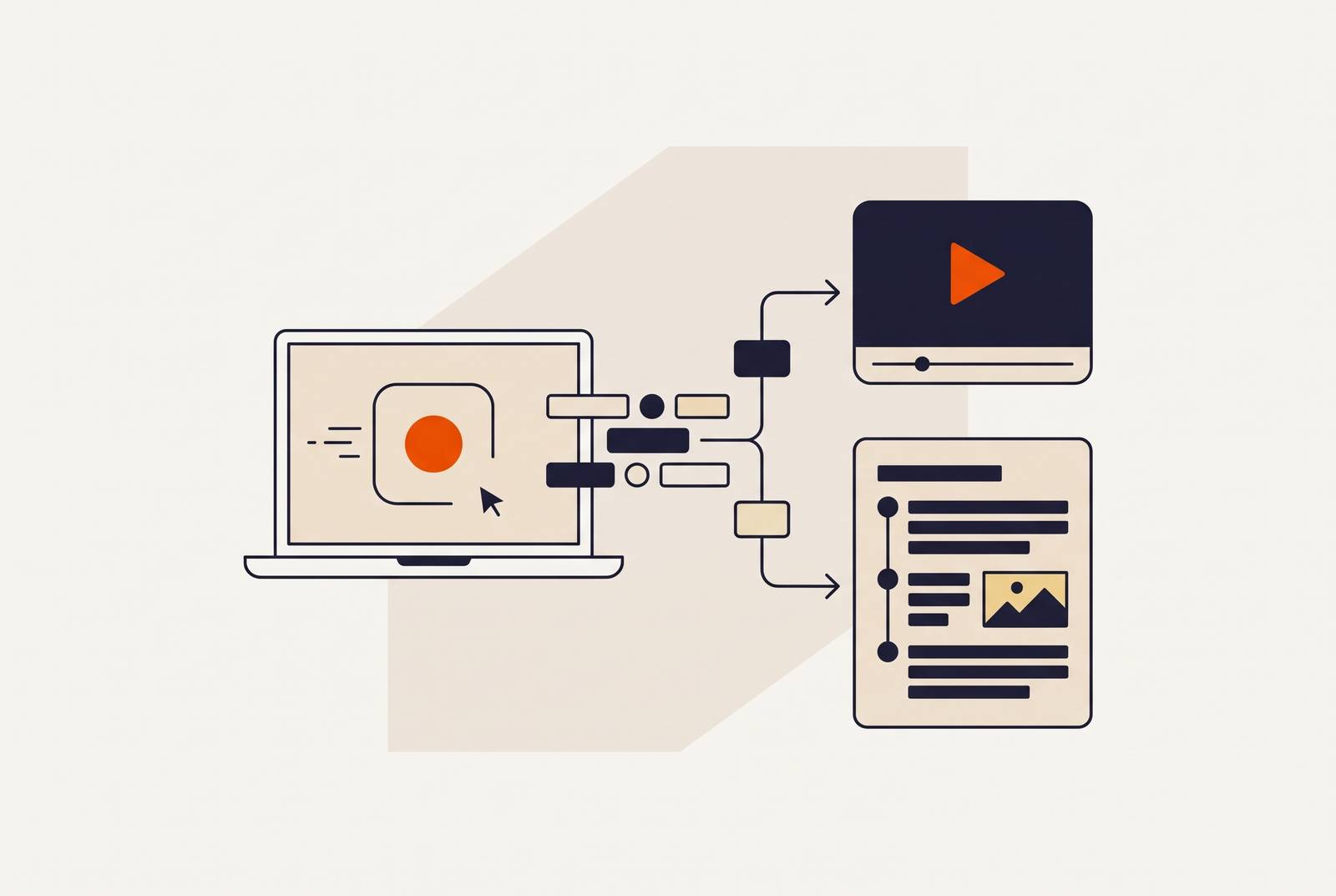
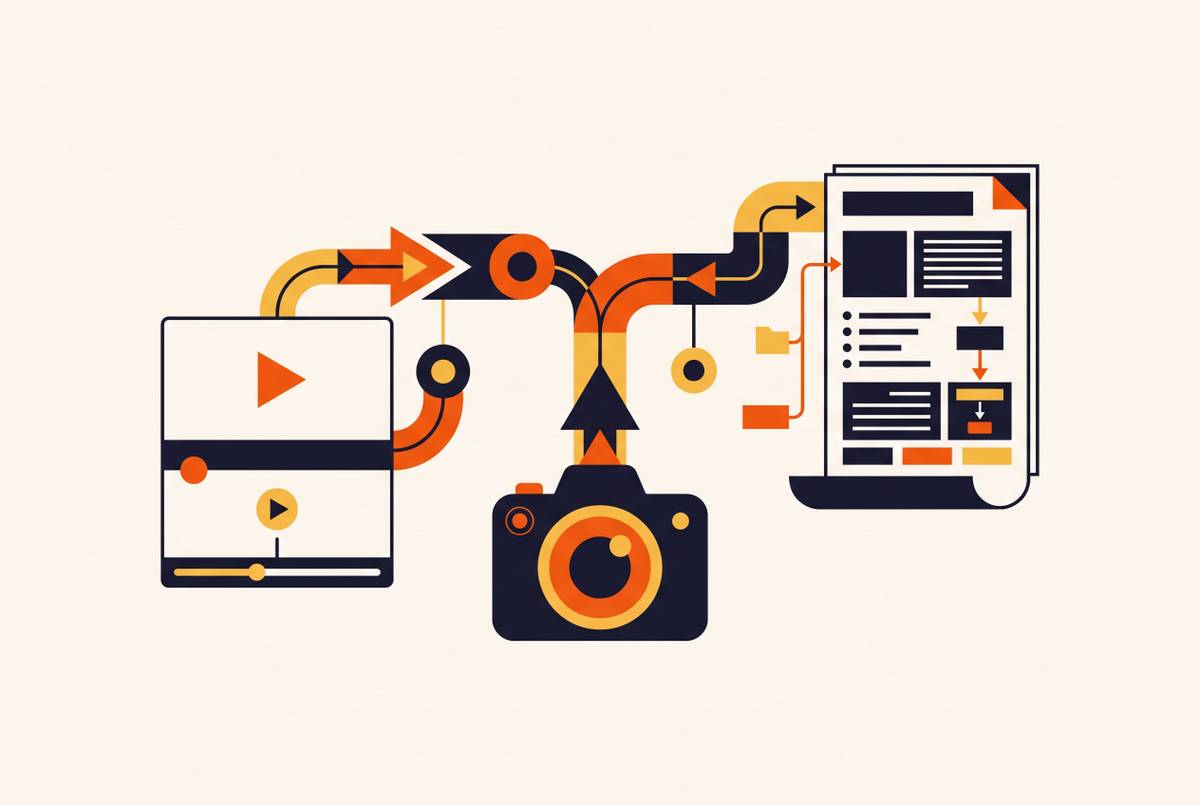
A single screen recording can generate both a product walkthrough video and a formatted step-by-step article when AI treats the capture as structured interaction data. Tools such as Trupeer and Kommodo support this dual-output approach. A shared source speeds production and gives two useful assets a common basis for upkeep.
Why screen recording still produces two separate projects — and what that costs teams
A customer success manager records a walkthrough, posts it, and then still has to write the help article. The video is finished, but the explanation is not. The team has to choose screenshots, turn actions into instructions, and format the article before it can go into the knowledge base. If the team runs out of time, the written half may never ship.
That split creates work well beyond the recording session. Even a short demonstration can require scripting, clean takes, editing, captions, and brand assets before publication. Writing the article separately adds another deliverable with its own review and release. Then, when a screen changes, both the video and the article need more work. Customer success, training, sales enablement, and product teams encounter the problem in different places, but all face the same mismatch between performing a process and explaining it twice.
How AI reads a screen recording as structured data, not a flat video file
A traditional screen recorder records pixels one after another. The resulting MP4 has no inherent understanding of the actions shown or their purpose. AI-powered capture systems instead work with structured interaction data, including clicks, keystrokes, application state, and cursor movement. AI-powered capture systems have actions to interpret.
Think of a spreadsheet generating a bar chart and a pivot table from the same cells. Neither output needs to be built by copying the other. A structured recording works on the same principle, with one processing path assembling the narrated video while another drafts the written instructions. The recording becomes a dataset that multiple agents can use at once.
What the dual-output pipeline actually does between capture and delivery
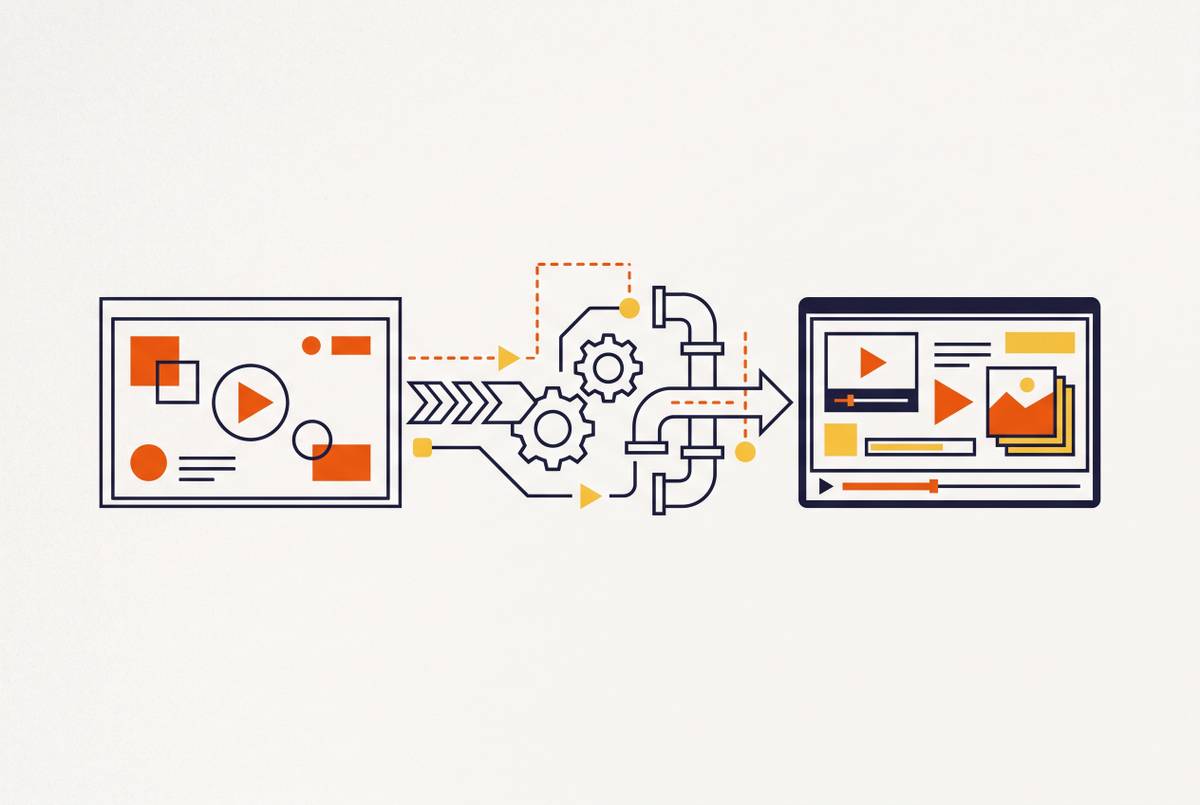
Capture supplies the interaction data, and AI reconstruction turns those actions into an explanation of the workflow. On the video path, AI can remove accidental clicks, smooth cursor movement, write a voiceover script, add contextual zoom, and generate captions. Silent capture can therefore produce a narrated walkthrough. Clevera generates its script by analyzing what the user did. The person recording can use the software without having to give a polished spoken explanation at the same time.
Meanwhile, the documentation path uses the same actions differently. A writer agent drafts a structured help article with screenshots, and a reviewer agent checks its accuracy before output. Kommodo records clicks, scrolls, and page changes to build a guide paired with a video walkthrough. It also accepts existing recordings for retroactive guide generation. Its guides can be exported as PDFs, interactive web pages, or embeds that preserve the instructions and screenshots.
Both paths still end in output review. Making both outputs automatically saves work, but an editor still has to judge them. The written output has steps and images tied to actions. The documentation path also includes formatting the article for the knowledge base. It is part of making the article usable.
Why the written article is not a byproduct — it is a structurally different asset
Someone learning a concept may want to watch the whole workflow. Someone trying to complete step 7 of a 12-step process needs a direct answer. The article gives that user an answer without making them scrub through a video. It is a reference. Search engines and AI agents can also index its text, so instructions are easier to find and quote than when they are held only inside raw footage.
Trupeer makes the training video and help article together from one source recording for both audiences. Separately written articles can serve readers perfectly well, so initial quality is not the decisive objection to the older workflow. Maintenance is the structural weakness. When the UI changes, independently produced assets can drift because revising one does not revise the other. A shared source gives the two formats a common basis while allowing each to do a different job.
How maintenance and update workflows change when both outputs share one source
For a SaaS team shipping monthly or biweekly releases, documentation upkeep is a recurring production task. A changed workflow can mean re-recording, re-editing, re-uploading, and separately revising the article. Each handoff opens another chance for a missed change. Stale instructions then undermine user trust and create the support work the content was meant to prevent. The expense continues long after the original publication.
Where the tool supports linked updates, changing the source can propagate the revision to both deliverables instead of leaving the article on a separate maintenance track. Kommodo supports updating relevant sections of existing educational content. Teams can also edit a storyboard, swap the screens that have changed, and re-render only the scenes that need it. This can make re-exporting a job of minutes.
That time saving depends on how the tool handles updates, even if it has a dual-output label. Generating two assets once is different from keeping them linked through later revisions. The useful distinction is whether a changed recording feeds both outputs or leaves someone to reconcile the article manually. Initial speed alone cannot answer that question.
How different teams use the same dual-output recording for different purposes
Customer success and support teams use the article for recurring “how do I” questions because users can search for the relevant step. The video serves more complex or sensitive onboarding moments, where watching a real workflow can be more reassuring than reading instructions.
L&D and training teams put the video first during a session. The video teaches the process, while the article is the job aid learners turn to during and after training so they do not have to rely on memory.
Sales enablement teams use the video as a post-demo leave-behind and the article as something a prospect can share with a decision-maker who missed the call. For repeatable pitches, Kommodo also supports personalizing an introduction without re-recording the full video.
Product and documentation teams put the article first. A formatted SOP or help-center entry supplies the instructions, with the video embedded to serve users who prefer a visual explanation. The format split lets the same recording serve different purposes without requiring another team to repeat the capture.
What localization looks like when both outputs share a single source file
With traditional video localization, teams have to do the work again for each language. Voiceovers need re-recording, scenes need re-editing, and subtitles need separate management. The effort grows with those human sessions. A shared-source pipeline replaces much of that repeated work by routing the same recording into localized outputs. Dual-format production’s branching approach also supports additional paths for languages.
Clevera supports translation into dozens of languages and re-dubs video with synchronized audio. That produces a localized listening experience as well as translated text. On the documentation path, the article can retain its step structure while the text is translated. Screenshots can also be localized if the UI has a localized version. That condition is important because translated instructions and an untranslated interface are not the same as a fully localized guide.
Teams therefore need to check how much of the content a tool can localize. A video translated into several languages does not by itself establish that the accompanying article is translated too. Both outputs need to be considered as deliverables.
Where the dual-output model has real limits and how practitioners work around them
Dual output fits sequential, UI-driven tasks best. It is less suited to conceptual explanations with no screen to record or dynamic interactions whose outcomes depend on user input. Some workflows also exceed what AI agents can reliably interpret or navigate. The format works when the task itself can become a clear set of instructions.
Lower production effort also makes it easier to publish more than a team can review. Editorial governance addresses this risk. A reviewer should treat generated content as a draft and apply a consistent publication standard. Kommodo presents its generated guide for review and editing before sharing, with screenshots, instruction text, and annotations remaining editable. AI review and a person's approval to publish do different jobs.
Audio support is another practical constraint. Teams should check that a tool works with their system configuration before building a workflow around it. The broader compromise is to use a documentation-first dual-output tool for repetitive screen-based processes and a video-first tool when verbal explanation, dynamic demonstration, or presenter presence is central.
How to run a dual-output session, from capture to publication
For a first session, the practical approach is to plan the recording around the article it must also produce. Define one task before recording, such as “how to invite a team member and set their permissions,” keeping “an overview of the admin panel.” for a broader scope. Keep the scope narrow and sequential. An overview may make a reasonable video, but it gives the documentation path a less definite set of actions to turn into steps.
During capture, move with care and finish each step before starting the next. Follow the order the written instructions should use. Avoid jumping between parts of the UI or going back again and again to fix earlier actions. AI reconstruction can remove accidental clicks, but frequent reversals can still produce a disjointed article. The goal is a clear action sequence.
After generation, review the article before the video. Check whether each instruction accurately describes the action and whether the steps form a complete, logical sequence. Errors here reveal how the AI interpreted the capture and often expose places where the video also needs correction. Then review the voiceover script against the product’s terminology. Natural-sounding language is not enough if it substitutes a different phrase for an exact UI label.
Before publishing, check that article screenshots match the current interface and that video zoom lands on the correct interaction at each step. These checks test different parts of the same explanation. A correct sentence paired with the wrong screen can still confuse the reader, just as a useful narration can lose its value when the video emphasizes the wrong control.
What tool should you choose for a video walkthrough and step-by-step guide from one recording?
The first test is the article itself. A transcript reformatted as instructions is not equivalent to a structured guide with screenshots keyed to each step. Does the tool check the article against the recording, and can the result reach a knowledge base such as Confluence, Notion, or Gitbook without reformatting? Does a source update revise both assets, and does localization cover the article as well as dubbed video?
The named options address different parts of that requirement. Kommodo is a documentation-centered option for automatic action-based guides, editable steps, existing-video uploads, and structured exports, with a free tier available and AI-generation allowances set out on its pricing page. Clevera provides automatic script generation from user actions and synchronized multilingual dubbing. Those strengths distinguish the capabilities established for each tool.
Teams choosing among them should evaluate the full documentation lifecycle, including the polish of the first generated video. Capture is only the beginning. The stronger fit is the tool that lets the team publish a usable article, review both formats, and revise them without reopening two separate projects.