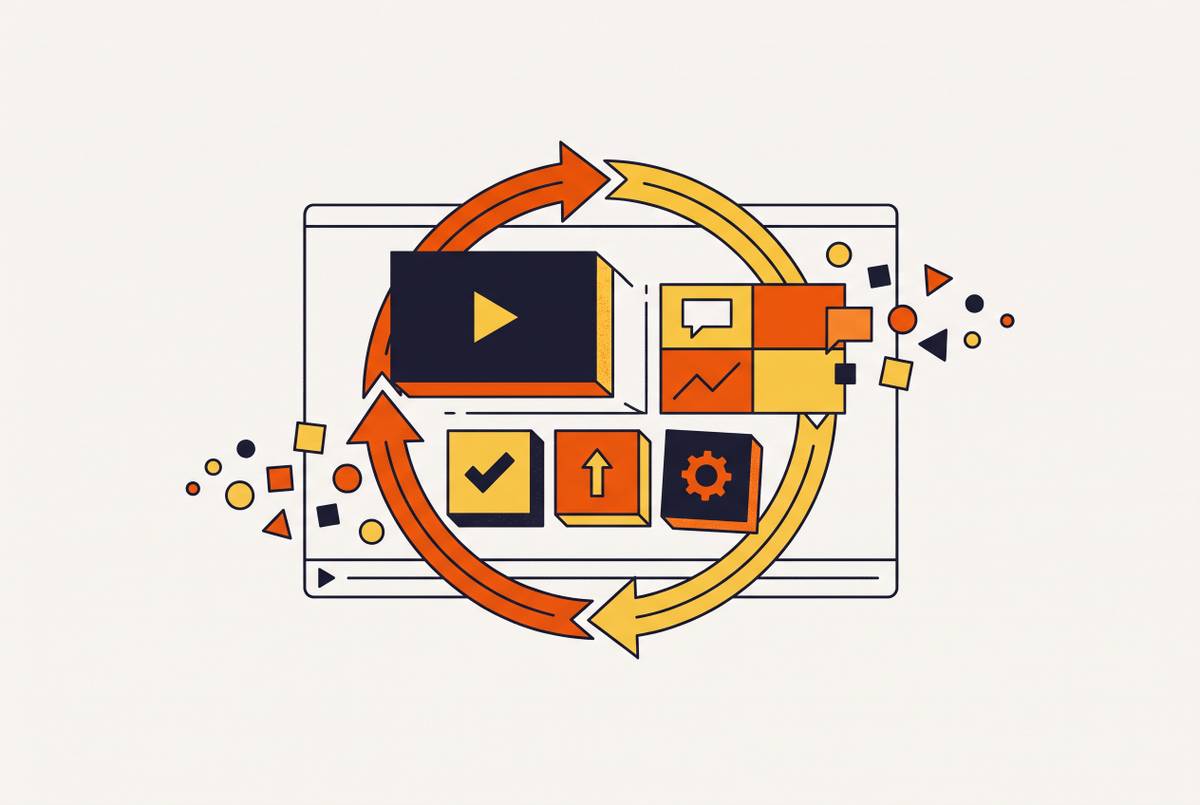
Modular Video Architecture That Absorbs Sprint-Level UI Changes Without Full Reshoots
Separate UI-dependent walkthroughs from stable content to survive sprint-level changes.
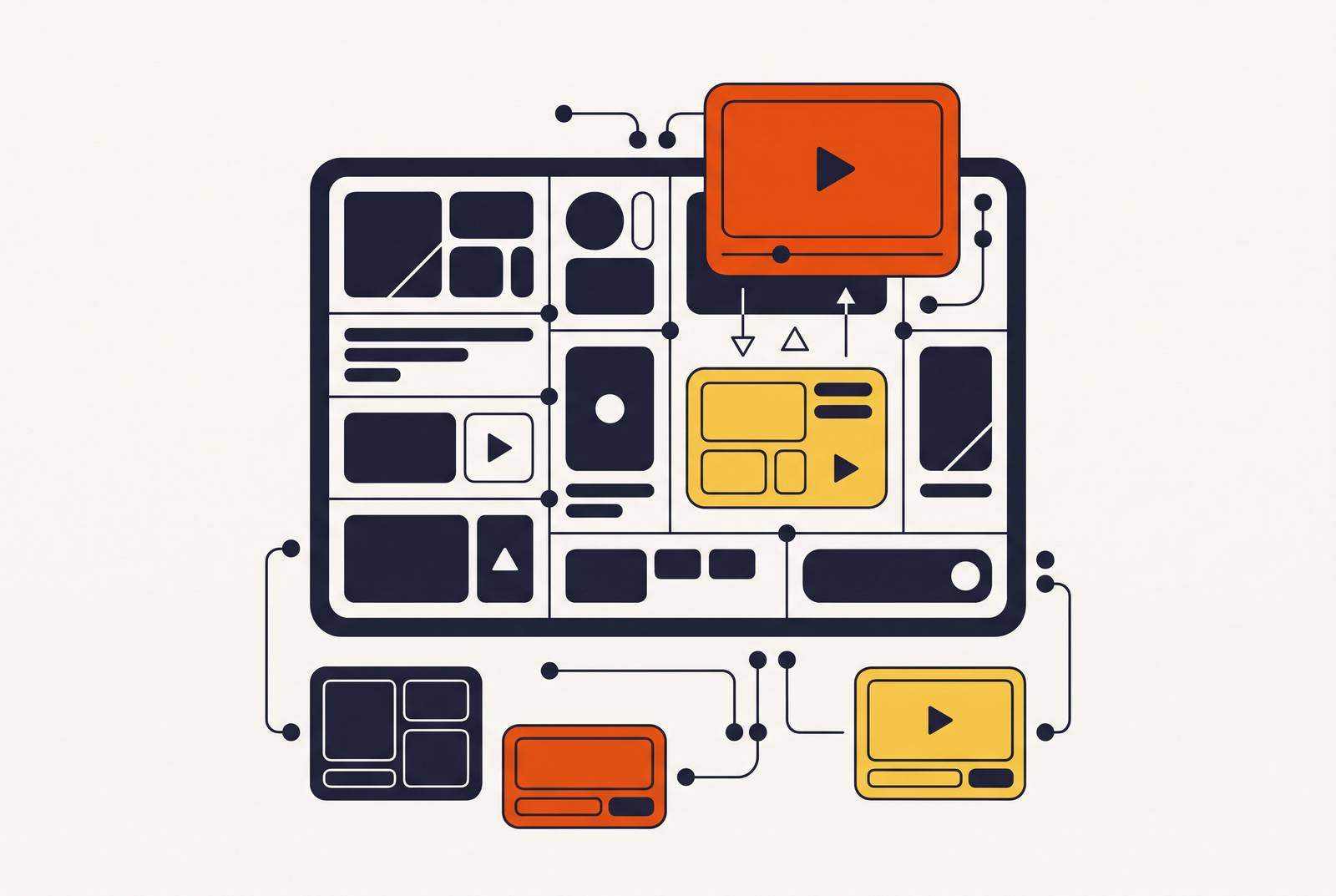
Software training videos can stay current through two-week releases without full reshoots when UI-dependent walkthroughs are separate from stable explanations and calls to action. AI narration and localization make each replacement less work, while module versioning and review tied to sprints help teams keep up with updates.
Why product videos break on every sprint and what that costs agile teams
A two-week sprint can change a screen before the tutorial showing it has earned back its production effort. The product moves on. The recording does not. Traditional video production follows a monolithic sequence of scripting, recording, editing, and publishing, with the parts entangled. When narration, screen footage, and transitions depend on one another, a small UI change can mean redoing much more than the outdated frame.
That mismatch leaves customer education, sales enablement, and L&D teams choosing between stale content and constant reshoots. A user following instructions that no longer match the screen has to work out whether the product, the tutorial, or their own understanding is wrong. Users then lose trust in self-serve content, and more of them turn to support for help when the instructions and screen do not match. Meanwhile, the team spends its production time fixing old videos, taking time away from making new content. Faster production alone does not remove the dependency that caused the rework.
What modular video architecture actually means for software content
Modular video splits the parts based on what changes, which takes more than cutting a long recording into shorter clips. If replacing its screen footage also requires changing the introduction and closing narration, the clip is not independently replaceable. The useful boundary is the point where a changed interface stops affecting the rest of the video. Duration is secondary to that boundary.
The LEGO analogy makes the distinction concrete. An intro, a feature walkthrough, and a call-to-action can be separate blocks that connect without being permanently bound together. For software content, the intro might explain the problem, while the walkthrough shows how to solve it in the current interface. A UI change then affects the walkthrough without necessarily invalidating the problem statement or CTA. Conceptual framing, brand introductions, and compliance context can stay in stable layers, while teams check and update screen-dependent instructions more closely.
This structural choice follows the same logic as component-based software development, which isolates changes so their effects do not cascade into unrelated parts. Teams have always been able to plan video this way. The economic obstacle has been the effort of repeatedly producing and assembling replacements. AI production tooling lowers that effort, making the architecture more practical at sprint cadence without changing its underlying principle.
The three-layer structure that makes a video modular by design
A modular software video has three layers, each planned on its own before production begins. The narrative foundation explains the why and the what without depending on a particular screen. In a customer onboarding video, this could include a welcome module that frames the task and a closing module explaining what comes next. Both can still help the viewer after the setup interface changes. Their scripts should not depend on the exact UI state shown between them.
The feature-walkthrough layer shows the current product in use. In the onboarding example, the setup walkthrough belongs here because its instructions depend on the screen the customer sees. It needs defined entry and exit points so a replacement can cover the same task without requiring new recordings on either side. This is where independence becomes a production requirement. A walkthrough that can only make sense with an adjacent segment re-recorded has an unresolved dependency.
The assembly layer governs how those pieces connect. Transitions, title cards, chapter markers, and templates make the welcome, setup, and next-step modules feel like one video. To test the structure, ask whether a segment can be replaced without re-recording anything outside its boundary. If it cannot, find and cut the dependency before treating it as a reusable module. Carving up a finished recording does not, by itself, create this separation.
How to label, version, and store modules so a team can find and replace them under sprint pressure
Independent modules need labels that make their dependencies visible. Each label should identify what the module covers, which product or feature version it depicts, and when it was last verified against the live UI. The topic locates the asset, the version identifies the interface it shows, and the verification date records how recently someone compared it with the product. A descriptive filename alone cannot do all that work.
A new UI state produces a new module version, while the previous version is archived. The old recording may still appear in distributed content or be needed for rollback. Storage should make the architecture equally clear. A folder for each feature area, with stable narrative assets kept apart from walkthroughs that change often, shows what needs regular checks without someone having to watch every clip.
For a team managing more than a handful of modules, a shared staleness tracker provides minimum viable oversight. A spreadsheet is enough to begin with. It should list each module, its UI version dependency, and its last-verified date so the team can review it without having to remember when it was recorded. Without that metadata, a flat folder can look organized until the fourth sprint. At that point, readable filenames still do not tell the team which walkthrough matches the current interface.
Identifying which modules will break at sprint cadence before recording begins
The recording plan should reflect the product’s likely changes as well as the order in which a user completes a task. That requires a lightweight volatility audit before production. The useful questions are which screens are actively under development and which belong to roadmap work scheduled for the next two sprints. Segments that show those screens need tight boundaries so each can stand on its own. Stable screens can receive lighter separation because they do not present the same maintenance risk.
A five-minute conversation with product or engineering can make those boundaries concrete. Suppose the plan includes a settings screen being redesigned in sprint 3. Knowing that before recording gives the content team a reason to isolate the settings portion from the longer walkthrough. The conversation does not require a formal project management function.
A module showing one step in one UI state is easier to re-record than one covering three steps. Even so, every step does not need its own clip. The pre-production decision is how much surrounding material would otherwise have to be rebuilt when that screen changes.
What tools let teams update product walkthroughs without re-recording the whole video
AI script rewriting and voiceover generation reduce the effort of replacing narration when a workflow changes. An updated script can produce a new voiceover in minutes. The rest of the module’s audio can remain consistent in tone and style. If the narration is still entangled with other segments, generating it faster does not make those segments independent.
The practical gain is volume and cadence. A team maintaining one hero video through periodic major updates faces a different workload from a team refreshing individual segments across a library. Modular boundaries limit what needs replacing, while AI production reduces the work inside those boundaries. Both parts are needed for routine maintenance.
Localization makes that distinction especially important. Without module-level updates, each changed walkthrough adds more work to keep every language version up to date. AI-based localization can propagate the replacement from the source language to the other versions without requiring full re-localization of the entire video. For this workflow, the relevant capabilities are script revision, voiceover generation, and localization of the changed module.
The over-componentizing failure mode and where the right boundaries actually sit
Smaller modules are not always better modules. Separating every sentence or UI step creates hundreds of fragments that are hard to manage and awkward to assemble. Viewers can start to notice the transitions more than the content, while the library fills with pieces that no longer make sense on their own. The goal is to isolate expensive changes. A component boundary earns its place when it reduces maintenance or supports useful reuse.
For most content, a meaningful reusable unit is larger than a single step. A feature walkthrough covering a complete sub-task, a proof block, a spec section, or a CTA set has coherent standalone meaning. A segment used in multiple videos benefits from a shared replacement, while a frequently changing segment benefits from limiting how much else must be touched. A segment used once and changed rarely does not need the same treatment.
The narrow one-step module is therefore a targeted response to volatility. Stable conceptual and narrative content usually gains little from deep componentization. The practical rule is to componentize the volatile and leave the stable alone. When small modules are needed, the assembly layer must hold them together with clear entry and exit points, consistent transitions, and rules for which module types can connect.
Connecting the module update workflow to sprint rituals so maintenance actually happens
A well-labeled module library can still go stale if nobody receives the signal to update it. The trigger needs an owner and a place in the sprint cycle. To embed that trigger, teams should make video module review a definition-of-done item for UI changes. When a ticket modifies a screen covered by an existing module, that module is flagged for review in the same sprint. The flag asks the team to check the content before deciding if the interface change calls for a replacement.
This does not require a video producer on every sprint team. A designated owner in customer education, L&D, or product marketing can receive a lightweight notification when a module needs review. That owner needs tools to replace the segment without having to set up a full production. A short post-sprint review then compares the staleness tracker with the sprint changelog. This catches differences that the team might otherwise miss until a user follows an outdated walkthrough.
For multilingual content, updating the source-language module should trigger AI-based propagation to its language variants so global audiences receive current instructions at the same cadence. The outcome to track is time from UI change to published update. That interval shows whether the architecture, production tools, and ownership process are working together. If it remains long, the team still has a maintenance bottleneck, even if the library is neatly divided into modules.