How L&D Teams Evaluate Video Creation Tools on a Zero Media Budget
Self-sufficiency and update speed matter more than production quality when budget is tight.

L&D and customer success teams can make software training videos without a media team by choosing tools that let knowledge owners produce, update, localize, and publish content on their own. On a zero media budget, the best choice is the one that passes four tests, which are update speed, self-sufficiency, localization, and total workflow cost.
Why zero-budget L&D teams face a different kind of evaluation problem
Tool marketing makes selection look like a comparison of features, output quality, and free tiers. Resource-constrained teams experience the decision differently, through maintenance work, production dependencies, and what breaks when content changes. There is no spare time or staff to fix mistakes in production. A wrong choice can mean a wasted license, months of unusable content, and broken workflows.
For most L&D teams, having no media budget is a structural condition. The usual feature checklist assumes budget to pivot, specialists to compensate, and time to experiment. Without those buffers, an impressive first video proves little about whether a tool will work over time. Evaluation has to follow the content beyond its first export.
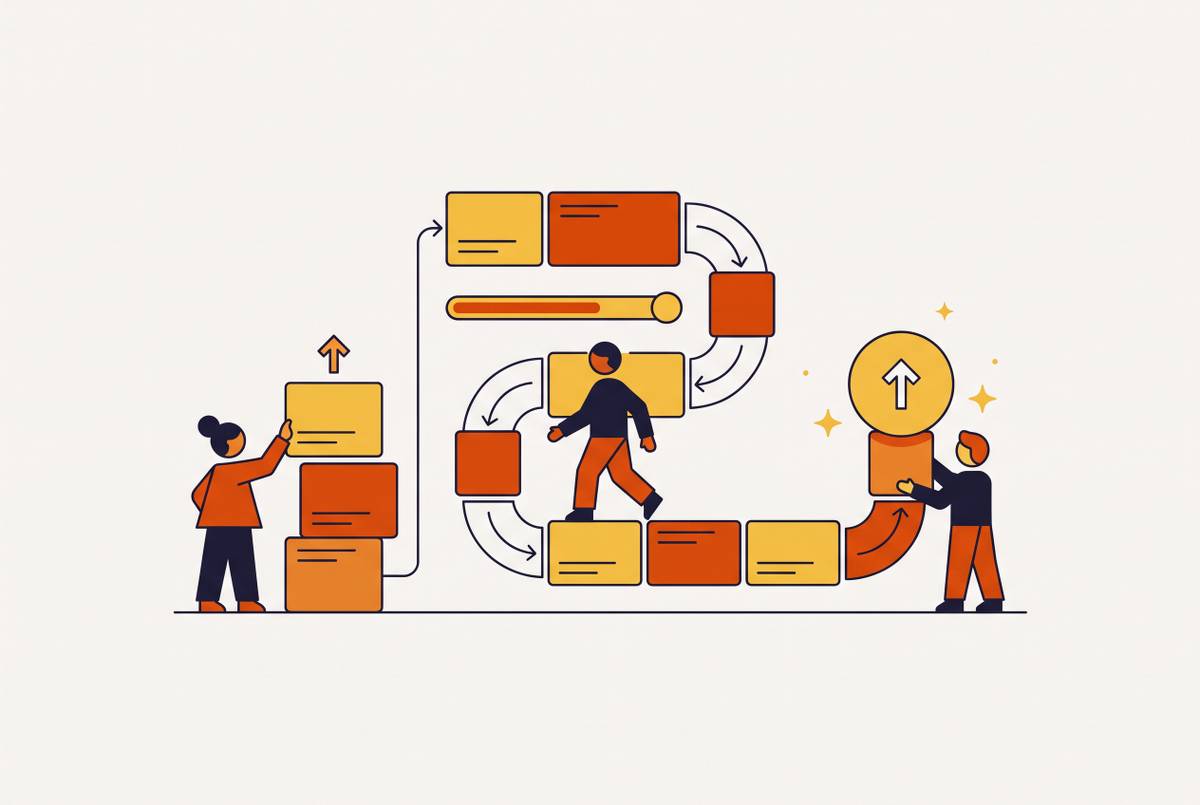
The most common failure is a fragmented workflow. Scripts sit in one tool, voice in another, visuals in a third, and assembly in a fourth. Each tool may do its own job well, yet every revision requires the team to move between them. The cost of switching comes back with each update, so keeping videos up to date is a better test than how good the first video looks.
The four constraints that actually determine whether a tool works without a media budget
Update speed sets the pace at which the team can keep the library accurate. Onboarding videos, SOP walkthroughs, compliance modules, and product tutorials all need maintenance as processes change. A tool that requires a full re-recording to correct one step creates a bottleneck. By the time the replacement is ready, the instructions may have changed again.
Self-sufficiency means the knowledge owner can finish the work on their own. That person might be a CS manager, an L&D coordinator, or a product trainer. A steep learning curve or complex editing timeline can transfer the dependency from an agency to one employee. The budget line disappears, but the dependency remains.
Localization supports delivery in more than one language. For global organizations, multilingual onboarding, compliance training, and customer education are standard operating needs. A 10-video onboarding series takes more work to produce if the team has to reshoot it for every language. With built-in localization, the team can cover more languages without setting up a separate production process.
Total workflow cost measures the resources needed to use a “free” tool in practice. The license is only part of the calculation, and often the smallest part. Manual steps, switching between tools, and redoing content can consume far more resources. Watermarks, resolution limits, and missing brand controls can also force an upgrade or introduce another tool.
These constraints should outweigh cinematic production quality when resources are tight. A tool may make a video that looks good but leave the team unable to revise, translate, or deliver it on their own. That makes it a poor fit for the operating conditions, regardless of its feature count.
How update speed should be weighted — and what breaks when it isn't
Update speed should count most because the team pays the cost of that work every time something changes. When software changes fast, teams have to keep making updates as part of their regular work. Traditional filming requires booking time, recording again, editing, and exporting a replacement. That process makes a supposedly reusable asset expensive to keep useful.
Consider a three-minute tutorial on a single software feature. If a UI change affects one step, a workflow built around recording may make the team go through production again to fix it. The team must then spend time rebuilding material whose learning objective has not changed. Across a library, those small corrections accumulate into maintenance debt.
Script-first and document-first workflows start from a different foundation. The learning objective and source material come before recording, so an SOP can remain the source of truth. AI-powered document-to-video production allows revisions to start from that source. The key advantage is the structure of the workflow.
A focused three-minute lesson can be revised without touching the rest of a course. Microlearning therefore fits ongoing maintenance. When unrelated instructions share a long recording, they also share an update cycle. Module size therefore belongs in the evaluation of both update speed and instructional design.
Software teams ship weekly, compliance cycles are quarterly, and onboarding changes with product releases. An infrequently updated library may reflect deferred maintenance. A team that can revise a two-minute tutorial in an afternoon can reduce the “how do I do X” tickets that outdated instructions would otherwise send to CS or support.
How can non-technical teams create training videos independently?
Self-sufficiency means the knowledge owner can produce a publishable video end-to-end without a video specialist. An interface that is easy to learn may still demand decisions about script polish, voiceover quality, zooms, and caption placement. Those are production skills.
In an approval-based workflow, AI handles scripting, voiceover, zooms, and captions while the human reviews the result for accuracy and suitability. In a judgment-based workflow, the user must decide how to write the script, which take to use, and where to add emphasis. The latter still needs production expertise at every stage.
Document-to-video workflows reduce that burden by turning existing PPTs, PDFs, or SOPs into a first draft. They replace some manual scripting, recording, and editing with structured automation. OBS Studio and Kdenlive, by contrast, provide a zero-dollar entry point for recording and editing but still require significant judgment and time. Both approaches can produce video, but they place different demands on the team.
Delivery is part of the independence test too. If a team needs SCORM or xAPI export for its LMS, those formats must be available at the tier it can actually use. An enterprise-only export option leaves the creator dependent on an upgrade or workaround. A finished video is not a finished workflow if it cannot reach learners.
Branded templates and pre-approved layouts remove another recurring production decision. They let a knowledge owner reuse an established design for every video. When only one person can edit or publish the content, that person’s absence can stall the entire program.
Localization as an evaluation criterion, not a post-production concern
Independence has to extend across languages when the audience does. A team that builds its library first and considers translation later may discover that its original workflow is too expensive to repeat. For organizations with current or expected multilingual needs, localization is an early eligibility filter. It should rule out unsuitable tools before a detailed feature comparison begins.
How the team produces videos sets how fast costs rise. Reshooting repeats production for every language, while human dubbing reduces some work but still requires a production cycle per language. AI-powered localization instead makes another language a step within the workflow.
LKQ Europe, an automotive parts distributor operating across multiple countries, converted PowerPoint presentations directly into training videos for LKQ Academy. The company reported significantly faster translation and substantially lower video production costs than with its previous approach. The example connects document-based production with multilingual delivery. It illustrates why localization belongs in the original workflow decision.
A language selector alone is not enough. Glossary management, translation memory, and regional reviewer workflows support a repeatable translation process. To make that process work, teams should avoid idioms, keep sentences concise, allow room for text expansion, and involve regional subject-matter experts before wide rollout. Teams still need cultural review to make sure the training fits its audience.
English-only teams have a narrower version of this requirement. Captions and reading-level variants can still be accessibility needs that localization infrastructure supports. For multilingual teams, this also affects how well the training works and how much people retain, since localized content can help more people finish it in non-English regions. Translation is not merely the final polish on a finished asset.
How to calculate total workflow cost honestly, including what free tiers actually cost
An honest calculation begins with the tier that produces usable output. The baseline in these evaluation criteria is no watermark, at least 1080p, and commercial licensing. That baseline also needs to include the brand controls and delivery formats the team requires. Otherwise, the calculation prices a tool the team cannot actually deploy.
Free tiers deserve inspection. A watermark may make the team upgrade or re-export, while a resolution cap may stop it from delivering video at the quality it needs. Missing brand controls can introduce a second design tool. Limits on export can mean a low-tier license will not work with the LMS workflow the team needs.
The calculation should then add labor to the license cost. Initial production hours per video need to be multiplied by a realistic hourly rate and the planned video volume. Update hours need the same treatment, using expected update frequency across the evaluation period. Without that second estimate, a cheap first production run can hide an expensive library.
Switching time belongs in the calculation as well. A stack with separate tools for scripting, voice, visuals, assembly, and export creates handoffs throughout production. The team should count the tools and the time spent switching per run, then include rework caused by unsupported formats or update types. Those costs exist even when every license is free.
This audit should also count what it costs to leave content out of date. Slow corrections can shift work from L&D to the CS or support team through avoidable questions. That consequence connects update speed with operating cost rather than treating faster editing as a personal preference. The cheapest license is often not the lowest total cost.
Applying the four constraints as a practical evaluation sequence
The practical approach is a sequential filter. A tool that fails a basic requirement for the work should be ruled out even if it has other features that score well. For teams with multilingual requirements, localization is an upfront eligibility condition before the sequence begins. Of the tools that pass, update speed should be checked closely first.
The update-speed test starts with a change to one step in a process. The team should assess whether that correction requires re-recording the full video and whether production starts from a script, document, or recording. A tool whose update workflow is materially slower than initial production should be eliminated. Its maintenance burden will recur throughout the library’s useful life.
The self-sufficiency test puts the knowledge owner in control. The assessment should cover the whole path to publication, including script cleanup, voiceover, zooms, captions, and delivery. It should also establish whether required SCORM or xAPI export is available at the affordable tier. If completion depends on a specialist the team does not have, the tool fails.
The localization test then examines the process in depth. The team should establish whether adding a language is a workflow step or a production restart, and whether glossary management, translation memory, and human review are supported. For single-language teams, the equivalent check concerns automatic captions and accessibility outputs. A language menu should not substitute for evidence of a workable process.
Finally, the cost audit compares only tools that passed. The team should inspect watermarks, resolution, brand controls, and export formats at the usable tier, then count the tools each candidate replaces and requires. Production time, realistic update frequency, switching time, and rework should be priced over the same evaluation period.