Walkthrough Video Scripts That Mirror Real User Tasks
Stop guessing what your users want to watch and script the actual task they came to complete.
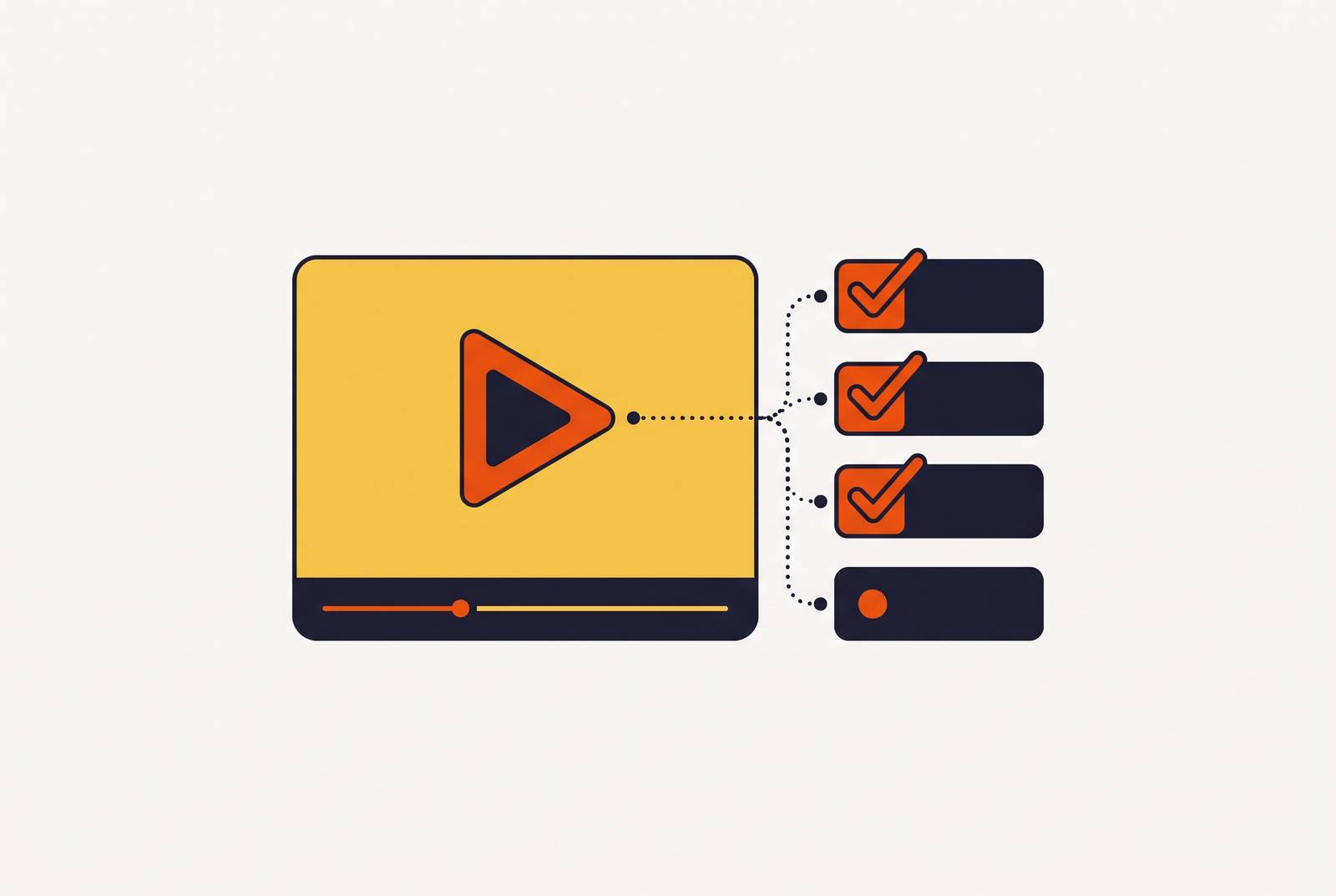
Walkthrough videos fail for a predictable reason: the script follows the product's feature list instead of the task the viewer actually needs to finish. Fix that one structural choice, and completion rates, comprehension, and the video's shelf life all improve together. This piece breaks down what task-mirroring means in practice, how to structure a script around it, and how production has changed enough in the past couple years to make it easier to pull off.
What "mirroring a real user task" means in a script
A task, in this context, is a discrete, completable action with a clear start and a clear end. "Submit a loan application." "Set up a recurring workflow." "Invite a teammate and assign permissions." Each one has a beginning state, a sequence of decisions, and a finish line the user can recognize.
A feature, by contrast, has no finish line. It has a capability. "Here's the dashboard" isn't a task, it's a tour stop. A script built around features will walk a viewer through capabilities in whatever order the product's UI happens to organize them, while a script built around a task follows the order the user actually needs to act in.
That distinction determines scope, too. One video, one task, not one video per feature category. A ten-step onboarding flow covering five unrelated jobs isn't a walkthrough, it's a highlight reel with narration.
Finding the right tasks to script isn't guesswork. Support tickets, "how do I" search queries, onboarding drop-off points, and sales call transcripts all surface the exact moments users get stuck. Support tickets, "how do I" search queries, onboarding drop-off points, and sales call transcripts surface the exact moments users get stuck, and those are the tasks to script first because they're already causing friction.
Walkthrough production shifted meaningfully by 2026. Video can now be assembled from screenshots, written scripts, and generated voiceover rather than a live screen recording start to finish. That shift matters here specifically because it makes the script the primary artifact of the whole project, not an afterthought written to match footage that already exists. Because scripting is done before a single screenshot gets taken, it functions as an instructional design decision rather than a production step.
The four-part script structure that follows task flow
A task-mirroring script has four parts, and they show up in the same order every time.
Goal statement. Open with what the viewer will have accomplished by the end, not with what the product does. One sentence, present tense, user-facing: "By the end of this video, you'll have a working project board ready for your first campaign." No logo animation, no company mission line first.
Prerequisites. State what the viewer needs before step one: access level, permissions, files on hand, settings that should already be configured. Skipping this is one of the most common causes of mid-video drop-off, because a viewer who discovers three minutes in that they're missing a permission they don't have will close the tab rather than go find an admin.
Step-by-step demonstration. Each beat maps to exactly one action, in the order the user actually performs it. Narration names the action, the screen shows it, captions reinforce it. Each step needs to stand on its own, because someone who pauses at step four and comes back tomorrow should be able to tell exactly where they left off without rewatching from the start.
Visual direction belongs in the script itself, not left for an editor to improvise. Zoom cue, cursor highlight, which field to click into: write it down. And script the trouble spots on purpose. Every task has one or two moments where users commonly stall (a button that's hidden behind a scroll, a setting that only appears after another one is toggled) and a brief "if this doesn't show up, check X" line prevents a support ticket before it happens.
Completion confirmation. Show the finished state, so the viewer can check their own work against it. End with one next step, not a tour of five related features they didn't ask about.
For length, a rough benchmark holds up: multiply the target run time in minutes by 150 words. A 60-second short runs about 150 words. A 10-minute tutorial runs around 1,500. Going in with a word count target keeps the script from ballooning into a feature tour halfway through.
A two-column format helps here, too: spoken audio in one column, visual direction in the other. That separation means an editor, a human narrator, or an AI voiceover tool can all work from the same document without guessing what's supposed to happen on screen.
How segmentation and length decisions flow from the task, not from convention
The instinct to keep every video under two minutes is common, and wrong more often than it's right. Length should follow the task, not the other way around.
For training and onboarding content specifically, long-form video holds up because viewers are actively looking for an answer, not browsing. That's a different mode of attention than the one that governs a marketing clip. Busylike's B2B video benchmark found a 65% completion rate for videos under a minute, compared with just 20% for videos over 20 minutes. So length matters, but the lesson isn't "shorter is always better." It's "match the video to the task, and cut where the task actually breaks."
That's the real segmentation rule. A ten-step onboarding process is probably three videos of three or four steps each, not one long video with ten chapters. Cut at the point where a user would naturally stop, check their progress, and pick the task back up later, not at an arbitrary five-minute mark.
There's a retention argument here too. App retention benchmarks put Day-1 retention across mobile apps at around 25 to 30%. The very first video a new user watches carries outsized weight, because there may not be a second chance. It needs to get to the core task fast, with no warmup lap.
Modular libraries beat one giant tutorial for a structural reason, not just a stylistic one: short, segmented videos built around different user types and different stages let each viewer self-select the piece relevant to what they're doing right now. That's a decision to make from the start of a video library, not a fix to bolt on after the fact once the monolithic version stops working.
What strong task-mirroring looks like in practice (examples from real products)
A handful of products make the principle concrete.
Figma drops new users straight into an interactive design file, where they practice real actions (moving objects, resizing frames, adding text) inside the actual editor rather than a separate walkthrough mode. Contextual prompts highlight specific tools at the moment the user needs them. There's no feature inventory up front. The first thing a new designer does in Figma is the first thing the onboarding teaches.
Some financial onboarding flows follow the same sequence a borrower actually experiences, with visual highlights showing exactly where to click and nothing reordered for narrative convenience.
Notion skips the feature tour outright. New users pick a use case, get dropped into a pre-built template, and follow inline animated walkthroughs that show how to edit a block, create a page, and share it with a teammate. The "script," in effect, is the task the user came to complete.
Duolingo defers signup entirely: the user finishes a first language lesson before creating an account. The onboarding content is the task itself, not a description of the task sitting in front of it.
Worksuite uses an animated UI walkthrough that mirrors its real interface and sticks to first actions rather than a full tour, with a reusable template system so future product changes don't require a full reshoot.
None of these open with a menu of capabilities. Every one of them identifies the first thing a new user needs to accomplish, and scripts backward from that outcome to figure out what prerequisites and steps belong in the video.
The maintenance problem task-based scripts create, and how to solve it
Task-mirroring scripts solve the comprehension issue, but they create a different one: they go stale fast.
SaaS products move in roughly two-week sprints. A renamed button, a relocated menu item, a redesigned settings panel, any of these can turn a perfectly good walkthrough into one that actively misleads people. The gap between documentation and reality appears in onboarding outcomes: research consistently finds that many new hires report feeling underprepared after onboarding, not because nothing was written down, but because what's written down doesn't match what's on screen anymore.
The old screen-recording workflow makes this worse, because it ties the script, the narration, and the footage together into one object. Change one button label, and technically the whole video needs a reshoot: new narration, new capture, new edit.
The assembled production approach (building from screenshots, AI voiceover, and script text rather than one continuous recording) offers a structural fix. Updating a single screenshot or a single line of narration doesn't require touching the rest of the video. That only works, though, if the script itself is written in modular steps to begin with. A script written as one continuous narration has no seams to cut along. A script written step by step, with each step self-contained, can have step three edited without anyone touching steps one, two, four, five, or six.
This isn't purely a production-efficiency argument, either. A task-mirroring video that shows the wrong click order is worse than no video at all, because it sends someone confidently in the wrong direction. Modular scripting isn't optional maintenance hygiene. It's what keeps a task-accurate video actually task-accurate six months later.
How AI-assisted production fits into a task-mirroring script workflow
AI tools have gotten good at the mechanical parts of this process, not the judgment calls. It's easy to let a tool make decisions it shouldn't be trusted with, so that distinction matters.
What AI handles well: cleaning up raw spoken narration into a tighter script, generating voiceover directly from text (no studio, no narrator on staff), placing captions in sync with the audio, applying zoom cues timed to whatever action is being narrated, and one-click localization into other languages so a global team gets the same task-accurate video rather than a lesser translated copy.
What AI shouldn't touch: deciding which task gets scripted, what the prerequisites actually are, where one task ends and another begins, and what a correct completion state looks like. Those require judgment about real user behavior, the kind that comes from support tickets and drop-off data, not from a model guessing at intent.
An Association for Talent Development study, cited in a scripting guide, found that organizations using AI-powered video training tools cut content production time by 90% and saw 31% higher knowledge retention compared to traditional text-based training. That's a meaningful gap, and it's the kind of number that should shift budget conversations, but it only holds if the underlying script structure is sound. AI speeds up production of a good script. It does nothing for a script that's still organized around the product's menu instead of the user's task.
The 2026 market has a range of platforms addressing different pieces of this pipeline, some built for script-to-video generation with multilingual narration, some focused on flexible character and language options, some built to generate a script automatically from a recorded workflow in a couple of seconds. Which one fits depends entirely on where the actual bottleneck sits in a given team's process: scripting, voiceover, localization, or turnaround speed. Some tools also combine video output with a written SOP from the same source material, closing the gap between the walkthrough and the documentation instead of forcing a team to build both separately.
The right way to think about all of it: AI absorbs the production overhead so the person writing the script can spend their time on the one decision that actually determines whether the video helps anyone, which task it should teach.
Connecting script quality to measurable outcomes in customer education and training
Video's retention advantage over text is well documented. An Insivia study, cited in a scripting guide, found people retain 95% of information from video compared to just 10% from text. That gap is large enough to matter, but it only appears when someone actually watches the video to the end, and there script structure becomes the mechanism that makes the retention number real. The same 2026 guide, citing Wyzowl, shows videos with structured, concise scripts see completion rates above 80%.
That completion gap also raises business terms downstream. A UserGuiding study, cited in a customer onboarding guide, found organizations with strong video-based onboarding see an 82% improvement in new customer time-to-value and 50% higher retention. Wyzowl figures put the support-call reduction from video use at 43%, which tracks: a walkthrough that lets someone complete a task correctly on the first attempt is a support ticket that never gets filed.
None of this happens against audience resistance, either. Wyzowl's video marketing statistics show that when asked how they'd prefer to learn about a product, 63% said they'd most like to watch a short video. The audience already wants this format. A poorly scripted walkthrough doesn't lose to viewer indifference, it loses to its own structure.
A task-mirroring script, written step by step with clear prerequisites and a defined completion state, is already most of the way to being a written SOP, a compounding benefit that comes directly from the same work. Producing the video and the documentation from the same script means the ROI on the scripting work doubles, instead of treating the two as separate projects built from scratch.
That's the real argument for building scripts this way from the outset. A walkthrough built around a real user task stays useful for as long as that task exists in the product. A feature tour goes stale the moment the roadmap moves, because it was never about a task in the first place, just a snapshot of what the UI happened to look like on the day it got recorded.