Keeping Product Videos Current When Features Change
Fast-shipping software demands video libraries built for quick updates, not one-off productions.
A product video library doesn't go bad because a team got lazy. It goes bad because software ships fast and video doesn't update itself. The moment a feature changes, a screen recording built around the old interface stops matching reality, and the gap between what the video shows and what the user finds keeps widening with every release that follows.
The damage compounds. One unaddressed change makes the next update harder, because a team already behind has less time, less budget, and less appetite to catch the change after it. Three releases in, nobody's sure which videos are still accurate and which ones are quietly misleading new users. It's a structural mismatch: fast-shipping software meeting a content format that sits frozen the instant it's recorded. A library that was perfectly accurate on launch day can become a liability within a single quarter, undercutting the exact onboarding or customer education investment it was built to protect.
What goes wrong when outdated videos reach users
Outdated product videos don't just leave viewers confused. The damage appears differently depending on who's watching: they undo the specific outcome each video was built to produce.
For customer education, the failure is quiet and cruel. A user watches an onboarding video that shows a UI that no longer exists, finishes it, and walks into the product feeling ready, only to stall because the screen in front of them doesn't match what they just learned. They arrive with false confidence and no real map, a worse position than if they had never watched the video.
For sales enablement, the failure is sudden and simultaneous. When product messaging shifts, every video built around the old positioning becomes a liability across the entire revenue team at once, and a rep running a demo off stale material risks trust at the exact moment a deal is being decided.
For L&D and internal training, the failure installs itself. Policies and product knowledge can shift weekly, and a training video teaching the wrong process does more harm than no training, because it plants incorrect behavior that someone later has to notice and correct. Albert Richer, Founder & Editor of WhatAreTheBest.com, has pointed out that AI-assisted workflows are becoming the default for internal training videos, especially when policies or product knowledge change weekly, and that shift signals something important: teams without a fast-update mechanism are already falling behind the ones that have built one.
Completion rate ties all three together. A video nobody finishes delivers no return no matter how little it cost to produce, and an outdated video earns low completion precisely because it fails the viewer at the moment they try to verify it against the real product.
Teams treat video updates as a one-off fire drill instead of a workflow
The costs above accumulate because most teams have no mechanism to catch them early. The standard pattern plays out the same way almost everywhere: someone notices a video is wrong, a ticket gets filed, a producer or subject-matter expert gets pulled off whatever they were doing, and the video eventually gets re-recorded. Each update gets treated as its own isolated production event rather than a routine part of running the library.
That pattern exists because the original video was built as a project, with a start, an end, and a handoff. Nobody built an update process alongside the content, so there's nothing to fall back on when the product changes again.
The fire-drill approach has a hidden cost beyond the time it burns: updates get prioritized by whoever complains loudest, not by which videos carry the most traffic or matter most to user outcomes. A low-traffic video with outdated information can sit wrong for months because nobody's screaming about it yet.
A second trap makes the first one worse. Teams that depend on a single dedicated video producer or one subject-matter expert for all recording build a bottleneck into the system; when that person is out sick, on vacation, or simply busy with something else, the update doesn't happen. Some teams compound this further by treating their recording-and-editing setup as a complete solution, resisting any change to how they work because "the tool handles everything." A tool built for producing a video once isn't necessarily built for updating it quickly, and that distinction gets missed until the library has already drifted. Some videos stay current, some go months stale, and nobody can say with confidence which is which.
The shift from project-based production to a repeatable update workflow
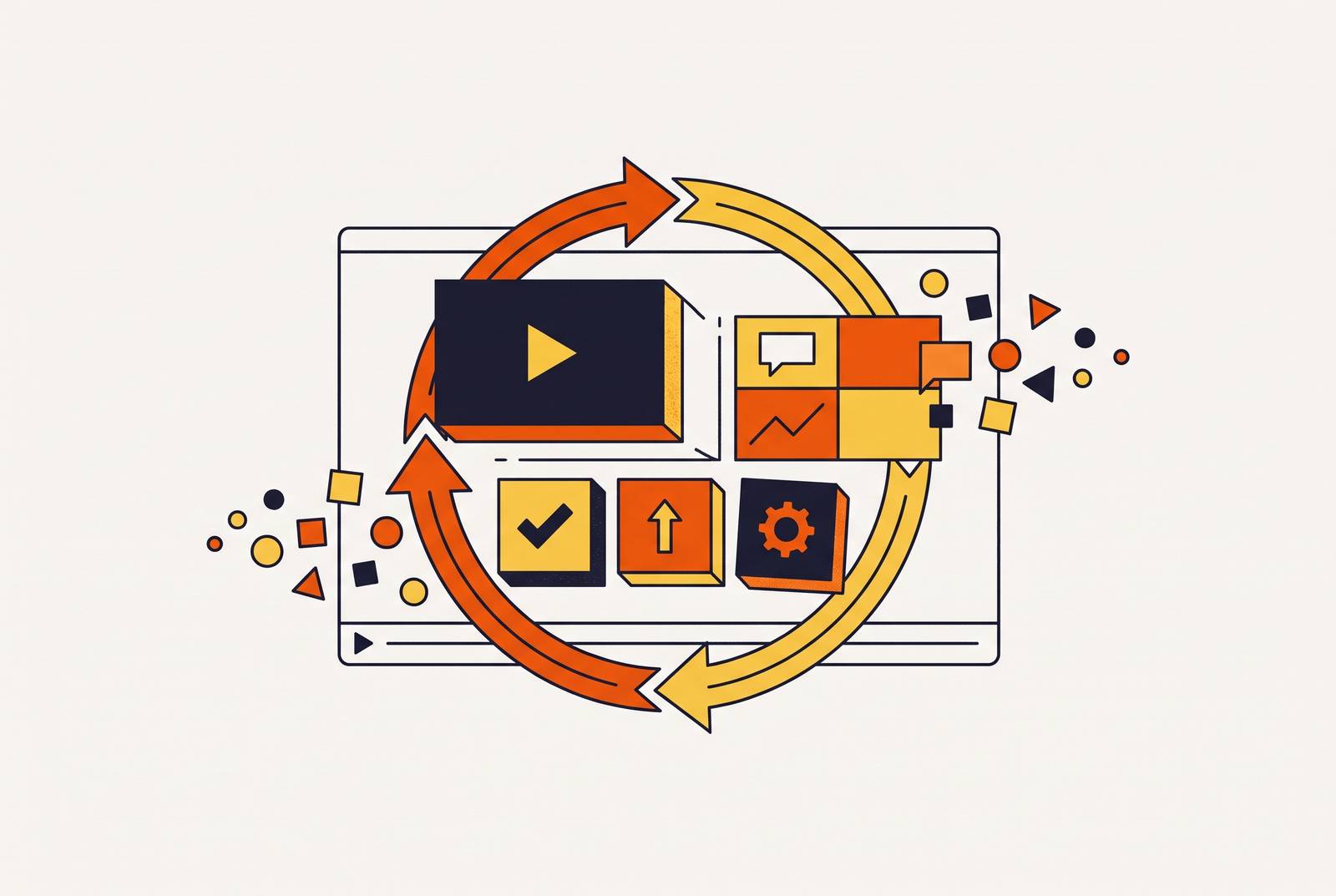
Teams that actually solve this problem don't just get faster at recording. They redesign the workflow around the video so that updating it is as fast as creating it the first time.
The first decision is ownership. A repeatable workflow needs a named owner for each video or cluster of videos, someone who gets notified automatically when the relevant feature or policy changes, rather than someone who stumbles onto the problem by accident weeks later.
The second decision is format. Modular, short videos are far easier to maintain than long monolithic tutorials, because a single feature change only requires re-recording one short module instead of rebuilding an entire ten-minute walkthrough. Vidico's work with Worksuite shows what this looks like in practice: visual elements were built as reusable template systems, so the client could update them whenever the UI changed or a new feature launched, without starting a new production from scratch.
The third decision is the production dependency chain. If updating a video means scheduling a producer, booking a session, and editing from zero, the update will lag behind the release. If the person who owns the content can update it directly, the update happens on the product's timeline instead of the production calendar's. AI-assisted workflows matter here beyond speeding up the first draft: practitioners describe the real value as the ability to auto-generate multiple versions and produce rapid voiceovers so teams can iterate instantly. Iteration speed can finally keep pace with release speed.
Document-driven production makes re-recording the exception rather than the rule
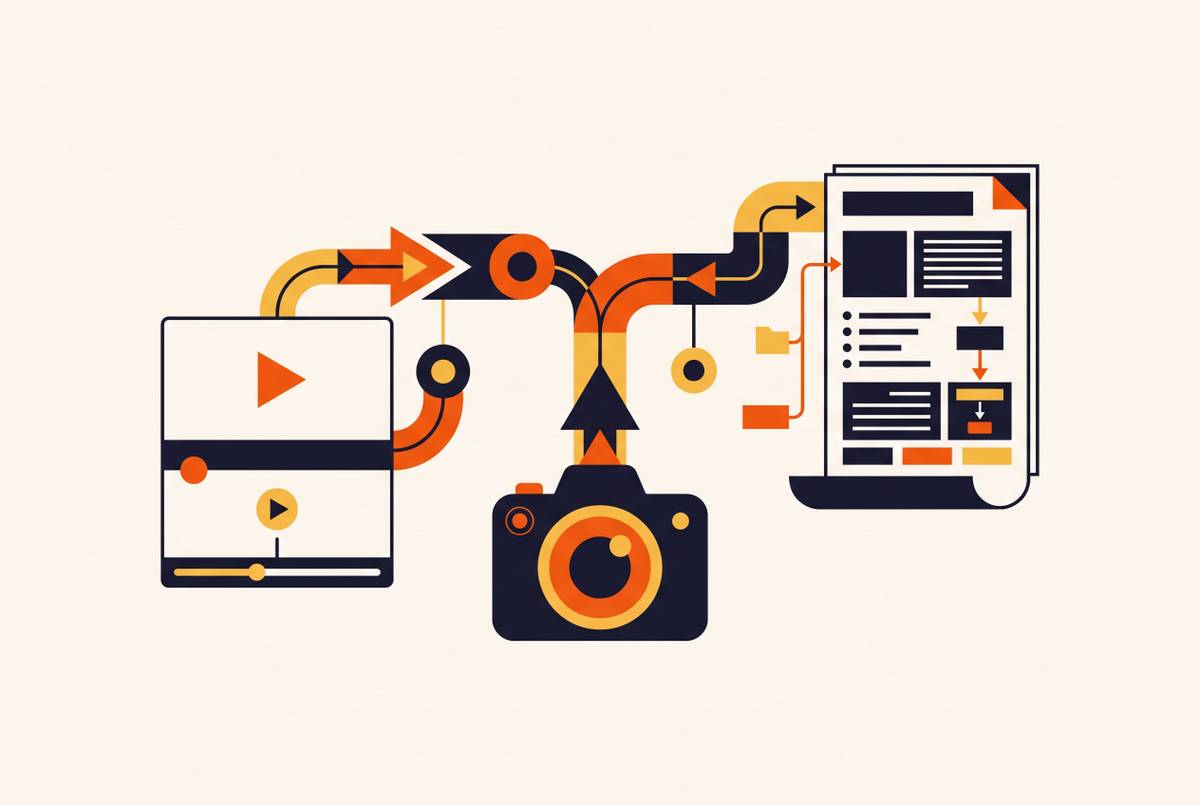
The most durable fix for a fast-shipping product is to stop treating the video as the primary thing and start treating the document behind it as the primary thing. When a video is produced from a written SOP or how-to article instead of a live screen recording session, the script, the flow, and the structure all live in a document that any team member can open and edit. A feature change means updating that document, and the video follows from the update rather than requiring its own separate production event.
That inverts the usual order of operations. Instead of the video driving the need for a matching document, the document drives the video, so a product change leaves one thing to update instead of two. For a team managing a large library, this keeps the scope of any single update bounded: when a UI element changes, the team identifies which documents reference that element, updates those documents, and regenerates the affected videos. Without that structure, the only option left is auditing every video in the library for visual accuracy by hand, a process that gets slower and less reliable as the library grows.
The approach only works if the source documentation gets maintained with the same discipline as the video library itself, and that's a fair trade rather than a new burden, because documents are faster to update than videos and need no production tooling to fix.
Using an audit trigger system to catch which videos need updating before users do
A workflow is only repeatable if there's a defined trigger connecting product changes to the video library, so the right videos get flagged the moment something changes rather than after users start complaining.
The simplest version of this is a shared changelog or release notes process with one added step: which videos cover this feature? Answered by the product or customer success team at the moment of release, not weeks later when someone notices a problem.
A more structured version tags each video in the library with the features or UI elements it covers, so when a feature changes, the team can query the library by tag and get an immediate, prioritized list of what needs attention. Vimeo's own practice points at the same discipline from a different angle: Vimeo maintains a public-facing changelog with a dedicated hub filtered by product area, launched September 24, 2026, built specifically so users can track what changed and when. Applying that same tagging discipline internally, mapping videos to product areas, gives a team the same navigation power over its own library.
Not every flagged video deserves equal urgency. A video covering the primary onboarding flow, watched by every new user, needs attention before a video covering an edge-case feature watched by a small slice of users. Completion rate and view count from the video host should drive that sequencing. The same trigger system also catches videos that should be retired outright, old walkthroughs for features that have been deprecated or replaced, because a library that keeps growing without any pruning becomes harder to navigate and harder to trust.
Localization as a multiplier on the maintenance problem, and the maintenance solution
Every feature change that requires an update in English requires the same update in every other language the library supports, which multiplies the maintenance burden by the number of languages in play.
The traditional model makes that multiplication unworkable. Keune Haircosmetics shows what that looks like at scale: Jon Withrington, who serves as Global Customer & Capability Education Manager at Keune and trains learners across dozens of countries in roughly two dozen languages, has described a localization process running six to eight months per language from start to launch, beginning with English, German, French, and Spanish before adding more languages in later years. At that pace, a single feature update to the English library would take years to fully propagate across every supported language.
The document-driven approach resolves the same problem it solves for English. When the source document gets updated and the video regenerated, localized versions can be regenerated from that same updated source in the same workflow step, collapsing a months-long per-language process into something measured in hours. Industry practitioners expect more businesses in 2026 to generate videos in multiple languages from a single script, treating localization as a one-click step in production rather than a separate project of its own.
One distinction matters here: translation, dubbing, and lip-sync are three different jobs requiring different tools, and a team that treats them as one undifferentiated task will underestimate how complex its localization pipeline really is. Knowing which steps can run through AI automation and which need a human reviewer is what separates a workflow that scales from one that breaks down right at the review stage. That review checkpoint needs to get built in before the first version is generated. Regenerating a video after a missed localization error costs far more than catching it the first time.
How to measure whether the update workflow is working
A repeatable update workflow earns its keep only if a team can show that current, accurate videos produce better outcomes than the stale ones they replaced. That requires watching the right signals.
Completion rate is the clearest early warning. A video that no longer matches the product will see completion drop as users abandon it at the exact point where the UI on screen diverges from what they're looking at in the live product. A sudden drop in completion for a video that previously performed well is usually the first sign that a feature change has made it inaccurate, and it's a far faster signal than waiting for a support ticket.
Time-to-competency and time-to-first-value metrics show the downstream cost. If users are taking longer to reach first value after a feature update ships, the onboarding video covering that feature is a likely source of the delay, whether it was never updated or the update was incomplete.
Support ticket volume tied to specific features serves as a lagging confirmation. It arrives after the damage is already done, so it should never be the primary way a team finds out a video needs attention. Used alongside completion rate and time-to-value, it becomes a useful check on whether the trigger system is actually catching problems before users do, and whether the whole workflow, from document to trigger to regenerated video, is doing the job it was built for.