Help Center Article Production at Scale Without Technical Writers
AI detects stale help articles and drafts fixes for human approval.
Scaling help center article production without technical writers is possible when AI handles change detection, drafting, and gap-filling, while people approve the results. Support leads can be given accurate drafts to judge, so routine documentation can keep pace with product releases without proportional headcount growth.
Why help centers fall behind product releases even when teams are working hard
A feature merges on Friday, and by Monday customers are opening tickets because the help article still describes the old flow. A button has moved or changed its label. The release shipped, but the instructions did not. Customers quote those instructions back to support agents, who now have to explain both the product and why its help center is wrong.
Ferndesk's maintenance guide identifies the bottlenecks behind this pattern. Single ownership queues updates behind launches, screenshots drift when the interface ships, and recurring support questions can go unanswered in the help center for weeks. Release notes describe changes without fixing every affected article. Someone still has to remember what needs updating.
That dependence on memory makes manual maintenance better suited to quarterly changes than weekly releases. During a busy sprint, tracing every change through the help center competes with getting the release out. The cost goes beyond an inaccurate page. Stale instructions weaken trust in the whole help center, so customers stop trying to serve themselves and open tickets instead.
Why adding technical writers does not scale as a solution
Another technical writer adds drafting capacity, but the writer can only fix articles they know are wrong. Detection remains the bottleneck. Watching pull requests, reading changelogs, and spotting patterns in tickets still require manual attention unless the workflow itself changes.
As engineering output grows, each release creates more opportunities for articles to become stale. If all that work is done by hand, keeping up takes more people to work on documentation as the workload grows. Hiring can relieve the queue for a time, but it does not remove the need to inspect product changes and trace their effects through existing content.
That is not an argument against technical writing. Compliance, security, and legal-adjacent documentation really do need someone with specialist judgment. The narrower opportunity is routine feature documentation and how-to articles, where much of the work involves bringing known instructions into line with a changed product. Specialists can put their time to better use on work that needs their judgment than on writing from scratch every time a label changes.
What AI-powered help center maintenance actually means in practice
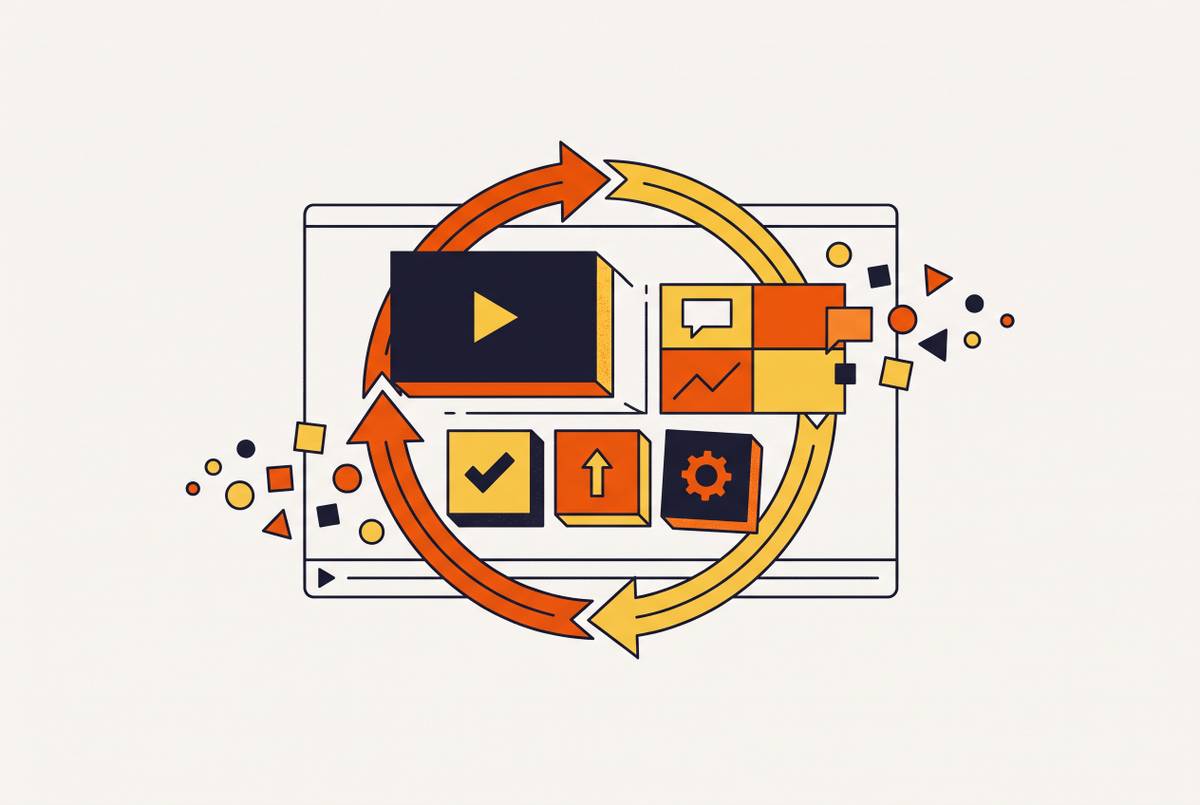
Ferndesk's maintenance guide describes a continuous loop that begins with product signals. The system monitors pull requests, changelogs, support tickets, and product videos, identifies stale articles, and drafts corrections for a human approver. After approval, monitoring continues.
The trigger is the critical distinction here. A prompt-based writing tool waits for someone to notice a change, gather the context, and ask for a revision. A maintenance system detects the change itself. Ferndesk's 2026 tools guide puts it plainly, saying “the gap is not writing quality — it is the trigger”.
In practice, that requires connections to product sources such as GitHub, Linear, and changelogs, plus analysis of support conversations. With those inputs, a system can flag stale pages and find topics that need articles, as well as write new articles when asked. Publishing still needs a human approval step. For billing, security, and onboarding content especially, the model changes the work people do without removing their responsibility for what customers read.
The four most common help center failure modes AI handles better than humans
A feature rename can spread errors across otherwise sound articles. When “Workspaces” becomes “Projects”, every navigation step using the old term becomes a candidate for revision. The change looks small in a release note. Yet a person has to find every place that needs the change, while an AI system watching the codebase can flag those articles automatically.
A UI redesign creates a different kind of drift. Button labels and screenshot references can become wrong across an entire onboarding flow, even when the feature itself still works as before. The maintenance guide identifies visual drift as a primary bottleneck because screenshots become outdated when the interface ships. Continuous monitoring can bring affected articles into review. People still need to approve the corrected instructions after the system finds them.
Recurring support questions expose a third failure mode. Agents keep writing answers from scratch because there is no article that answers the question. AI can scan support history for those repeated questions and turn the pattern into a prioritized content backlog. The signal comes from work already happening, rather than depending on an agent remembering to request a new page.
The next release comes before the documentation for the last one is done, so more possible errors join a queue that is already growing. A continuous detection-and-drafting loop responds to new signals without waiting for the next documentation sprint. Human review still takes time, but people no longer have to discover and draft every correction before it can enter that queue.
How non-specialist team members become effective reviewers instead of authors
A support lead may know exactly why an instruction will confuse a customer without knowing how to build an article from scratch. That knowledge becomes useful immediately when a draft is available. Customer success managers, support leads, and product managers already know enough about the product and its customers to judge whether a draft is right and has the right tone. Reviewing puts that context to work without requiring them to become writers.
The time commitment changes with the task, too. Evaluating a draft takes materially less time than producing one from a blank page, making participation feasible for subject-matter experts who could not justify writing full articles. Their contribution centers on judging whether the explanation is sound. This resembles the shift from writer to architect or editor in AI-assisted instructional design, where human attention moves toward accuracy and how well the material teaches.
A draft gives a reviewer something concrete to assess, but it does not make the content trustworthy on its own. Approval must never be bypassed for billing, security, or compliance-adjacent topics.
Filling content gaps before customers notice them
Conversations with support show where content is missing, even when an editorial plan misses it. Customers describe the problems they actually encounter, while internal plans can reflect what a team assumes they need. AI can look at tickets and rank the articles to write by how often those gaps come up.
The first customer may already have encountered the gap. The opportunity is to close it before more customers run into the same missing answer. The workflow takes questions asked over and over across ticket history and turns them into specific articles to create.
Some tools can also draft an article from a resolved conversation about a common undocumented question. An agent's answer then becomes source material, without a separate authoring task. Someone still reviews the draft before it is published. When the same question has often needed a verbal explanation, it may also suit a short screen-capture walkthrough, giving the team a path to both written and video help from the same material.
Producing video help content without a production team alongside written articles
Video has been difficult to maintain because a UI change can demand a re-shoot, re-edit, and re-publish cycle. That cycle can take more time than the update warrants. Teams then face an unhelpful choice between skipping video and letting it become stale. The format is useful, but its production burden has kept it outside many scalable help center plans.
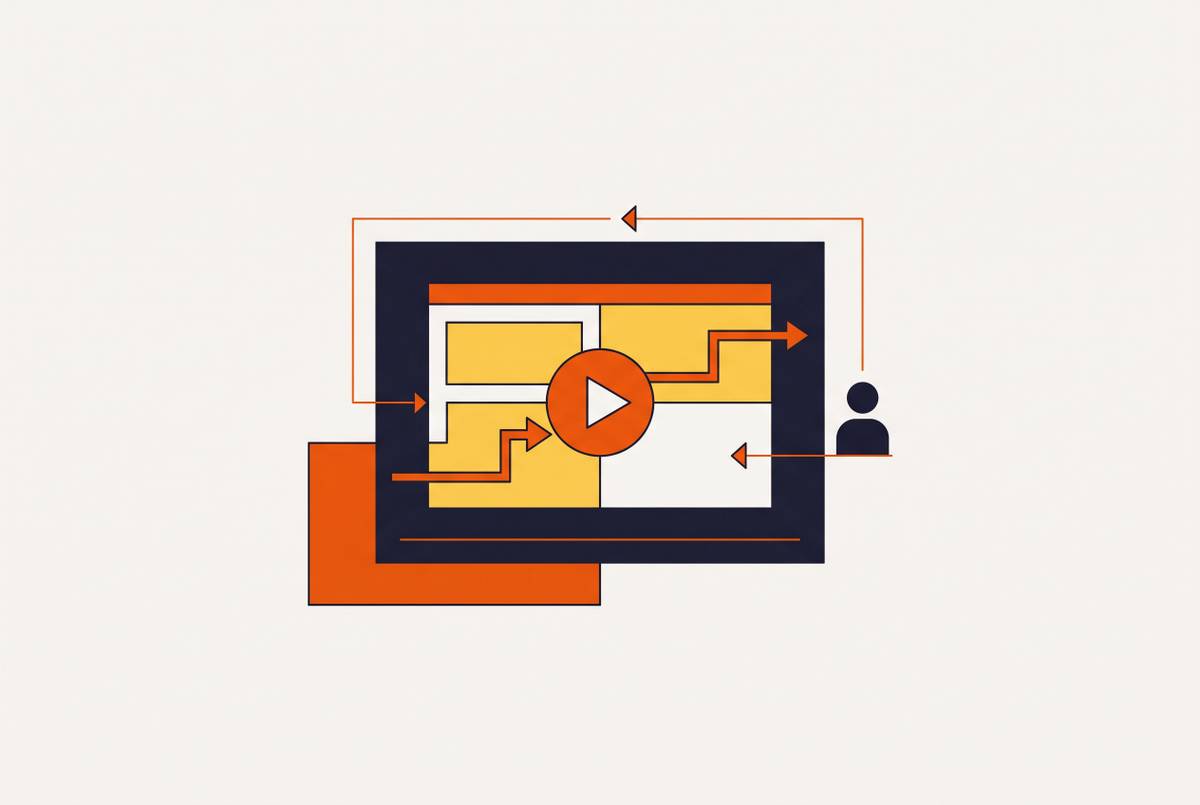
Script cleanup, voiceover generation, smart zoom, and caption generation can compress a multi-day production cycle into a single session for a non-specialist. A subject-matter expert records a walkthrough of the workflow. AI then refines the script, adds voiceover, and generates written steps for the team to review.
The recording serves as a shared source. A short video helps customers who would rather watch, while the matching step-by-step article helps those who would rather read, without taking twice the work to make. The same screen-recording-to-document approach used for SOP drafting therefore fits help center work. Teams that explain software across customer success, onboarding, L&D, and sales enablement can use one AI workflow to produce content from recordings instead of keeping a separate process for each group.
What to look for when evaluating AI help center tools against this model
For teams evaluating tools, the first question is whether the system reads product changes or waits for a prompt. Does it connect to code repositories, changelogs, or release workflows and flag affected articles? The maintenance guide treats that as the dividing line between solving drafting and solving upkeep.
The next question concerns gaps in existing coverage. Can the tool look through ticket conversations to find missing documentation, or does someone still have to check those conversations by hand? Drafting quality also depends on the inputs. An update grounded in real product context removes work that a prompt-based draft leaves with the person supplying all the relevant changes.
Approval and integration deserve equal scrutiny during evaluation. A structured review-and-publish step is essential, and automatic publication without human sign-off is a disqualifier for billing, security, or onboarding content. Connections to GitHub, Linear, ticketing tools, and the existing support stack are more valuable than theme options. Engineering work required to make those connections adds a hidden cost to maintenance.
For teams using video, another question follows. Can one recording produce both a video and an article, or do the formats remain disconnected? The tools guide places the real test in month three, after the initial content push and many more product releases. Does the tool reduce maintenance work every week, or merely make the first batch of articles faster to create?
Standing up the review-based workflow without a large team
For a resource-constrained team, the practical starting point is support tickets and release changelogs. Begin by auditing the past quarter's tickets for repeated questions without matching articles. That establishes the first backlog for AI-assisted production without requiring new tooling.
Next, identify the three to five articles most likely to become stale in the next sprint. Getting-started flows, how-tos for specific features, and instructions that depend on navigation are often good choices. Connect those pages to whatever tools are already in place that can detect changes. This gives the workflow a defined starting scope.
Before producing more, name a reviewer, make a checklist, and set a clear rule for when work can be published. Review is easier to build as a habit before volume grows than to retrofit afterward. Assign ownership by content domain, with customer success reviewing onboarding, product reviewing feature documentation, and a support lead reviewing troubleshooting.
Onboarding calls, sales demos, and internal training can supply raw material for help videos and step-by-step articles, with less extra effort than a separate documentation project. Use the same draft-and-review model for recordings that fit. The team does not get smaller, but the role of everyone touching documentation changes from producer to approver, allowing coverage to keep pace with a fast-moving product without proportional headcount growth.