Best Platforms for CS Teams to Build and Manage Training Videos Independently
Screen recording with AI takes the editing burden off CS teams updating product walkthroughs.
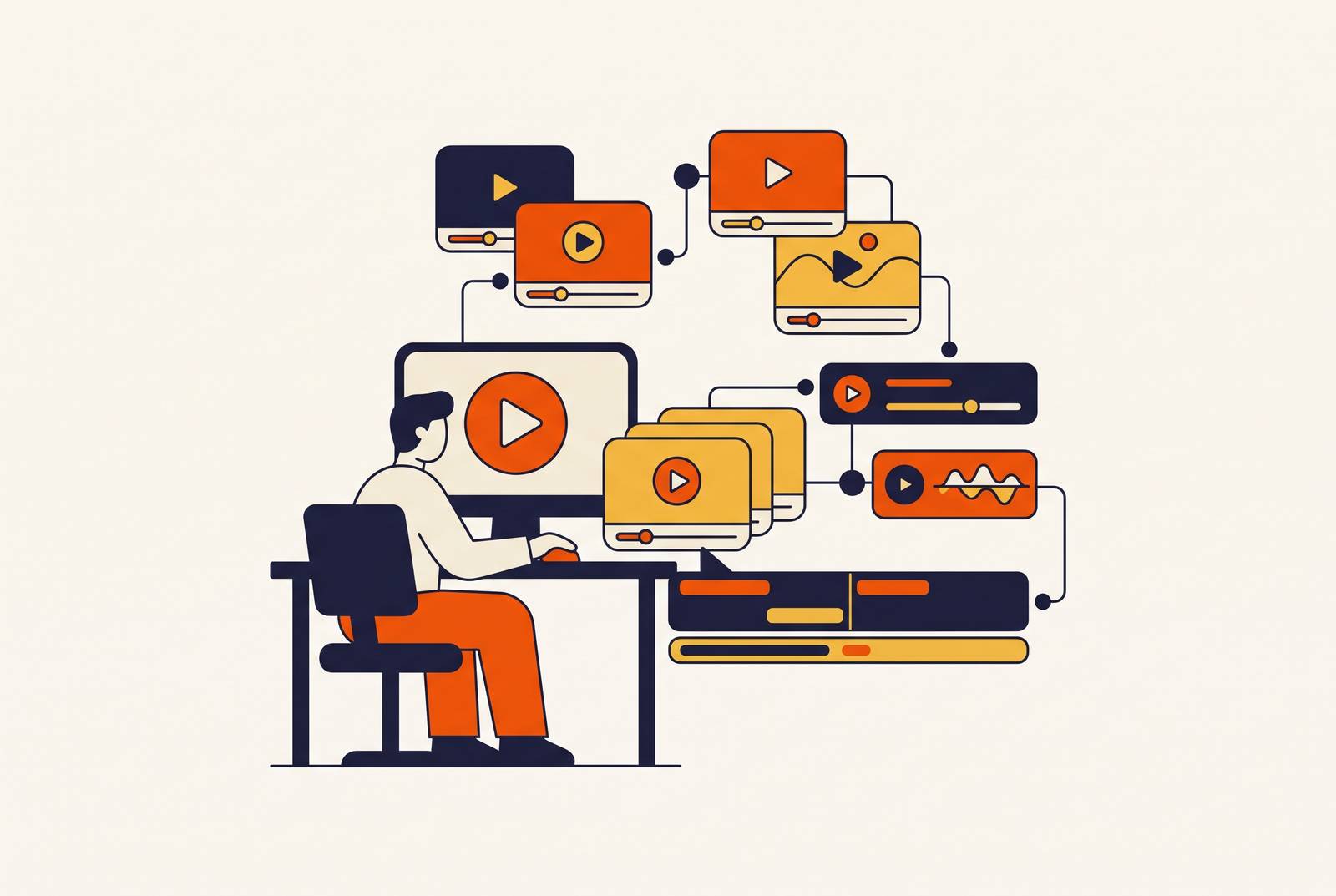
For customer success and L&D teams at SaaS companies, the best self-service software training video platform is one that shows the real interface and lets non-editors create, update, localize, and distribute content without specialist help. Screen recording with AI enhancement fits that job, while avatar-led and document-to-video tools work well for presenter-led lessons and process training. The deciding test is whether a CS manager can maintain the library.
Why CS teams get stuck managing training videos without the right platform
A product screen changes, and the onboarding video is suddenly wrong. The CS manager knows what needs fixing, but making that small correction means reopening an editing project or waiting for someone who knows the tools. Meanwhile, customers still need the instructions. The obstacle is a production workflow built around specialist tools, long cycles, and polish-before-publish, ill-suited to the constant revisions that customer training demands.
That mismatch puts customer success managers, onboarding specialists, and L&D leads in the position of doing production work without being video professionals. Conventional tools often assume editing fluency or a dedicated specialist behind every asset. Neither assumption fits an operational CS team. As product interfaces, onboarding flows, and policies change, videos that are slow to make become even harder to keep up to date. Outdated content accumulates in a graveyard that no longer reflects the product and undermines the trust it was meant to build.
What "independent" really means for a CS training video workflow
Independence means the full loop runs without a ticket to a video producer, designer, or IT admin. Creation is only the first part of that loop. Non-editors need to assemble scripts, avatars, or screen captures in a browser, then update a scene, replace a clip, or regenerate from a source document without starting over. Localization needs translation and synced captions without becoming a separate agency project. Distribution must reach the help centers, in-app empty states, onboarding emails, and ticketing workflows CS already uses, while measurement provides completion rates and time-to-competency signals without spreadsheet work elsewhere.
Teams need all five of these capabilities. A team may need different levels of each, but a specialist handoff at any stage limits its independence. A tool that makes the first draft effortless can still leave CS dependent on someone else every time the product changes.
Why the output type a platform is built for determines whether CS teams can use it independently
Start with “best for what output” before asking “which platform has the most features”. There are four broad kinds of training video tools, each built for a different kind of work. They are not interchangeable substitutes. A tool can be easy to use and still produce the wrong kind of lesson for the customer’s task.
AI avatar and script-to-video platforms let teams make lots of presenter-led content quickly and keep the delivery the same without filming. Their limitation is the output itself. An avatar-led explanation does not show the actual product interface. Document and SOP-to-video workflows instead start with existing policies, processes, or slides, reducing the work of building a script from scratch. Someone still needs to check that the resulting video is accurate.
Screen recording with AI enhancement serves a different purpose by showing customers the software they need to use. The AI layer takes on editing work that previously needed a specialist. Full animation and scenario-based production work well for compliance dramatizations and role-play, but each video can take hours to days to make. That takes too long for CS work that needs a quick turnaround. For software walkthroughs, choosing an output that omits the real interface also asks users to mentally translate the lesson into what they see on their own screen.
Platforms built for avatar-led and document-to-video training at scale
Avatar-led and document-to-video platforms remove much of the production work for lessons that do not need to demonstrate live software. The remaining work varies by platform. Some help plan how the lessons fit together, while others turn the material a team provides into a finished presenter-led video. This affects how much instructional design the CS team has to do itself.
Colossyan has a Professional plan that starts at $59/month, billed yearly, and a free tier. Its AI agent Cora drafts a scene-by-scene outline for someone to review before rendering, so teams without an instructional designer have less planning to do for the first draft. It supports documents, PDFs, slide decks, and prompts, with multi-video course building through Colossyan Learn. It also provides 300+ stock AI avatars, 600+ stock voices, branching, quizzes, and clickable actions. Its fit is mid-market to enterprise training, including regulated industries, and its clients include Johnson & Johnson and Cisco.
HeyGen converts scripts, PDFs, and slide decks into presenter-led videos with voice cloning, translation, and interactive elements. Speed and language breadth are its strengths. It works well for teams that make a steady stream of avatar-driven enablement content, but less well for more complex videos that use real footage or need tight control over the brand. Teams typically combine it with a separate LMS for course structure and tracking. A free tier is available, so its creation workflow can be considered separately from the infrastructure needed around it.
Easygenerator EasyVideo is designed for internal experts without editing experience, with a simple timeline editor and slide-deck-to-video conversion. It offers AI avatars and voiceovers in 70+ languages, plus one-click translation. The integrated authoring environment reduces tool switching. That works well for CS managers who build structured onboarding paths. EasyVideo is a paid addition to the suite, whose plans include per-author annual Pro pricing, Team pricing for five authors, and enterprise pricing on request.
Visla combines ideas, scripts, PDFs, presentations, footage, and audio with branded video production in one environment. Its tools include screen recording, AI avatars, voice cloning, and stock libraries, so it extends beyond avatar-only output. Its enterprise layer adds Workplaces and Teamspaces, AI Director Mode for scene consistency, Private Stock with AI labeling, brand kits, SSO, and dedicated account management. It focuses on helping departments work together and control how the brand is used. That makes it a better fit for larger teams that make videos together than for a small CS team that needs quick onboarding clips.
Where screen recording with AI enhancement fits CS teams training users on real software
When the learning goal is competence in a specific product, the interface is part of the instruction. Customers need to match the video to their own screen. An avatar can explain a concept, but it cannot substitute for seeing the real software behave as described. A gap between the demonstration and the product adds a translation step, slowing time-to-competency and generating support questions.
In the past, teams that used screen recording still had to rely on editors and recording sessions. AI enhancement addresses that production burden. With script cleanup, teams have less need to polish a script before recording, and with AI voiceover, they no longer need a presenter. Smart zoom and auto-captions take on manual editing steps. Scene-level editing also lets teams address a UI change by replacing a clip, though these capabilities need to be assessed in the particular platform.
Camtasia is an established screen-recording option for training, capturing screen, webcam, microphone, and system audio as separate editable multitrack sources. That gives teams detailed editing control. It also creates a real learning curve for non-editors, who may not need that much control. Its AI additions include avatar generation, AI voices, and, on the Pro tier only, translation across 7 languages and 9 dialects. Those additions reduce some production work, but the language range is narrower than that of avatar-first platforms.
A further capability to assess is simultaneous video-and-documentation output. A single recording session can then produce the training video and the accompanying SOP or help-center article. That matches how CS teams organize their libraries. It also extends the evaluation to the full set of training assets.
How localization and updating requirements should shape the platform decision
A platform that makes updates or translation difficult simply moves the bottleneck to a later stage. Product releases change the interface, so screen recordings and scripts that depend on that interface fall out of date. Therefore, ask how many steps a correction requires and whether a CS manager can complete them without help. Scene-level editing and source-document regeneration answer that question more directly than a general promise that videos are editable.
Localization needs the same scrutiny because each language cannot become a separate production project. Translation alone is not a complete test. Synced captions and lip sync are a baseline, while branching paths, quizzes, and hotspot labels must also change with the audio. Otherwise, customers receive a partially translated lesson. Language depth also needs to match the audience, since a range of 7 languages is insufficient for a global SaaS customer base.
The decision-forcing vendor question is how many steps it takes to update a 10-video onboarding series in three languages after a product UI change. That puts maintenance and localization in the same test. It reveals whether the platform supports a repeatable workflow or only an impressive first render. To judge whether it can work without help, a team needs to know how much work the whole revision takes, including what still has to be done by hand.
What LMS integration and completion tracking add — and when CS teams actually need them
SCORM export and LMS integration are necessary for structured compliance and certification programs. They are not universal requirements for customer onboarding. Regulated industries may need records of who finished a course for audits, while passing a course may itself be a business goal for partner enablement and power-user credentialing. Large enterprise customer bases may also need formal curricula with role-based paths.
For other CS workflows, simpler distribution is sufficient. Help-center embeds, in-app empty states, onboarding emails, and ticket-triggered links put instruction where the question arises without a separate LMS login. Support ticket deflection and feature adoption can be more useful measures than course completion, and neither requires SCORM. The learning goal determines which infrastructure a team needs. Choosing infrastructure for unused requirements adds cost and complexity without making CS more independent.
Teams should decide what they need to report before they let LMS features drive their choice of platform. A compliance program needs evidence of completion. A product tutorial may instead need evidence that customers can use a feature or solve a problem without support.
How to evaluate platforms against the real CS team workflow before committing
To put these criteria into practice, the evaluation should reproduce the work a CS manager will actually do. The first test is deliberately ordinary. A manager who has never used the platform should produce a five-minute software walkthrough without help. If that cannot happen independently in under an hour, the tool is not CS-team-ready under this test. A smooth vendor demo does not prove that a non-editor can do the same work without help.
The update test should then simulate a UI change in one scene of a five-video series, counting both the steps and the people involved. Next, the localization test should show a finished video translated live into two languages, including captions, quizzes, and hotspots where present. Audio translation is not enough. The distribution test should establish that the output works natively in the team’s help center, in-app guide tool, and onboarding email sequence.
The measurement test starts with the two or three metrics the team will report to leadership, such as ticket deflection, feature adoption, and onboarding completion. The platform should show the measures the team needs without a custom data export. Pricing needs a similarly practical anchor. Across free tiers and enterprise contracts, the useful comparison is cost per video produced and maintained over a 12-month product update cycle.
Before any of those tests, the output category must fit the job. A team that needs to demonstrate real software should exclude avatar-only workflows from that evaluation, however useful they are for presenter-led training. The final choice should rest on what the CS manager can complete unaided, including the next revision.