AI Video Production Workflow for Resource-Constrained Teams
Let AI handle mechanical tasks while humans focus on judgment calls that actually matter.

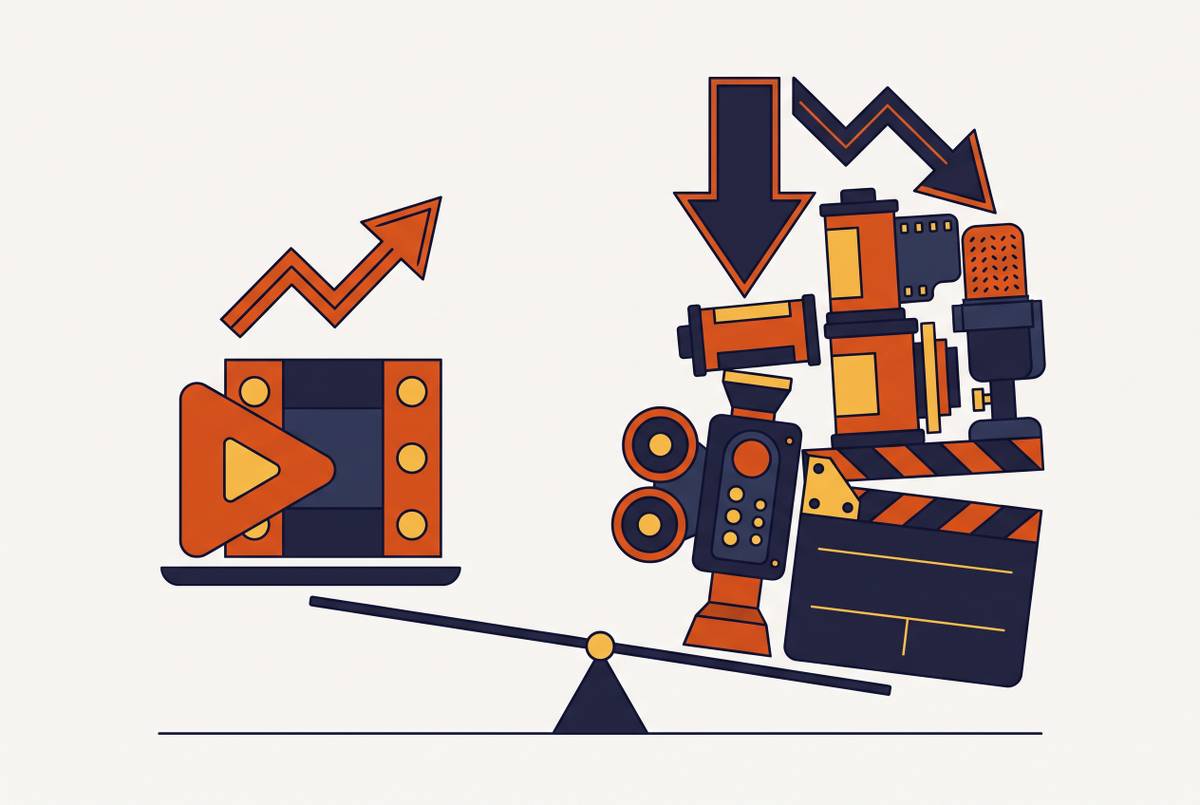
The old pipeline runs straight through: brief, script, record, edit, review, publish. It moves in one direction, and if something's wrong at review, the whole chain backs up while everyone waits for the fix to land. An AI-assisted workflow breaks that line into loops instead, checking concept work, storyboarding, generation, audio, editing, and export as they happen rather than after the fact, when catching a problem costs ten times more than it should.
The division of labor is specific: AI handles script cleanup, voiceover generation, scene selection, audio sync, captions, smart zoom, and a first-pass assembly of the cut, while people keep the parts that need judgment, meaning what the story is actually trying to say, whether it sounds like the brand, whether it lands with the right audience, and the final sign-off before anything ships. The mistake most teams make on the first try is predictable, keeping a human checking caption timing out of habit long after the tool has proven it doesn't need one, because mechanical steps feel checkable in a way judgment calls don't. Attention is the one resource that doesn't scale, so it belongs on the judgment calls, not the mechanical output AI already handles reliably. Cloud processing removes the hardware constraint underneath all of this, so a distributed team of two or three works the same project at once without local rendering becoming a bottleneck, running the volume that used to require a full studio function behind it.
The division of labor here is specific, more precise than the vague "AI does the boring parts" gesture people default to. AI handles script cleanup, voiceover generation, scene selection, syncing audio to picture, captions, smart zoom, and a first-pass assembly of the cut. People keep the parts that need judgment: what the story is actually trying to say, whether it sounds like the brand, whether it lands with the right audience, and the final sign-off before anything ships.
Most teams get this split wrong on the first try, and the mistake is predictable: they keep a human checking caption timing out of habit, long after the tool has proven it doesn't need one. That instinct comes from somewhere reasonable, since people naturally check the steps they know how to check, and mechanical steps feel checkable in a way judgment calls don't. But the mechanical output is exactly the part AI already does reliably, and keeping a person parked there wastes the one resource that doesn't scale, which is attention, so attention belongs on the judgment calls instead.
Cloud processing removes the other constraint nobody talks about enough: local hardware. High-resolution rendering and background removal happen off-device now, so a distributed team works the same project at once without someone's five-year-old laptop choking on a render. Put it together, and a team of two or three runs the volume that used to require a full studio function behind it.
How should a small video team divide tasks between AI tools and human judgment to maximize output without burning out the team?
Artlist's 2026 AI Trend Report found teams using AI video tools produce five to ten times more content with the same headcount, and industry reporting puts finished clip costs as low as under $2 each and production time as short as three minutes. That multiplier gets all the attention, but fixating on it misses the point: volume alone doesn't tell you whether the workflow is actually working.
Here's the mix-up most teams walk into. Cost-per-finished-video and raw generation cost sound like the same number, but they aren't. A cheap generation that needs four rounds of manual cleanup isn't cheap at all; the cleanup time just moved to a different line on the spreadsheet where nobody's tracking it. Teams that watch generation cost and nothing else miss where the real savings, or the real waste, actually sits.
What changes on the planning side is more concrete than a cost multiplier. A team no longer picks one content stream and lets the others slide; onboarding videos, feature tutorials, and sales demos run at the same time without cannibalizing each other's slot on the calendar. The revision math flips too, since when a cut takes minutes to fix instead of days, shipping a rough first version stops being a risk and becomes step one instead.
Applying the workflow to customer onboarding and education content
Video is the default way people teach themselves how to use a product now, and treating it as optional is the miscalculation most product teams still make. 96% of people have watched an explainer video to learn about a product, and 9 in 10 B2B buyers watched one in just the past three months. Video-based learning also improves retention by 65% over text alone, a gap wide enough to settle the debate over whether written docs alone still cut it.
Industry data ties video-led onboarding to a 40% drop in support tickets, a 25% bump in product adoption, and a 60% cut in time-to-value for new users. Run the math instead of taking the vendor framing at face value: a mid-size SaaS company with 1,000 customers averaging five support tickets a month at $15 a ticket saves $360,000 a year in support costs alone from that 40% reduction, before counting the adoption or retention upside.
The workflow also makes a tiered library possible without tripling production hours: free onboarding videos for everyone, feature tutorials for active users, certification content for power users, all cut from the same recording sessions.
Length matters more than most teams think, and most teams default to long when they should default to short. 2026 benchmarks put quick tips at 30 to 90 seconds, tutorial walkthroughs at 2 to 5 minutes, full onboarding modules at 5 to 10 minutes, with completion rates cutting in half once a video pushes past six minutes. Video also carries a property few other tools in the onboarding kit share, since building it once means it scales to every customer at zero added cost, and quality stops depending on which support rep happened to be on shift that day.
Where manual documentation workflows break down as teams scale
Manual conversion of a screen recording into a written SOP works fine when the library is small and updates are rare. Problems start the moment any of these show up: 50 or more videos in the library, processes changing monthly, multiple facilities needing the same standardized documentation, or an onboarding cycle that has to move fast. Pick any two at once and the old process is already behind, whether the team notices yet or not.
SaaS products update constantly, so a manually written doc is often stale before anyone finishes writing it. The gap traces back to a structural mismatch: the product changes faster than the documentation process was ever built to move.
AI SOP generation flips the model. Upload a screen recording or a PDF, and the AI produces a structured, step-by-step procedure straight from it, with the same source material generating both the video and the written guide at once. Available data puts AI-assisted documentation at 11 times faster than the traditional approach.
Teams keep video and documentation as two separate workflows because that's how they've always been staffed, but sit with the source material long enough and that separation starts to look arbitrary. Producing both from a single recording session is the only version of this that scales past a handful of SOPs. Companies without solid onboarding report support costs running 47% higher per customer, with poor onboarding driving dropout rates of 40 to 60%. That's a revenue problem sitting underneath the documentation costs, and it's the one most teams notice last.
How the same workflow serves sales enablement without a dedicated production team
Buyer behavior already settled this question, whether sales teams have caught up or not. Buyer research consistently shows a growing share of buyers prefer to self-educate before ever talking to a salesperson. Given the choice between a whitepaper and a short demo video, B2B decision-makers increasingly reach for the video. Reps who still lead with a slide deck are optimizing for a buyer that doesn't exist anymore, and no amount of polish on that deck fixes the mismatch.
AI in sales enablement has become the baseline expectation. AI in sales enablement has become the baseline expectation, and the pace at which organizations have adopted it suggests the decision got made for people rather than by them.
For production, this changes who's allowed to make a video. A sales engineer puts together a persona-specific demo without routing it through a production team, and a UI update no longer means reshooting the whole thing from scratch, since AI-assisted editing swaps in just the changed piece. The same recording session that generates an onboarding video gets repurposed into a sales walkthrough, with a different script and voiceover layered on top.
B2B video content is widely reported to meaningfully shorten the sales cycle. For an enterprise team where cycle length is the difference between hitting quarter and missing it, that number outweighs most of what else sits on the marketing dashboard.
Scaling training across languages without treating localization as a separate project
Language barriers aren't a soft issue; they show up in hard numbers. Employees trained in their preferred language complete training at a rate 73% higher than those trained in a second language, according to BeTranslated. The same source, citing OSHA, found 25% of workplace accidents involve an employee who didn't fully understand the safety instructions because of a language gap, a safety record with a translation problem sitting underneath a completion-rate statistic, and the number that should actually keep a training lead up at night.
The old localization process treats every language as its own separate project: translate the script, hire voice talent, re-sync the audio, redo the captions, run a separate review cycle. That's five points of failure per language, multiplied by however many markets the company serves. AI one-click translation collapses all of that into a single step at export, so the video gets localized the moment it ships, not three weeks later after a translation vendor gets around to it.
Treating localization as a feature of the production workflow, rather than a project bolted onto the end of it, changes what's possible at scale. Do that, and a team serves every language its audience speaks without multiplying headcount by the number of languages on the list. Treat it as a separate track instead, and headcount becomes the ceiling on how many markets the company can actually reach.
Where to start when the backlog is already large and bandwidth is already gone
The biggest mistake is trying to migrate an entire video library before the workflow's proven itself, so start smaller instead by picking one repeatable, high-traffic content type and running it through first.
Find the content most correlated with support ticket volume, since that's the video with the fastest measurable payoff. Record it, let AI clean up the script and generate the voiceover, and pull the accompanying SOP from that same recording session instead of writing it separately. Then track support volume and new-user time-to-value over the next 30 days and see what actually moved.
Once that first case proves out, the rest follows a build order instead of demanding everything at once: onboarding, then feature tutorials, then certification, then sales demos. Rolling this out doubles as a training moment for the team, alongside the production upgrade, since most employees already want to know how AI applies to their specific role.
The compounding logic is what makes this worth the setup cost. Every hour of production time AI takes off someone's plate gets redeployed into strategy instead of getting swallowed by the next round of edits. Teams that ship something imperfect now and fix it next week consistently beat teams still waiting for the perfect setup before publishing anything at all, and when revisions cost minutes instead of days, speed becomes the correct default.