AI Video Production Tools Compared for Software Teams
A finished hour of eLearning costs somewhere between $5,000 and $50,000 to build, and eats up 80 to 300 hours of production time. Almost no software team is staffed to hit that ratio. So something gives.
What gives is usually quality or timeliness, and calling that a choice is generous. Teams under-explain the product because full production takes too long, or they ship raw screen recordings that look unfinished and quietly chip away at trust in the brand. Both come from the same root problem: a production model that can't keep pace with how fast the underlying software changes.
That's the real stakes of picking a video tool here. Looks matter less than people think. What actually decides the outcome is whether documentation stays current as the product evolves, or falls further behind with every release, and most teams pick a tool without ever asking that question directly.
The cost difference between AI and traditional production — and what it actually buys
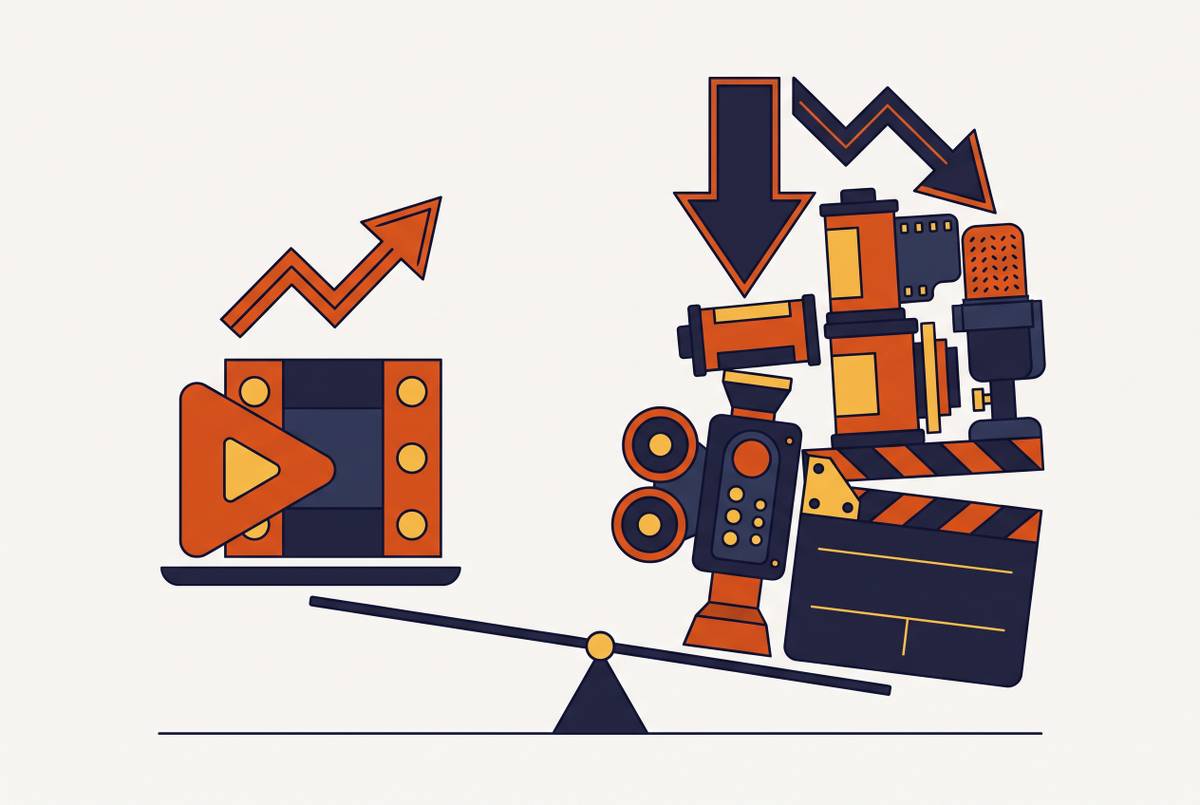
AI-assisted video production runs around $400 per finished minute. Traditional production runs around $4,500 per minute. At the volume a real training library needs, that gap decides whether the content gets made at all, not just how much it costs.
The sticker price isn't the number that matters most, though. What matters is what the savings free a team to do: version content for different user segments, translate it for other markets, redo it fast when a button moves or a workflow changes, all without hiring a dedicated production staff.
Here's the catch most teams miss on the pricing math: the headline per-minute rate doesn't tell the whole story. A 25-person team's actual spend over a year can land anywhere from $7,500 to more than $25,000, depending on the platform and how heavily the team uses it. Cost per minute is the number that shows up in marketing materials. Total cost of ownership is the number that shows up on a budget review, and it's the one worth asking about before anyone signs anything.
Cost is table stakes at this point. The question most roundups skip entirely is whether a tool's actual workflow matches how software teams build and ship content, and that's the question that should decide the purchase, not the demo reel.
The four workflow types software teams actually need — and which tool categories serve them
Nearly every software team makes some mix of four content types, and each one runs on its own production logic.
Screen-based tutorials and product walkthroughs need accurate UI capture, zoom control, and clean captions. Onboarding and training modules need structure, length control, and often need to plug into an LMS through SCORM. SOPs and step-by-step documentation need video and written instructions built together, not as two separate projects that quietly drift apart. Sales and demo videos need presenter polish, sometimes an avatar doing the talking, and fast turnaround.
Tool categories map roughly onto those four needs. AI avatar and script-to-video tools handle training modules and sales demos well. Screen recording and tutorial-focused tools handle walkthroughs and product education well. Generative and creative tools built for motion graphics do brand and marketing work well, but nobody built them to explain software. Documentation-to-video tools serve teams that need written and visual output made side by side.
No single tool wins all four jobs, and teams that go looking for one waste months on evaluation instead of shipping anything. Pick the category that covers the primary output first, and let a secondary need live inside that same platform instead of getting bolted on somewhere else later. Chasing one tool that does everything is how a team ends up, six months later, still comparing spreadsheets instead of shipping video.
One more thing worth flagging: the documentation side of this space moved fast. What started as plain autocomplete a couple years back turned into first-draft generation, and now agents that run entire documentation workflows on their own without a person opening the doc first. A tool evaluation from 18 months ago is already out of date.
AI avatar and script-to-video tools: what they do well and where they fall short for software teams
Presenter-led platforms in this category have built genuinely large libraries: some offer over 100 avatars and support more than 175 languages, and have become go-to tools for marketing teams and personalized sales outreach. Others push the avatar count even higher, past 240 options and 160 languages, and lean harder into structured corporate training with LMS integration. A smaller player earns its spot specifically for teams building SCORM-packaged branching courses.
Here's where avatar tools run into real trouble for software teams: screen capture and UI demonstration aren't native to how these tools work. Showing what happens when someone clicks a button becomes a workaround bolted onto a presenter-first design, not a core feature. Updates happen at the script level, not the screen level, so when the product's interface changes, teams end up re-recording or re-prompting instead of just editing a line of text. That's the wrong failure mode for software teams, whose entire content library sits downstream of an interface that changes every sprint.
Pricing at scale is the other catch. A 25-person team's total cost over 12 months can range from $7,500 to more than $25,000 depending on platform and tier, and mid-market companies, roughly 50 to 5,000 employees, often get squeezed between platforms built for solo creators and platforms built for enterprise procurement.
If the primary job is presenter-led training or polished sales demos, and screen accuracy is a secondary concern, start here. If screen accuracy is the whole point, skip this category outright. It will fight the team every step of the way.
Screen recording and tutorial-focused tools: the right fit for product walkthroughs, and the tradeoffs
This category is built around one job: capturing what's actually happening on screen, cleanly and fast. Some tools are purpose-built for step-by-step training video, with screen recording as the foundation and AI features like script generation and text-to-speech layered on top in recent updates. Others lean into fast, low-friction recording meant for quick internal sharing rather than polished external training at scale.
Where these tools fall short as a group is documentation. Most treat video as one output and written SOPs as a separate, disconnected project. A team ends up maintaining two things instead of one, and the two drift apart every time the product changes. Six months in, the video shows a button that no longer exists and the doc references a menu that got renamed, and nobody notices until a support ticket flags it.
That gap, between the video and the documentation that should travel with it, is exactly where a newer category of tool has started making its case.
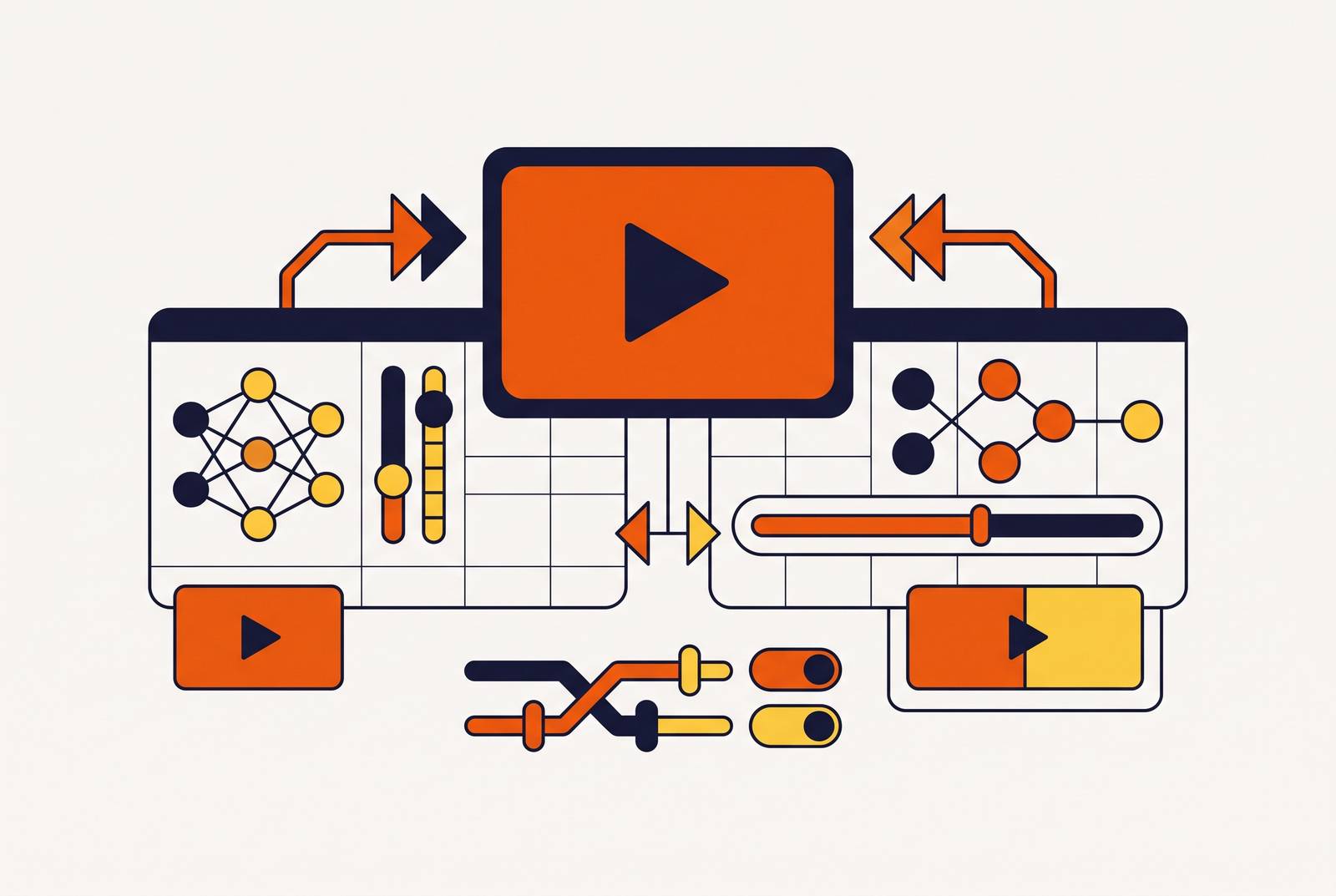
Tools built around the video-plus-documentation workflow, and why that matters for software teams
Product education teams rarely need just a video. They need the help article that goes with it, the SOP a support rep can follow, and the in-app guide that shows up at the right moment. Making all three separately doubles the workload, and the moment the product changes, those three pieces start drifting out of sync with each other.
Investment in this specific problem has been serious: one documentation-first platform raised $75 million at a $1.3 billion valuation in late 2025. That kind of check size says something about how much conviction exists around closing this exact gap.
Tools in this category split into a few patterns. Some turn a single recorded video into a full set of SOPs and help articles, complete with screenshots and editable steps. Others focus on fast step-capture straight from a browser or app, aimed at teams that need internal process documentation quickly. General-purpose AI writing tools inside workspace platforms like Notion serve teams that already live and work there.
The differentiator that actually matters for software teams supporting users outside the US is one-click translation across 30-plus languages, built into the production step itself rather than handled as a separate localization project afterward. Add branded templates, blur tools to hide sensitive account details in screenshots, and an AI co-pilot for writing the article itself, and it's clear these tools were shaped for customer education teams specifically, not general content creators.
Pricing in this category stretches wide too, from around $50 a month for self-serve use up to $10,000 a year for enterprise deployments. That range fills exactly the mid-market gap avatar-first platforms tend to leave open.
Generative and creative video tools: what Adobe Firefly and Runway actually offer software teams
Runway's generative models produce video clips straight from a text or image prompt, and the platform also includes rotoscoping, motion tracking, inpainting, and color grading tools that fit into a broader post-production pipeline. Adobe Firefly brings AI video generation directly into Creative Cloud, built on models designed to be commercially safe and compliant with brand licensing standards, which matters a lot to legal and brand teams operating under strict approval processes.
Here's the honest read for software teams: skip this category for tutorial work. These tools are genuinely strong for brand videos, product launch trailers, and motion graphics. Step-by-step UI explanation, where the entire point is that what's on screen has to be exactly, verifiably accurate, sits outside what they were built for. Generated video, by its nature, isn't capturing a real interface. It's producing an approximation of one, and an approximation gets disqualified the moment a user needs to follow along click for click.
Where this category belongs is inside larger SaaS organizations that run a marketing team making launch content parallel to a product education team building the tutorial library. Both teams have real jobs to do. They're just different jobs, and this category solves the marketing one, not the software explanation one.
The capabilities that actually separate the right tool from the wrong one for software teams
Strip away the feature lists and a handful of questions actually decide whether a tool works for a software team.
Does it capture screen content with real precision, zoomable and exact, or does it treat the screen as background noise behind a presenter? Can one workflow produce both the finished video and the written guide that goes with it, or does the team run two separate production pipelines that inevitably fall out of sync? When the UI changes, what's the real cost of updating content: a full re-record, a rewritten script, or a quick edit to a transcript? Is translation a built-in, one-click feature, or a separate project that needs an outside vendor? Does the team need SCORM export or LMS embedding, and at what pricing tier does that actually unlock?
And maybe the most practical question of all: can a customer success manager or product manager finish something on their own, without pulling in a video producer every time? If the answer is no, the tool is wrong for the team, no matter how good the demo looked.
Total cost of ownership deserves its own look too. Per-seat pricing, usage caps, and add-on charges for interactivity or localization can push a year's real spend well past whatever number sits on the pricing page.
The payoff for getting these choices right isn't abstract. Video onboarding shortens time-to-value for new users, and self-service video guides cut support ticket volume because users stop emailing support to ask what a screen recording could have shown them directly. Organizations that have made this shift report meaningful reductions in inbound support volume, as users find answers in self-service video before they reach the queue. That kind of shift changes a support team's headcount plan, not just its satisfaction scores.
How to match tool category to team type and primary content output
Customer education and onboarding teams need accurate UI walkthroughs paired with help content, which makes documentation-plus-video platforms the natural home base. As a general rule, shorter is better: quick tips should stay concise, tutorials should cover one task at a time, and full onboarding modules should be broken into digestible segments. Anything longer starts losing people.
L&D and training teams need to ask what they're actually shipping. SCORM-packaged courses with branching logic and interactivity justify the cost of an avatar-first platform. Straightforward step-by-step software training rarely needs an avatar at all; a screen-recording tool or a combined platform gets there faster and cheaper, and paying for avatar infrastructure here is money spent on a feature nobody uses.
Product marketing and sales enablement teams have room for both avatar tools and generative platforms, but even here, demo and walkthrough content still benefits from screen-accurate capture. Polish doesn't replace precision when the audience is trying to understand a real feature.
Small or resource-constrained SaaS teams should weigh one factor above all others: can someone without video production experience make something professional on their own? That's production independence, and it's the single feature that decides whether content actually gets made on schedule.
Global teams need localization built into the production step itself, not bolted on as a later project. That one requirement alone can narrow the entire field down to a handful of realistic options.
For teams building out a full content library, a tiered structure works best: free onboarding videos available to every user, feature tutorials for people actively using the product, and certification content for power users going deeper. Whatever tool gets picked needs to support all three tiers through one workflow, not three separate ones.