Creating Training Videos With AI for Software Teams
AI tools let software teams maintain training libraries as products evolve.
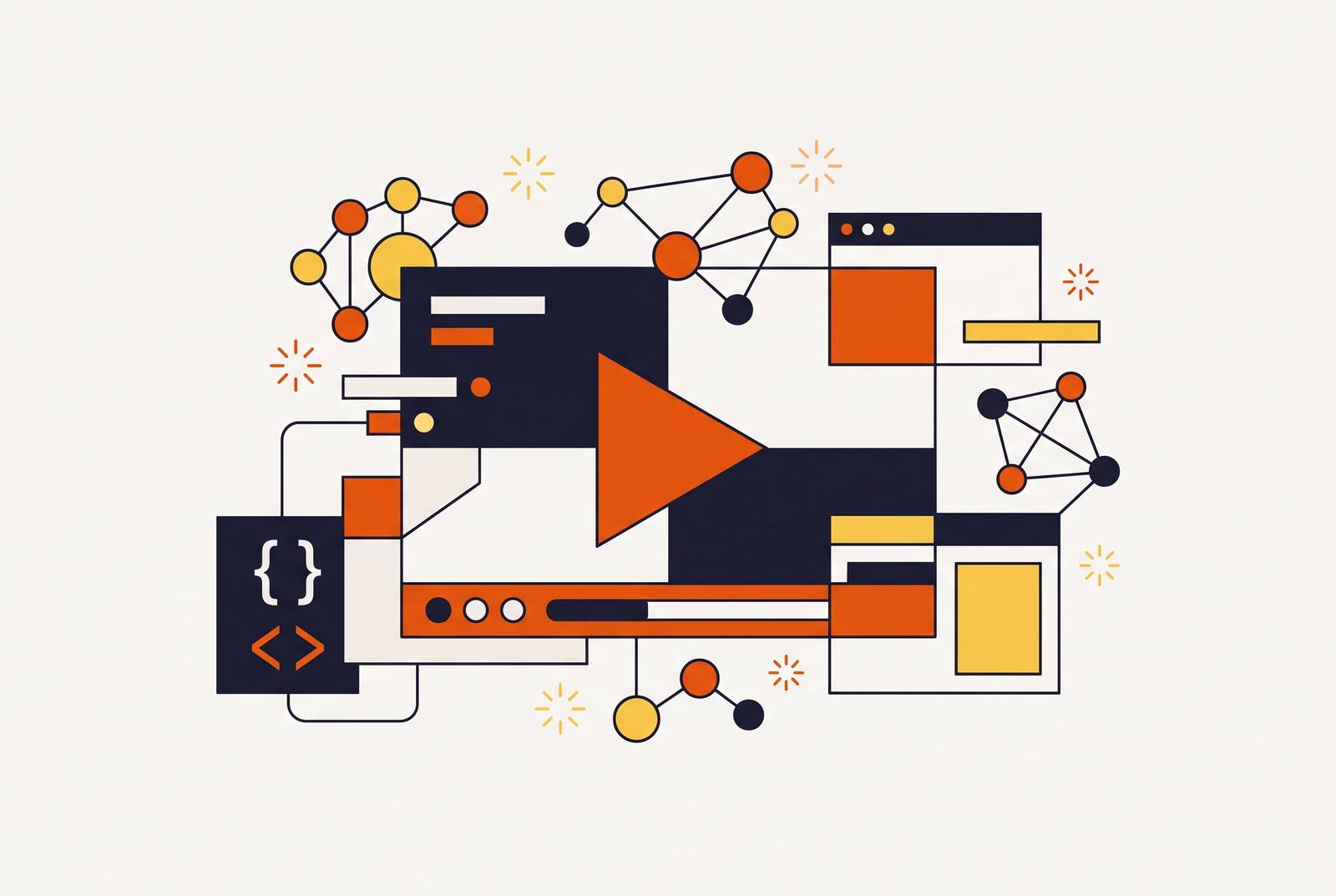
Creating training videos with AI for software teams is about more than making videos faster. The real gain is a repeatable workflow that turns existing material into clear explainers, walkthroughs, and onboarding lessons without production expertise or long turnaround cycles. That workflow must also make updates easy, because a polished video stops being useful when it teaches the wrong version of the product.
Why software teams keep making training videos the hard way
Traditional video production treats script writing, voice recording, screen capture, editing, subtitles, and revisions as separate manual jobs. Each step may need a specialist, and each revision can send work back through the chain. That structure makes sense for a bespoke production. It does not work well for software that keeps changing. Training teams' production model moves at a different pace from the product.
For a fast-moving SaaS product, even a small UI change can invalidate an onboarding library. A recording made for one interface becomes a liability when learners can no longer follow it. Yet updating that recording often restarts the full production cycle. The result can be a perfectly polished video that is already outdated when it ships.
The buying decision is therefore about production at scale. Teams need to build a library and keep it up to date without starting from scratch whenever something changes. That shifts attention from the first finished video to the work required to keep every video useful. The tools now exist to break the old pattern, but only within a workflow built for repetition.
What separates a training video creator from a generic video editor
A generic video editor puts how the video looks first, while a training video creator puts teaching and work that teams can repeat first. Both can produce a finished video, but they organize the work around different needs. Training teams need reusable templates, asset libraries, and branding presets that keep lessons consistent without repeated design work. They also need script or storyboard tools, automatic subtitles and transcription, and screen recording for software walkthroughs.
Teaching also extends beyond playback. Interactive elements, including quizzes, hotspots, and branching, give learners something to do with the material. LMS integration with SCORM/xAPI export, analytics, and progress tracking connects the video to course delivery and measurement. A training video creator is therefore more than an editor with a subtitle button. Its role is to support the path from source material to instruction and then to learning outcomes.
Fast updating belongs in that definition because policies, interfaces, and internal workflows keep changing. A tool that makes the first lesson easy but each change costly still leaves teams with the same bottleneck. This matters for the HR, L&D, customer success, and ops managers who create much of this content without being dedicated producers. Leadde's 2026 training video roundup identifies five operational criteria that matter most, namely batch production capability, ease of use for non-designers, fast updating, multi-language support, and LMS and tracking integration. Those criteria help teams choose what to buy more than cinematic editing features do.
The AI workflow that turns raw material into a finished training video
The document-to-video model starts with material the organization already has. SOPs, help articles, slide decks, policy notes, ticket trends, and SME comments supply the substance. A template gives that material a repeatable shape. AI-assisted scripting then breaks the explanation into scenes so there is no block of prose to reformat. With the script in scenes, it can go straight into video generation.
From there, the workflow adds the voice layer and screen demo, builds with reusable scenes, generates subtitles, and produces an LMS-ready export. AI can handle narration, avatars, script-to-video generation, screen recording enhancement, and automated walkthrough generation. It can also regenerate scenes and support multi-language localization. These capabilities can turn scripts into complete training videos in minutes without filming or editing skills. But a quick first draft is only part of the workflow.
The decisive mechanism is scene-level editing, which lets a team change one scene without re-recording the entire module. That is what turns a fast production process into a maintainable one. The format still depends on the lesson, with screen recordings to show software steps, narrated slides with motion graphics to explain a process, and avatar-led delivery for standardized modules. Leadde's AI corporate video production analysis identifies hybrid systems combining AI avatars, screen recordings, voice cloning, script automation, and human editing as the strongest workflows. The aim is not to force every task through one tool, but to make the parts work as a repeatable whole.
How to choose between AI avatars and screen recording for software training
Screen recording is the default when the learner needs to do something inside a product. It shows the actual UI and follows the real click path, so the instruction and the action stay together. For SaaS walkthroughs, fast production and easy updating matter more than cinematic quality because product demos become outdated quickly. An on-screen presenter does not replace the need to show where to click. The format should make the task easier to follow.
AI avatars solve a different problem. They suit standardized compliance modules, orientation content, policy explanations, and structured onboarding where consistency and scheduling are the constraints. A consistent presenter reduces visual drift across lessons and removes the need to schedule a person on camera. However, avatars can feel synthetic and weaken learner trust, especially when the lesson is supposed to demonstrate a UI. They work best explaining a concept.
Teams with existing recordings have another route that does not require starting over. Vidocu's 2026 roundup describes platforms that generate subtitles, voiceover, documentation, and translations from a single upload. That approach works for teams that spend more time waiting on post-production than on recording.
The training video tools that handle each part of the workflow in 2026
No single tool is equally good at every part of making training videos. Teams can start where work gets held up, whether that is turning documents into lessons, polishing screen recordings, or delivering courses that track progress. End-to-end platforms address the first problem by taking a script or document and producing a structured video. Leadde's 2026 software roundup describes Leadde as converting DOCX, PDF, PPTX, scripts, or Markdown outlines into presenter-led videos. It generates narrative structure, slide layouts, visual design, an AI presenter, voiceover, and subtitles, with language switching, voice tone control, content depth options, and template-based branding.
Screen-recording tools address a different layer. Leadde's AI corporate video production analysis describes Trupeer as automatically turning screen recordings into polished walkthroughs for SaaS demos, feature announcements, onboarding, help center videos, and support documentation. Screen recording with timeline editing works for teams that want full control over edits, while upload-and-automate platforms work for teams with footage already on hand. Vidocu's 2026 roundup describes Vyond as specializing in animated scenario-based training, compliance content, and storytelling-driven courses.
Delivery and narration can also sit in separate tools. Leadde's 2026 training video creator roundup identifies iSpring Suite, LearnWorlds, and Docebo as LMS-first platforms focused on learning outcomes, progress tracking, and reporting. Integrated learning authoring with embedded video is another choice when the video is part of a larger course. Leadde's AI corporate video production analysis describes ElevenLabs as a common standalone narration layer for AI voiceovers, voice cloning, training narration, and multi-language delivery. It also describes hybrid pipelines that combine screen recordings, AI editing, ElevenLabs narration, and human QA review.
How video length and content structure determine whether training actually gets watched
The easiest production mistake is to put too much into one video. A broad feature tour may look efficient to produce, but its scope works against completion and makes it harder to reuse as a reference. A 4-minute video about one specific workflow gives learners a clear reason to watch, bookmark, and share it. A 15-minute video covering seven features does not offer the same focused answer. Leadde's 2026 software roundup identifies microlearning as a standard expectation because short, focused modules improve completion and knowledge retention.
Length should follow the learner's need. Quick help should stay under two minutes and answer one question or teach one task at the point of need. Tutorials should run 2–5 minutes and cover one workflow completely enough to follow without support. Onboarding or certification modules can run several minutes, with a clear sequence and knowledge checks along the way. To decide what to make first, start with the top support tickets, because they identify the workflows users cannot figure out without help.
Embed those focused lessons in welcome emails, in-app empty states at first feature encounter, help center articles, and support ticket responses. A short video still has limited value if the learner cannot find it at the moment of confusion. The script also needs consistent terminology, shorter sentences, and a clear instructional flow. That discipline supports the immediate lesson and makes AI translation faster and more accurate later.
Why localization built into the workflow is not the same as localization added afterward
Localization becomes more expensive and produces lower-quality results when it is bolted onto an existing training program. AI transcription and translation can now produce multilingual versions from a single upload without separate project files for every language. However, that infrastructure depends on source content structured to support it. Standardizing the source before translation makes the work repeatable across language versions.
Translation alone also leaves a visual gap. If the learner hears one language but sees UI text in another, the mismatch makes the lesson harder to follow. Learners slow down and second-guess, particularly when the on-screen action is the instruction. Visual localization is what separates translated narration from a localized software walkthrough. The words heard and the interface shown need to support the same task.
Scaling that work does not require covering every language in the first production run. Launch in the highest-priority languages, then add two or three more per cycle. The same workflow must also support revisions, because localized versions need to change whenever an updated product UI changes the lesson. If translation remains a separate manual project, it becomes the bottleneck that keeps global audiences behind. One-click translation is useful as part of the update system.
How to measure whether AI-produced training videos are actually working
When a team cannot say what its videos cost, who completes them, or whether learners become independent faster, it cannot defend the library to stakeholders. Measurement needs to connect production efficiency to learning and business outcomes. The four useful measures are cost per learner, completion rate, time-to-competency, and live training replacement.
Cost per learner divides total production cost by the number of learners who complete the course and compares that with instructor-led delivery. Completion rate tests whether length, format, and scope fit the audience, with low completion on long videos pointing back to the need for narrower lessons. Time-to-competency measures how quickly users or employees reach independent proficiency. Live training replacement measures the instructor-led sessions, support calls, or one-on-one walkthroughs displaced by self-serve content. Customer education can also be assessed through reduced support ticket volume.
Playback data alone cannot show what learners understand, so quizzes, knowledge checks, and branching scenarios give evidence of what learners can do that passive video cannot provide. Repeated templates and scene structures also make performance easier to compare across content types and production cycles. Teams can use those comparisons to find which formats help more learners finish and become competent. AI lowers the cost of acting on that evidence because weak or outdated scenes can be revised without rebuilding the module. Cheaper updates keep content current, current content supports completion, and that compounding advantage makes the return on investment easier to sustain.